Group your safety forms into connected, end-to-end processes that guide your crew through the job safely. Instead of managing disconnected forms, you can link one form to the next.
Every team has different safety challenges. Explore solutions built for the way you work, from forms and site safety to incidents, training and equipment.
At Site App Pro, we believe in the power of people. That’s why our partners are at the heart of what we do, helping businesses streamline safety processes while growing their own success.
Health and safety forms with no coverage: working offline
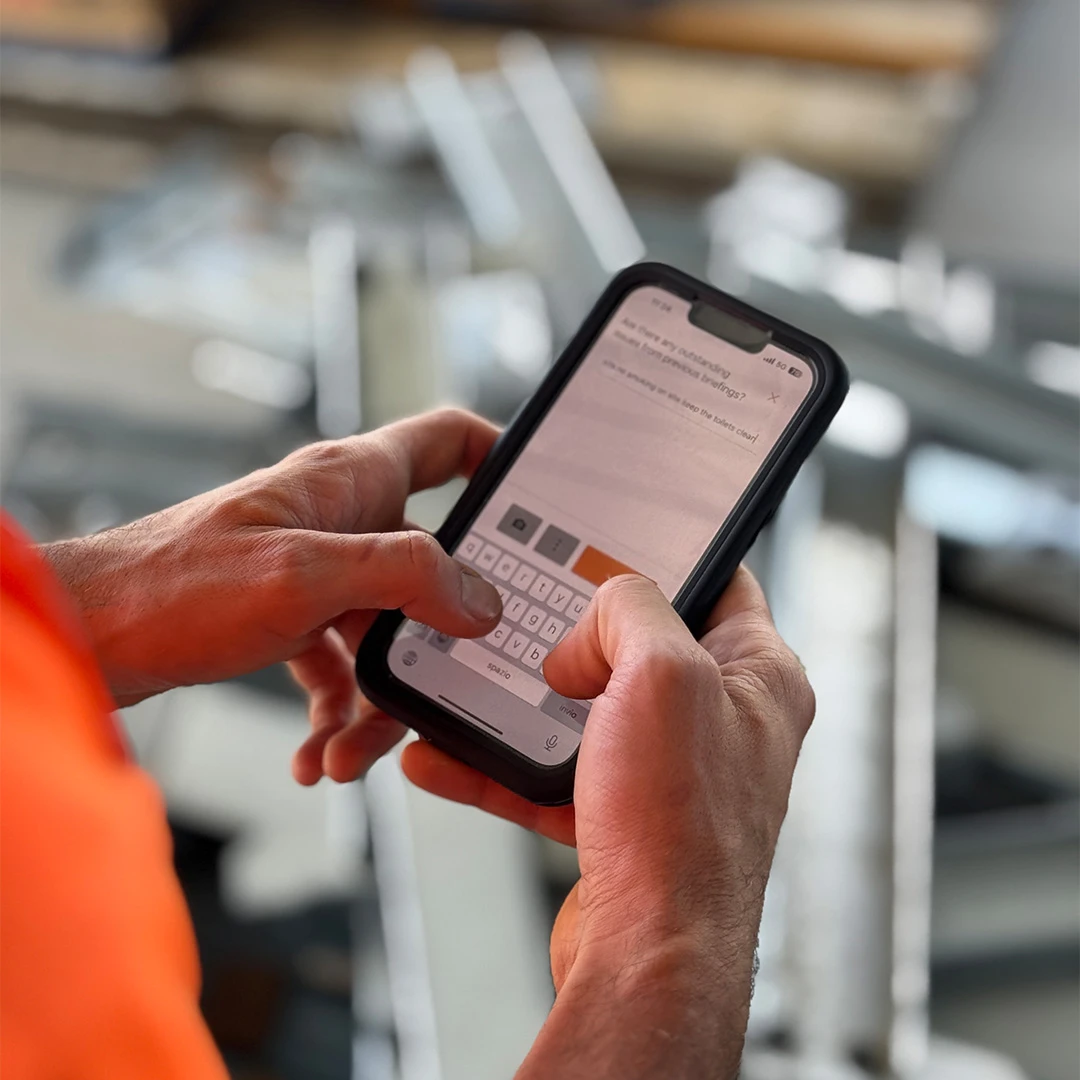
An offline safety forms app lets your team complete pre-starts, JSAs, toolbox talks and incident reports on a phone with no coverage, then syncs them when the device reconnects. The form is filled in at the job instead of on paper or from memory back at the office.
Why do health and safety forms break down where there's no coverage?
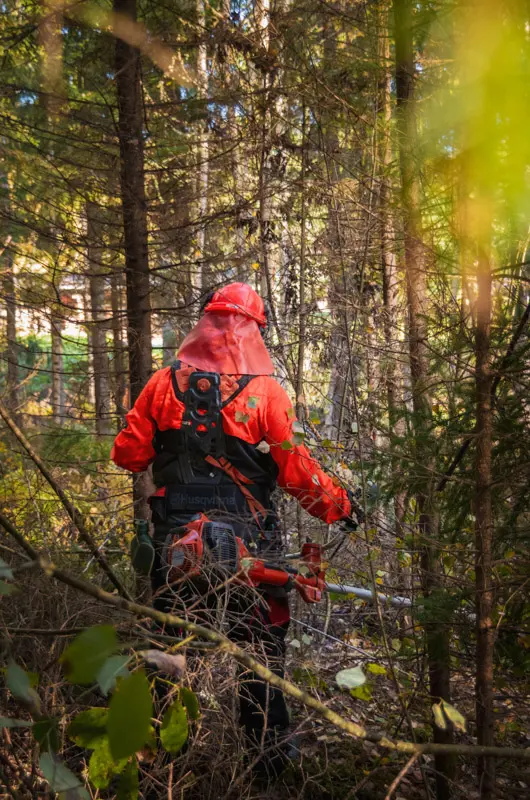
Health and safety forms break down where there's no coverage because people can't open or submit them at the job, so they fall back to paper or fill them in later from memory. Quarries, forestry blocks, farms and basements all have gaps. Choosing software that works offline is one test in our guide to choosing health and safety software.
Coverage gaps are common: Federated Farmers' 2026 survey, reported by 1News, found around half of farms had mobile coverage on less than half of their property after the 3G shutdown.
Small companies notice it too: The Commerce Commission reported in October 2025 that nearly one in three small and medium enterprises were dissatisfied with their mobile coverage.
Paper isn't a fix: Paper forms get wet, lost or left in the ute, and someone back at the office has to re-enter them.
Late forms lose detail: A pre-start ticked off at smoko, or an incident written up days later, is a weaker record.
Which forms need to work offline?
The forms that need to work offline are the ones completed at the work area, before or during the job. If a form has to be done before a machine starts or a team goes up a ladder, it has to open without signal. Start with the forms your team completes most often on remote sites.
Pre-start checks: Plant, vehicles and equipment, every shift.
JSAs and task risk assessments: Before non-routine or higher-risk work.
Toolbox talks: Attendance, topics and actions, as covered in our guide to running toolbox talks.
Hazard checks and site inspections: Including photos of what was found.
Incident and near miss reports: Started at the scene, while details are fresh.
Inductions: For new workers and contractors arriving at a remote site.
Forms the office completes, such as monthly reports or training records, can wait for coverage. Focus offline effort on the forms done on the tools.
What makes an offline record reliable?
An offline record is reliable when it shows who completed the form, when, where and what they found, and when it can't be quietly changed later. Section 57 of the HSWA requires records of notifiable events to be kept for at least five years, and clients and auditors expect pre-starts and inspections on file too.
Captured at the job: The form is completed at the time and place of the work, not re-typed later.
Time and person: Each form shows who completed it and when.
Evidence attached: Photos, signatures and comments sit with the form.
Required fields: Key questions can't be skipped, so forms don't arrive half done.
Synced and stored centrally: Once back in coverage, the form lands in one place the office can search.
WorkSafe's worker engagement guidelines ask whether workplace processes and forms can be made simpler so they are easy for everyone to use. Forms that work without signal remove one reason people skip them.
Do offline forms replace an emergency communication plan?
Offline forms do not replace an emergency communication plan. A form that syncs later can't call for help. WorkSafe's guidance on remote or isolated work says a communication system that has gaps in coverage or cannot be used in an emergency is unlikely to be effective. Plan for both: records that work offline, and a way to raise the alarm.
Emergency plan: The General Risk and Workplace Management Regulations 2016 require an emergency plan, including procedures for contacting emergency services.
Reliable communication: WorkSafe's August 2026 safety alert on remote and isolated work says workers should carry reliable communication devices suited to the location, such as a satellite device or radio.
Check-ins: Set check-in times, with a missed check-in triggering the emergency response.
If something serious happens, our guide to notifiable events explains what to report to WorkSafe.
How do you roll out offline forms on remote sites?
You roll out offline forms by setting them up and testing them in coverage before anyone relies on them in the field. A short trial with one team or on one remote site shows which forms need tweaking. Most problems come from devices that haven't been opened or updated before leaving town.
Pick the forms: Start with pre-starts, JSAs and incident reports.
Load them before you go: Open the app and the forms while in coverage so they are ready offline.
Test it: Put a phone in flight mode, complete a form, then reconnect and check it arrives.
Set a sync habit: Ask the team to open the app when they're back in range, for example at the yard or the end of the day.
Check the dashboard: Look for forms that haven't come in and follow up early.
When coverage comes and goes
Many jobs have patchy rather than no coverage: a signal at the gate but not in the pit, or on the ridge but not in the gully. Tell the team that forms save on the phone either way, so nobody wanders off to find signal mid-task. Agree one or two known sync points on each site, such as the site office, the smoko shed or the yard.
How Site App Pro helps with offline forms
Site App Pro lets your team keep using digital forms where the work is, with or without coverage.
Offline forms in the field: Complete pre-starts, JSAs, toolbox talks and incident reports offline, syncing when back in coverage.
Photos, signatures and required fields: Capture evidence at the job and stop half-finished forms arriving.
One searchable place: Find every synced form by site, worker or date for clients, audits and prequalification.
A health and safety consultant can help you plan for remote and isolated work, including emergency communication, check-ins and which records you need on remote sites. Find a health and safety consultant near you.
Try Site App Pro for free
Start a 14-day free trial with no credit card required. Our team sets you up and uploads your existing pre-start, JSA and incident forms for free. Pricing is flat-rate and user-based, and our NZ-based support team is here when you need help. Start your free trial.
Health and safety forms with no coverage: working offline
An offline safety forms app lets your team complete pre-starts, JSAs, toolbox talks and incident reports on a phone with no coverage, then syncs them when the device reconnects. The form is filled in at the job instead of on paper or from memory back at the office.
Ryan Hartley
CEO
Disclaimer: Site App Pro does not provide health and safety or compliance advice. This guide has been provided for information purposes only. You should consult your own professional health and safety advisors for advice directly relating to your company or before taking action in relation to any of the content provided.
You can fill in health and safety forms without reception if your app supports offline use. The form opens and saves on the phone, then sends when the device reconnects. Test it in flight mode first, because not every app or browser-based form works the same way without signal.
If a phone is lost or broken before an offline form syncs, that form may be lost too, just like a paper form left on site. Ask the team to sync whenever they're back in coverage, and check for missing forms at the end of each day so you can follow up quickly.
Digital signatures on safety forms are generally accepted for internal health and safety records in New Zealand. Most of these records have no legal signature requirement. Where a law or contract does require a signature, the Contract and Commercial Law Act 2017 sets out when an electronic signature meets it. Check with your adviser for specific contracts.
QR code sign-ins usually need a data connection, because the person's phone opens a web page to sign in. On a site with no coverage, plan another option, such as a supervisor signing people in on a device that works offline, or a sign-in point where there is signal.
Health and safety management software for small to enterprise New Zealand companies.