


Guide to Tōtika Accreditation
To get a Tōtika accreditation, New Zealand contractors must register on the Tōtika portal, select their supplier category based on risk and FTE headcount, choose an approved member scheme or cross-recognition pathway (such as ISO 45001 or SafePlus), and submit verified health and safety evidence for independent assessment.
What is the Tōtika health and safety prequalification framework?
The Tōtika prequalification framework is a centralised, ultra-low-cost scheme developed by Construction Health and Safety NZ (CHASNZ) to standardise contractor health and safety assessments across New Zealand. It creates a single register connecting contractors with major buyers, eliminating repetitive, expensive paperwork across competing prequalification systems.
Key features of the Tōtika framework include:
- One central register: Lists prequalified contractors in a central database accessible to clients and principal PCBUs nationwide.
- Fair playing field: Assessments are independently audited to JAS-ANZ standards under customer-controlled criteria rather than commercial profit drivers.
- Cross-recognition: Recognises existing member schemes and international standards, including ISO 45001, SafePlus, and Q-Safe.
- Zero contractor fees: Tōtika never charges fees directly to contractors or suppliers to be listed on the registry.
Step-by-Step: How do you get a Tōtika accreditation?
To gain Tōtika prequalification, businesses complete a five-step process: signing up on the Tōtika portal, confirming their supplier category, selecting a prequalification pathway, submitting digital H&S operational evidence for independent audit, and maintaining their verified status through routine reviews.
Here are the 5-steps to achieve prequalification:
1. Sign Up for Free: Create your company profile on the central Tōtika portal in under 30 seconds.
2. Confirm Your Category: Use the online evaluation tool to determine your category based on headcount, contract size, and activity risk:
- Category S: Sole traders (1 FTE, contracts under $2.5M).
- Category 1: Small teams (2–20 FTEs, contracts under $2.5M).
- Category 2: Medium businesses (20–200 FTEs, High Risk activities).
- Category 3: Large enterprises (200+ FTEs, Very High Risk activities).
3. Select Your Assessment Scheme: Choose an approved Tōtika member scheme or utilize an existing cross-recognised certification.
4. Submit Concrete Evidence: Upload real-world evidence demonstrating that your health and safety policies are actively practiced on site.
5. Maintain Listing Status: Once listed as Performing, complete annual or biennial assessments to keep your active listing visible to buyers
What are the key benefits of Tōtika accreditation for contractors and buyers?
Tōtika accreditation drastically reduces administrative overhead and costs by allowing contractors to prequalify once for all participating buyers, while giving principal contractors verified, live compliance data imported directly into their internal procurement systems.
Major advantages for New Zealand construction businesses include:
- Commercial visibility: Prequalified contractors gain immediate exposure to tier-1 and tier-2 principal contractors searching the registry.
- Drastic cost reduction: Eliminates paying duplicate assessment fees across multiple client-specific prequalification platforms.
- Automated client assurance: Buyers import live listing status directly into project management platforms via SFTP, streamlining subcontractor procurement.
- Clear compliance status: Profiles clearly state whether a supplier is Performing (meets core criteria) or Developing (working towards criteria).
How does software help you maintain and achieve a Tōtika accreditation?
Health and safety management software can help you achieve and maintain Tōtika accreditation by serving as a centralised digital platform that captures, timestamps, and organises operational safety evidence in real time, making audit reporting effortless and eliminating manual paperwork.
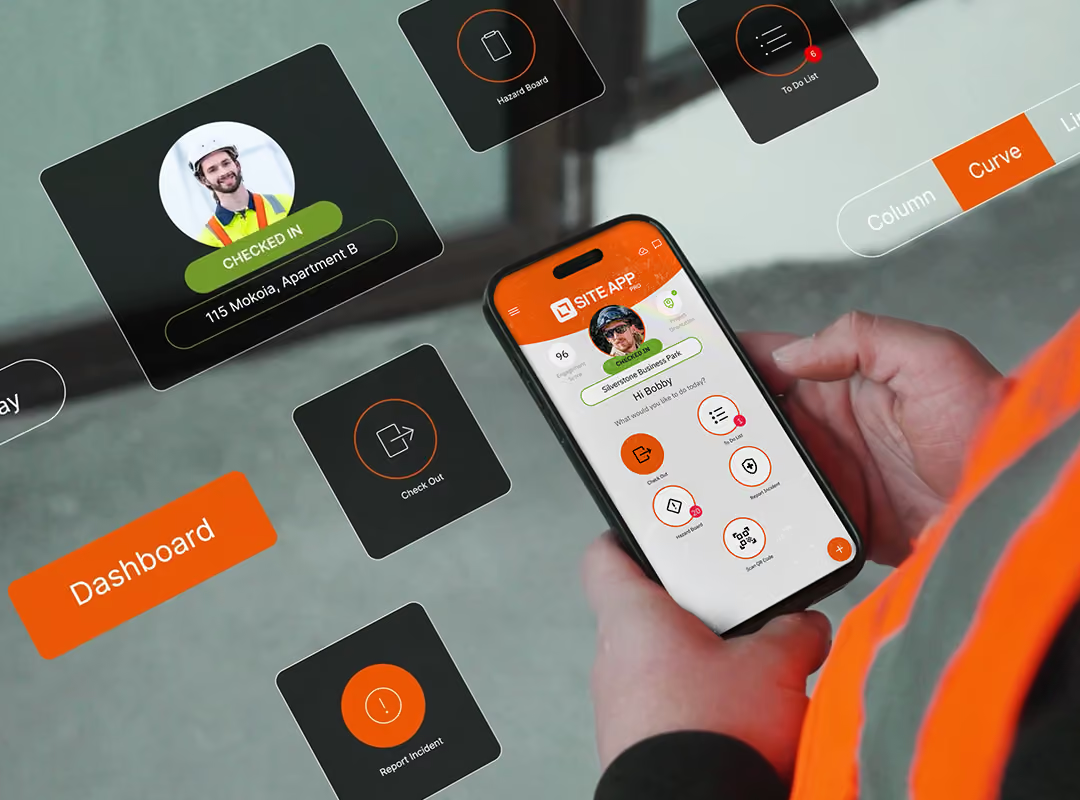
Using software like Site App Pro simplifies your prequalification workflow through:
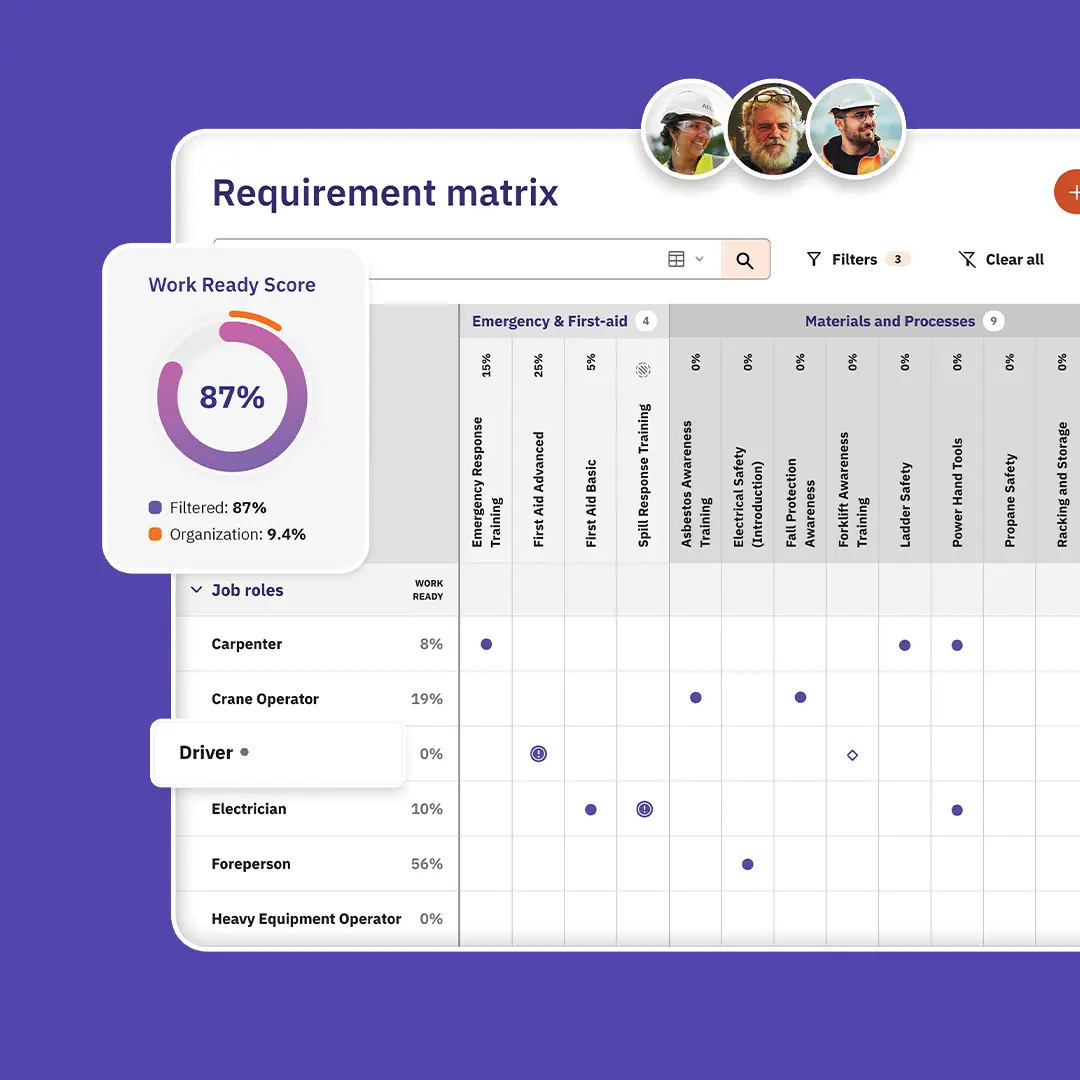
- Centralised resource management: Store insurance certificates, SOPs, training registers, and hazard registers in one searchable cloud location.
- Automated expiry alerts: Track policy review dates and worker tickets automatically, receiving alerts before an expiry occurs.
- Digital audit trails: Collect timestamped signatures, site pre-starts, and incident logs through the safety mobile app to prove real-world engagement.
- Instant admin console exports: Generate structured CSV reports and PDF logs for toolbox talks, corrective actions, and risk assessments to submit directly to auditors.