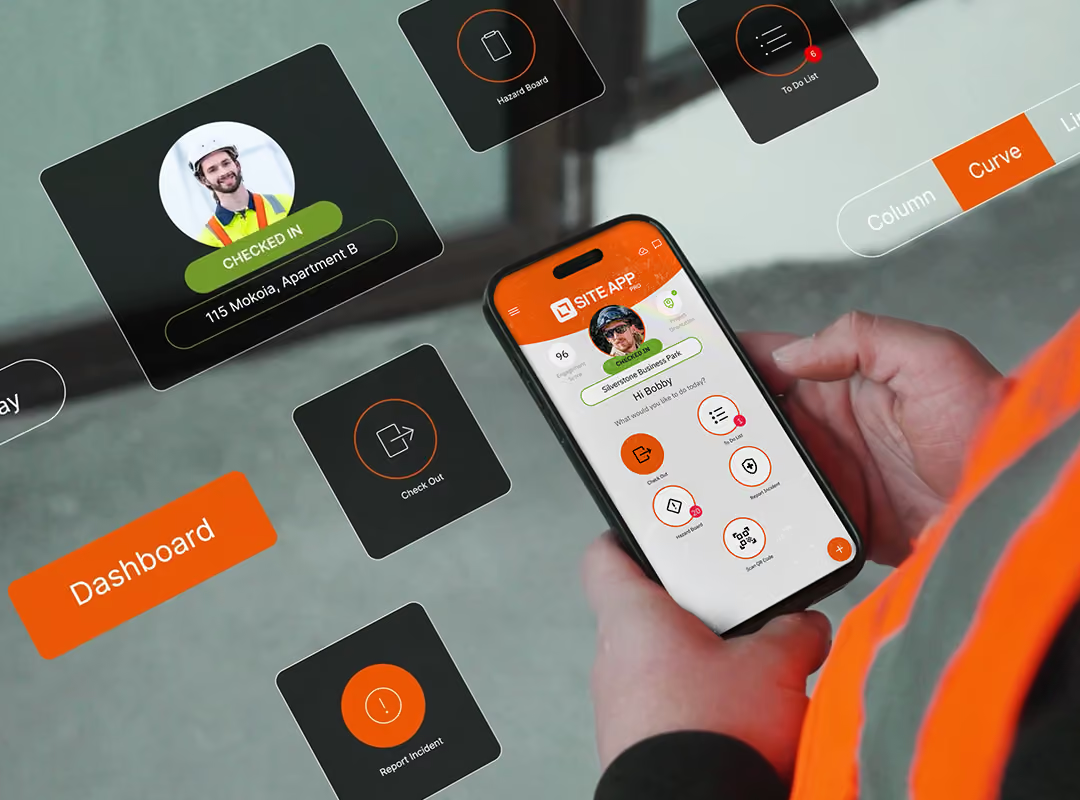
Site App Pro replaces paper checklists, toolbox talks and incident forms with a centralized construction health and safety software, built mobile-first for US jobsites. It enables you to schedule tasks, automate reminders, and connect digital workflows that your team can complete offline, even when working on remote sites.


IN THE OFFICE
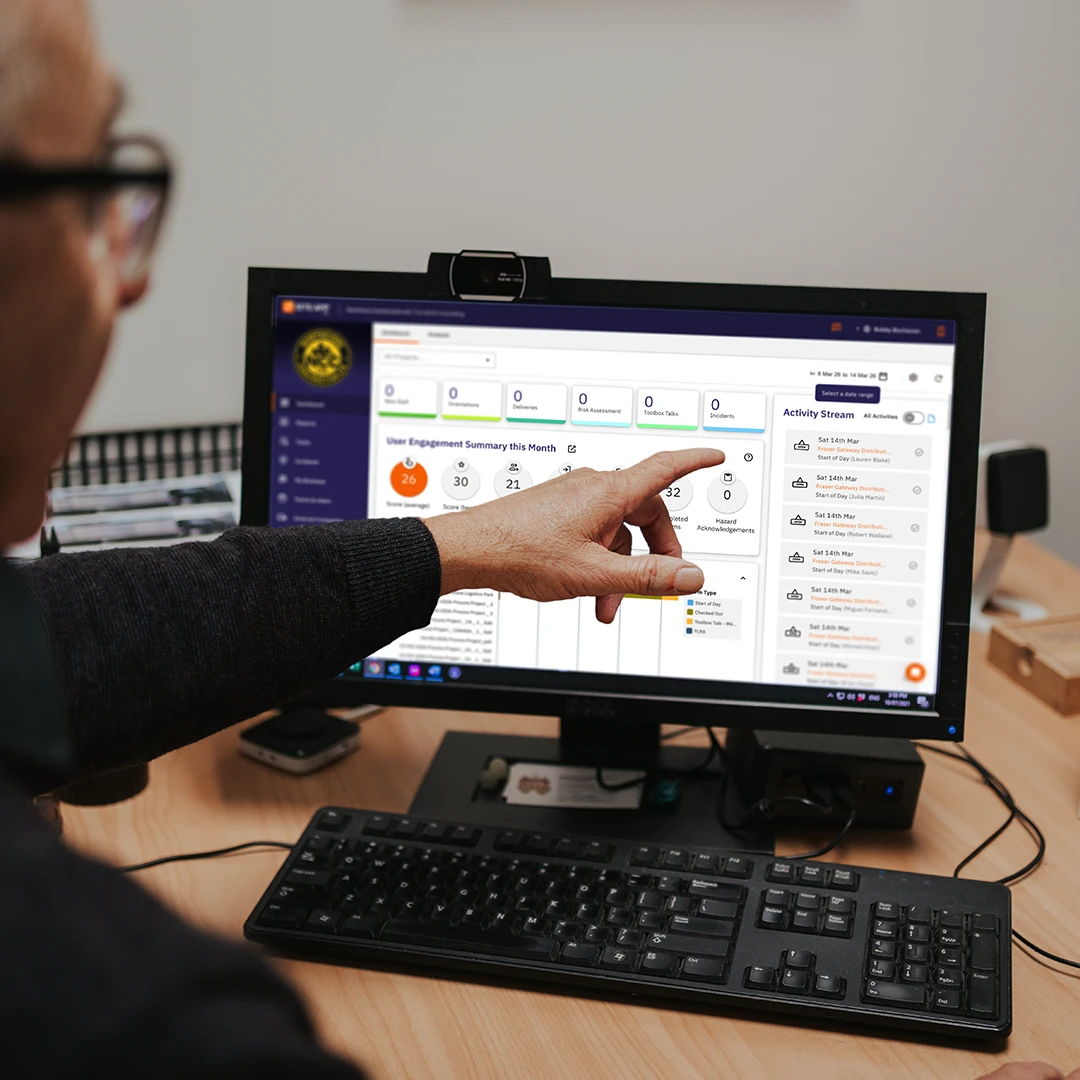
Engage your workers with custom safety form templates by choosing from over 30+ different answer types, including digital signatures. Whether you are scheduling daily or weekly tasks or preparing for audits, you can easily manage built-in approval workflows, set worker permissions, and track time-stamped records. Everything feeds directly into your live activity stream to deliver smart, paperless safety that protects your crew.
ON THE JOB SITE
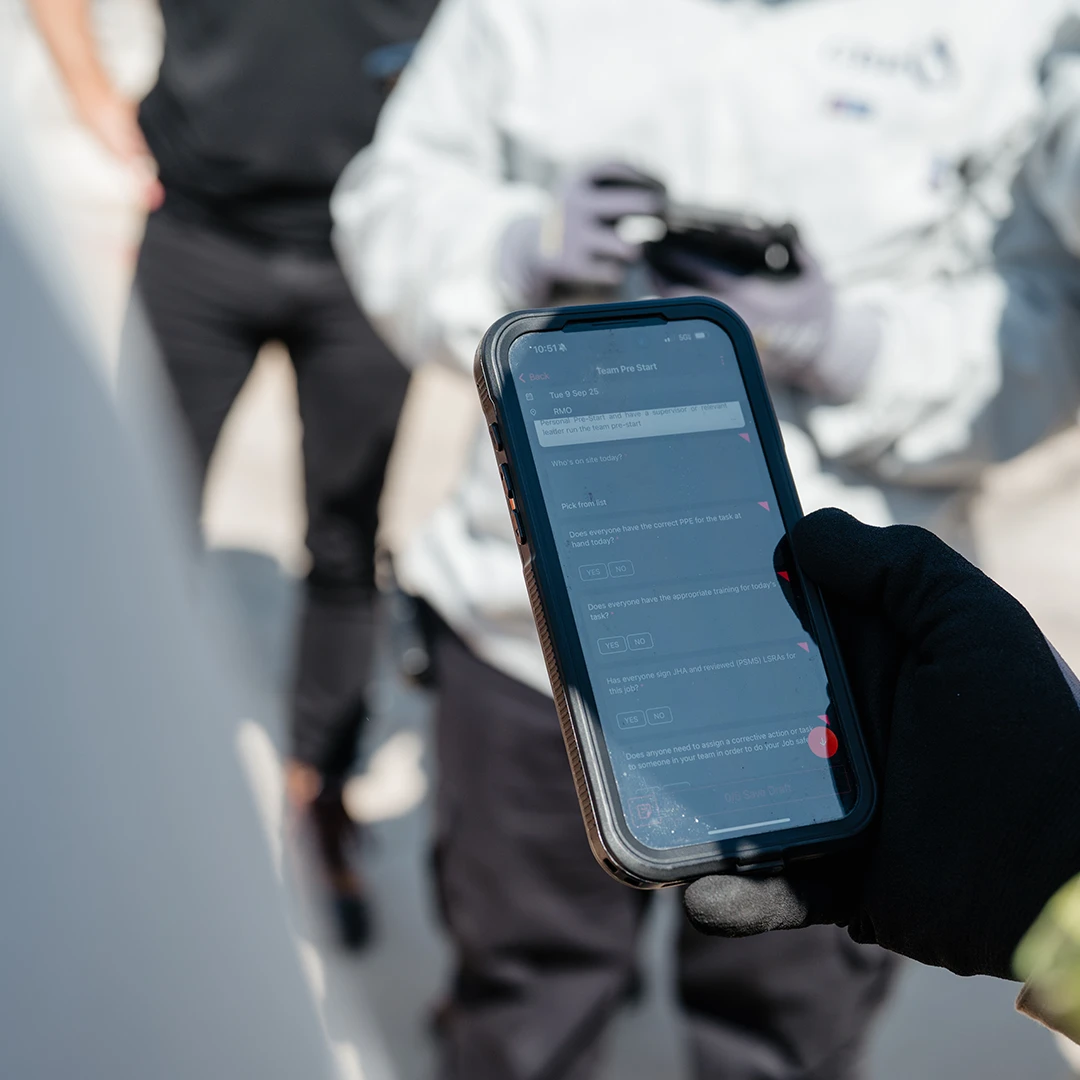
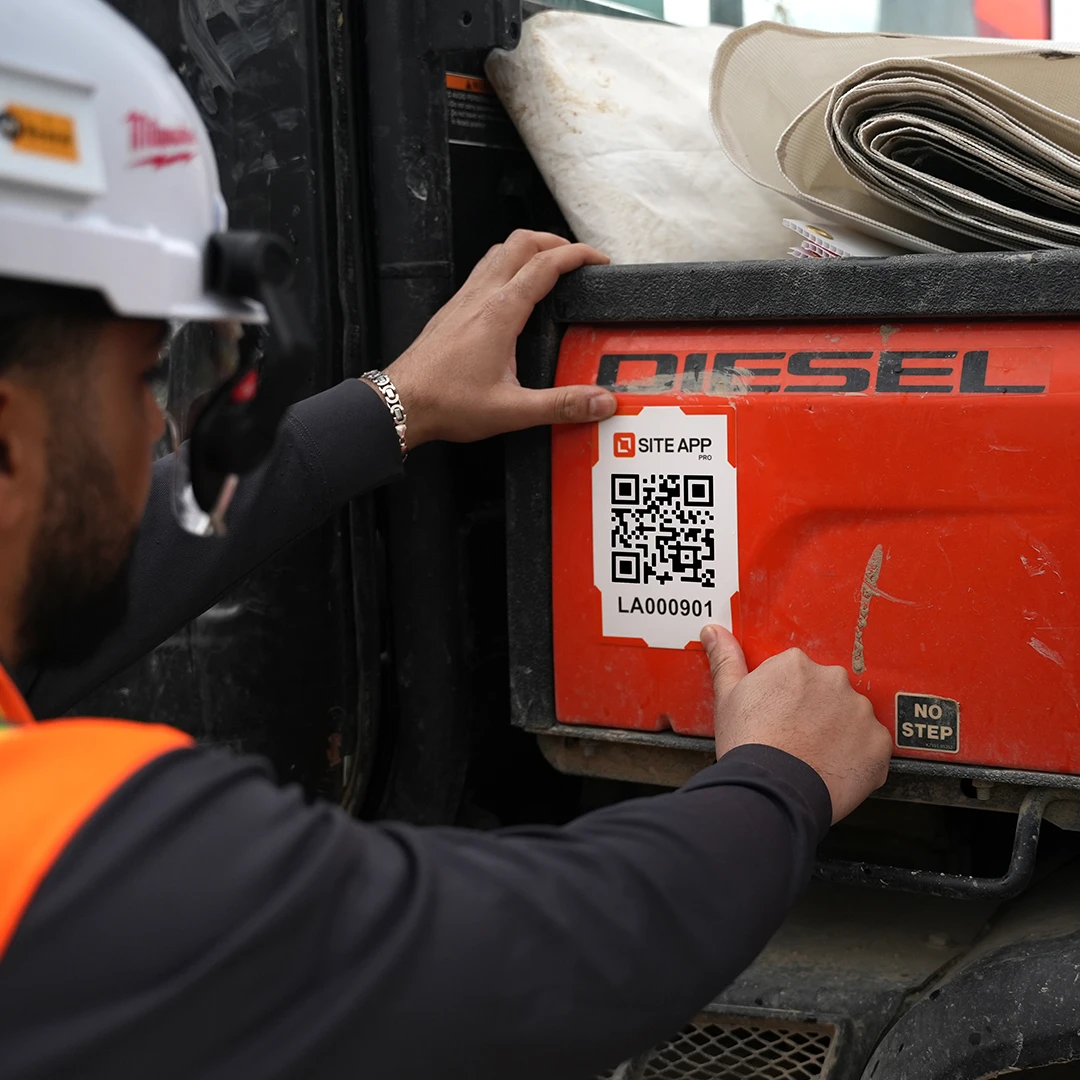
Get through your daily tasks quickly so you can get back to the job. Built for field workers on the tools, Site App Pro lets you complete your to-do lists, and fill out your toolbox talks and hazard assessments right from your mobile device. You can capture real-time site conditions with instant photo uploads, sending data straight to the office with a single click. It is digital safety that backs you up on site without slowing you down.

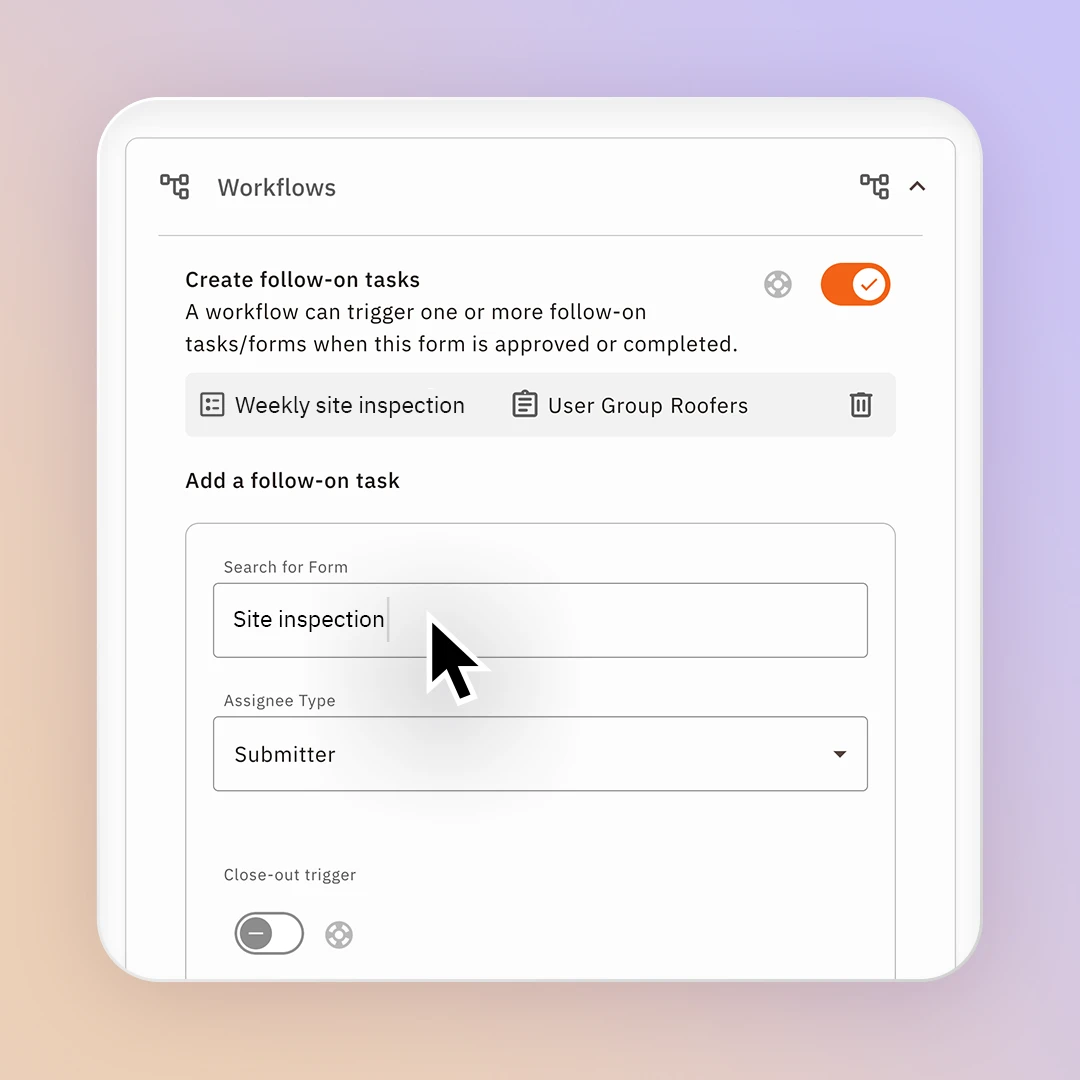
Group your safety forms into connected, end-to-end workflows that guide your crew safely through health and safety processes. Instead of managing disconnected health and safety forms, our permit to work software allows you to link a form after a form. Instantly trigger an investigation report when an incident form is submitted, configure an electronic permit to work with a multi-step approval process for a hot work permit (PTW), or check your competencies through quizzes.

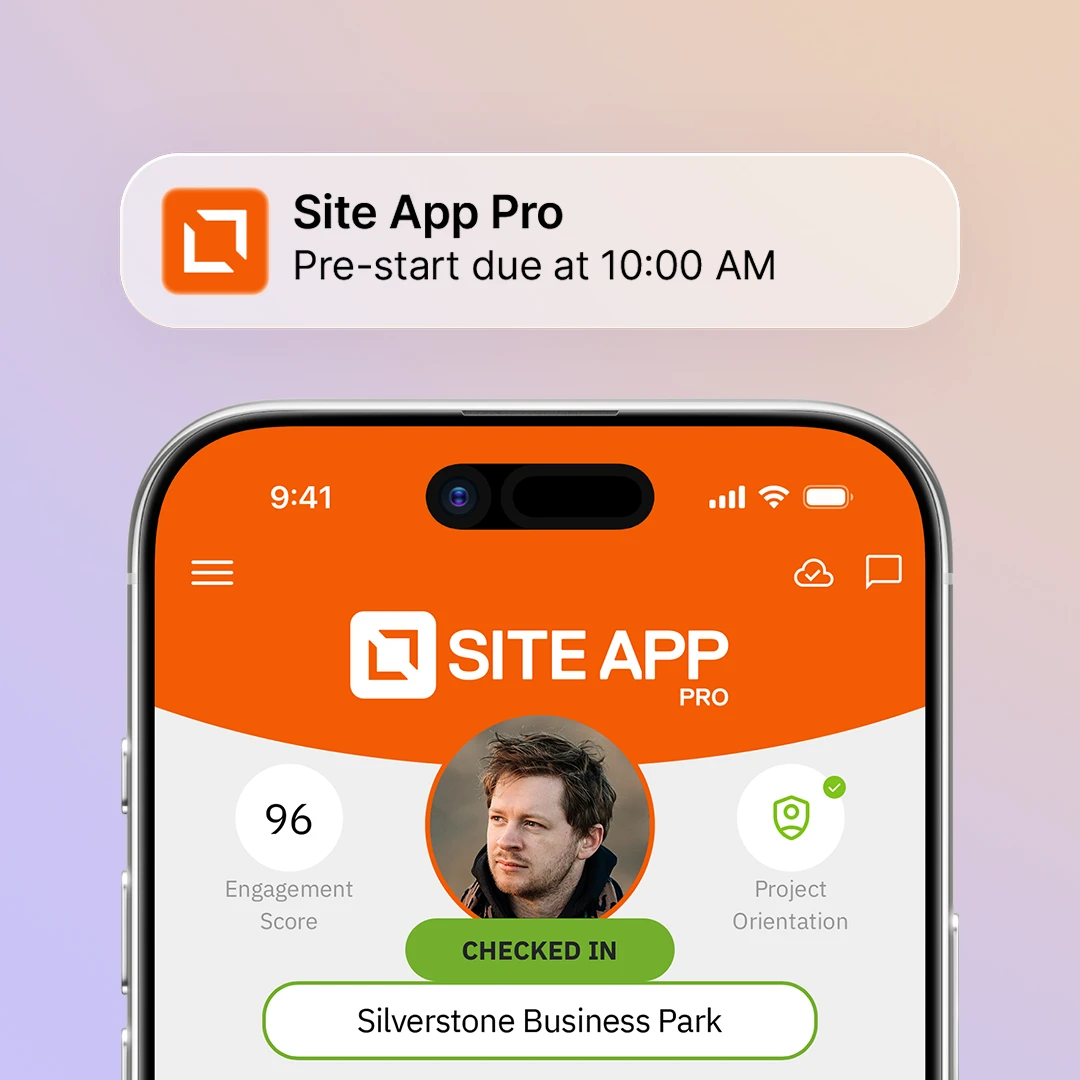
Site App Pro streamlines your daily safety tasks with smart notifications and automated reminders that handle the heavy lifting. Receive alerts the moment a defect is reported on-site via corrective actions, and let the system automatically prompt your workers to complete forms in a specific timeframe. If the form has not been completed it can be escalated to supervisors to follow-up completion.

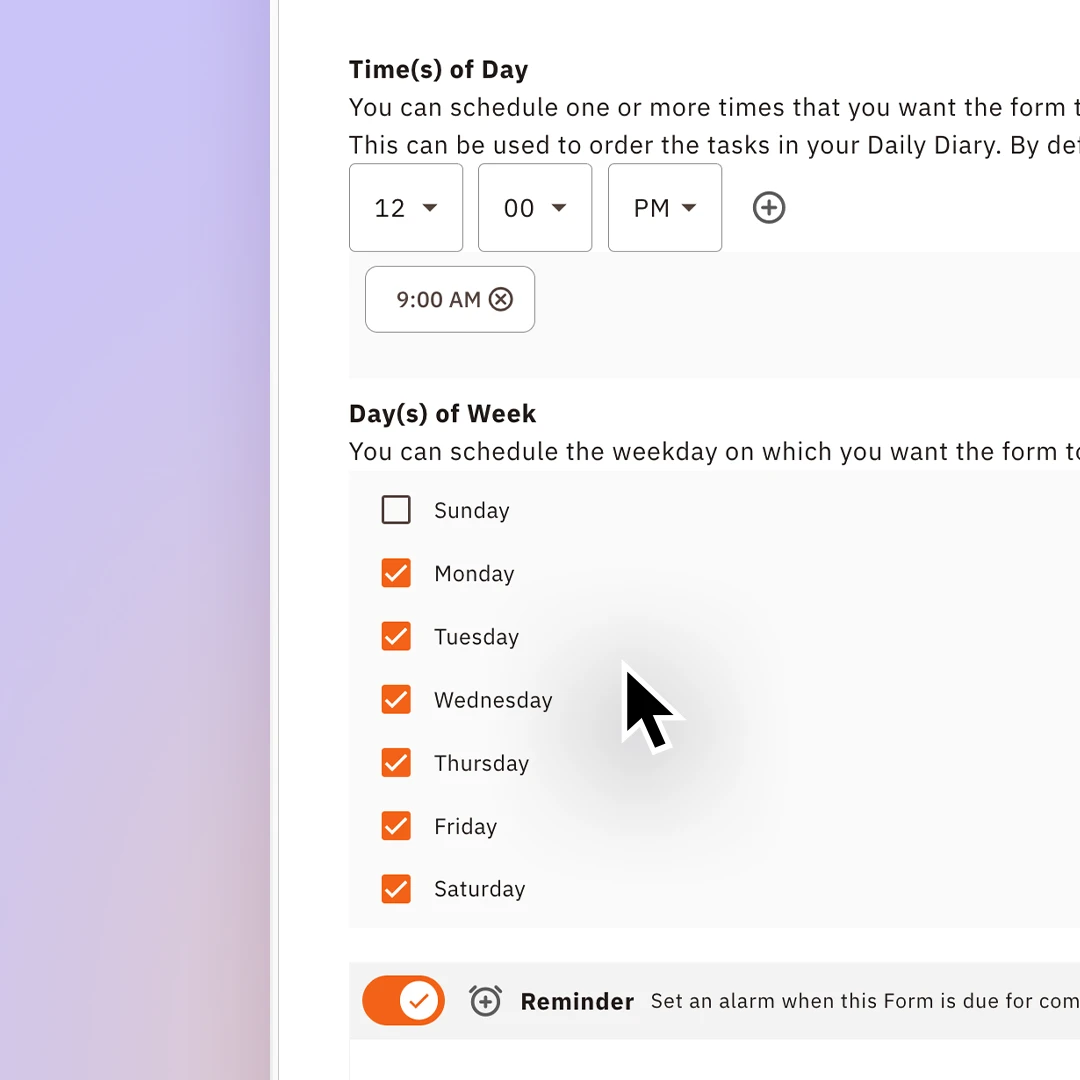
Reduce unnecessary admin by scheduling required forms for your workers to complete in their to-do list. Instead of chasing paper trails, Site App Pro lets you schedule daily, weekly and monthly forms such as FLHAs, toolbox talks, and site orientations in the field service safety app. Assign to selected workers who need to complete it, so that the right crews on the ground get clear requirements delivered to their devices.

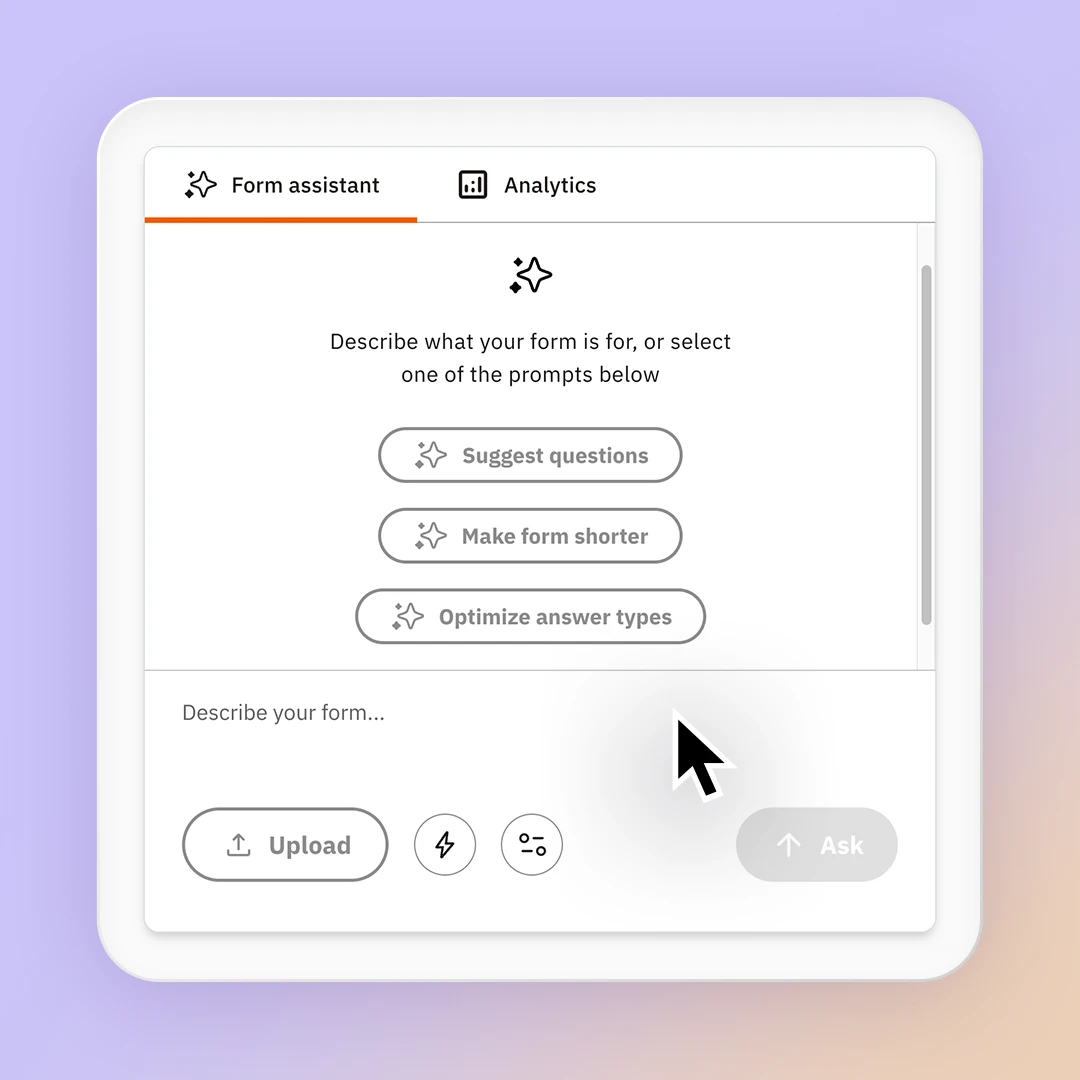
Our built-in AI form assistant, Site App AI allows you to upload your existing PDF documents to create an interactive digital form in seconds. Site App AI uses the Canada Labour Code, Part II legislation to deliver recommendations. Once your forms are complete, it automatically creates instant form report summaries, giving visibility to trends that can be presented to management or clients.
Get started with Site App Pro’s free safety management templates or build your own form in seconds.
Record safety meetings, attendance and follow-up actions from the field.
Build higher-level hazard assessments for jobs, scopes of work, procedures, or recurring activities.
Complete daily or scheduled vehicle inspections for trucks, trailers, and vehicles.
Complete field-level risk assessments before work starts and worker sign-off.
Daily site safety checks completed by crews before starting work.
Create pre-use checks for machinery with defects and maintenance follow-up.
Track and export worker hours per project in one CSV.
Checking site compliance with erosion, wildlife, and spill rules.
Document site injuries, illnesses, witnesses or property damage.
Whether its fire extinguisher or fall arrest systems, you can create a checklist and track defects.
Welcoming new hires with company policies, job training, and workflows.
Field-level hazard assessment tracking dynamic site conditions daily.
Detailing risks for specific work activities and complete through your job safety analysis app.
Onboard workers or visitors to site-specific hazards, rules, and emergency procedures.
Collect and review subcontractor documents before work starts.
Logs tracking site progress, weather, and safety events daily.
Capture near misses and corrective actions in one place.
Digital logs to keep machinery and tools safe, compliant, operational.
Safety data sheets tracking hazardous chemical handling and emergency information.
Hazard register software that is a live, central list of all identified site hazards.
Identify specific task risks before starting and complete through your JHA app.
Manage hot work approvals for welding, cutting, or spark-producing tasks.
Build QA/QC checklists for proof that work has met project requirements.
Assign, track, and close out actions from site inspections or hazards.
Site App Pro’s health and safety form tools enable you to customise every form for any process, permit or assessment.
Group and filter safety forms by specific site or project.
Work on your form as a draft before you publish.
Create one-off forms or recurring daily safety checks.
Create forms within seconds from PDFs.
Set forms to daily, weekly, or monthly.
Auto-prompt the crew when forms are overdue or required.
Alert managers instantly when site defects are reported.
Direct specific safety tasks and forms to individual workers.
Connect forms together sequentially to guide high-risk tasks.
Send completed forms to management for mandatory sign-off.
Copy or duplicate existing forms to save setup time.
Control exactly who can view, edit, or submit forms.
Complete forms offline and have it sync when you have connectivity.
Alerts that directly notify managers instantly.
Keep critical safety forms visible at the top of screens.
Log site notes quickly using hands-free voice-to-text.
Capture real-time visual evidence directly inside the form.
Collect digital signatures on devices for instant compliance.
Lock exact dates and times onto every submission automatically.
Track form submissions in a real-time compliance feed.
Track if answers are changed after completion.

Yes, workers can select "start from completed form" to pull in a previous submission, review it, make changes, and save it as a new entry with updated timestamps. For example you can do this for FLHA or turn off the feature if it isn’t relevant to your company.
Yes, the form builder allows complete customization of questions, answer types, sections, workflows, and approvals. You can also use AI assistance to build or modify forms.
Yes, workers can select "start from completed form" to pull in a previous submission, review it, make changes, and save it as a new entry with updated timestamps. For example you can do this for FLHA or turn off the feature if it isn’t relevant to your company.
Yes, the form builder allows complete customization of questions, answer types, sections, workflows, and approvals. You can also use AI assistance to build or modify forms.
Yes, forms can be customized for quality inspections, non-conformance reports, and client-facing documentation. Reports export with your company branding for client submission.
Every completed form in Site App Pro creates a timestamped record of who completed the form, when it was completed, where it was completed, and what was recorded. Safety managers can access records by date range, site, worker, or form type much faster than searching through paper files, helping reduce the administrative burden of audit preparation.
Forms completed offline are stored securely on the device and automatically synchronized when connectivity returns. This allows workers to complete safety documentation in the field even when internet access is limited or unavailable.
Yes, Site App AI tools can help convert existing forms, PDFs, and documents into digital workflows. This allows companies to replicate and improve their current processes without starting from scratch.
Yes, forms in Site App Pro can include photos, digital signatures, timestamps, attachments, and workflow triggers. This creates a more complete and verifiable record of safety activity completed in the field.
Yes, Site App Pro has offline functionality that enables you to complete forms and view resources. When a phone's connection drops, offline mode is automatically on. Any form you complete is stored locally, and synced on to Site App Pro when a network is detected. You can also download specific documents or resources to be viewed without a network. This needs to be turned on before leaving internet or reception coverage.
Yes, you can build a JSA, JHA and other forms in Site App Pro.
Yes, Site App Pro digitizes all of your paper safety forms and stores them in one central location. Your workers can access and complete the forms through their daily diary app.
Yes, Site App Pro can be used for construction and other industries like civil, oil and gas, manufacturing and other high-risk industries.