


H&S for site managers

Health and safety software for site managers

Site App Pro is the health and safety software for site managers and project managers who run sites from their phone, not a desk. See who's on site, approve permits, review pre-starts and update the hazard board, all from the safety mobile app while you're on the ground.


Try Site App Pro for free
Book a demo
Two workers in hi-vis and helmets checking a phone on an Auckland rooftop below the Sky Tower
Trusted by 1,200+ companies and used on 300,000+ projects.
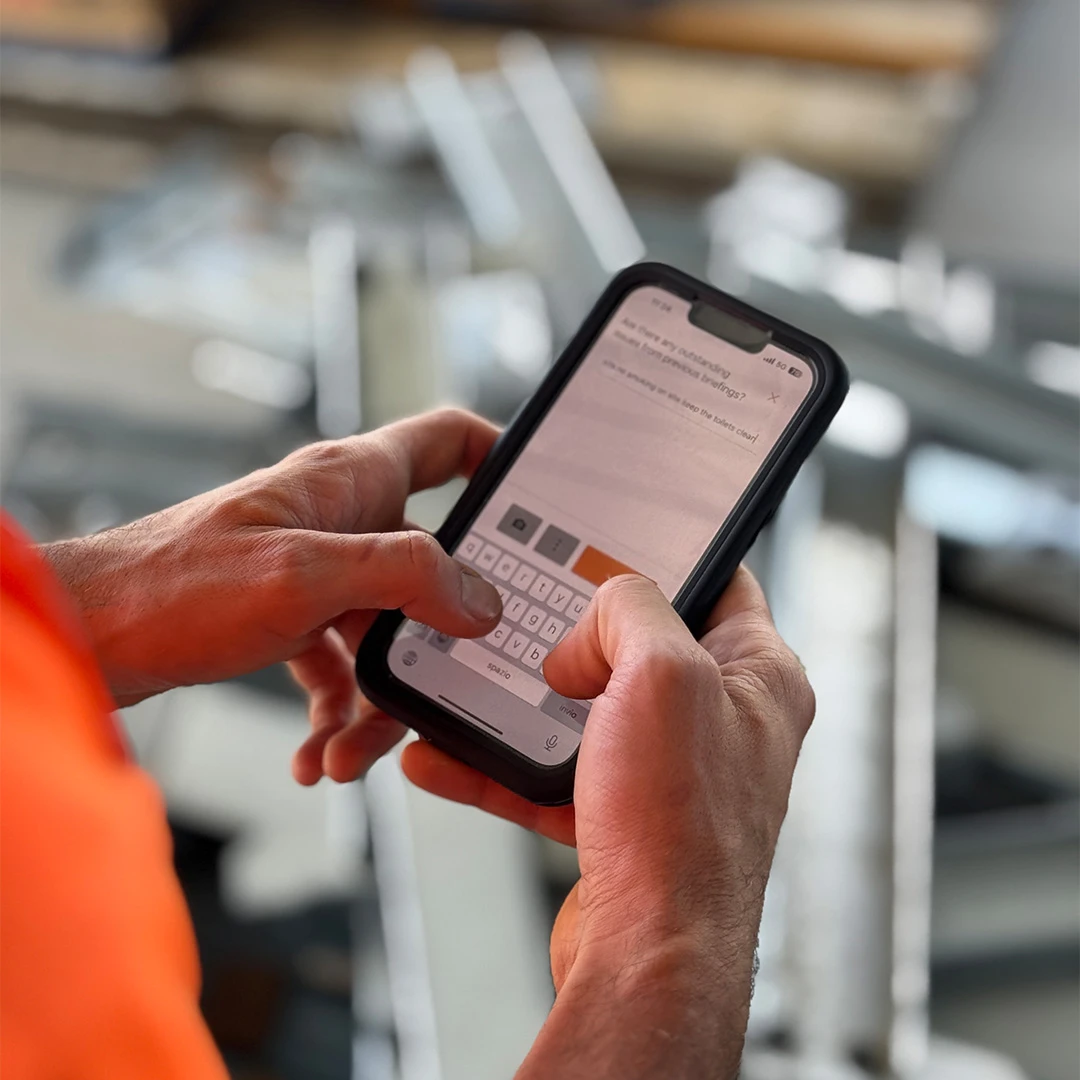
Worker in hi-vis completing a digital form on a phone at a construction site

How does Site App Pro help site managers?

run your site from your phone

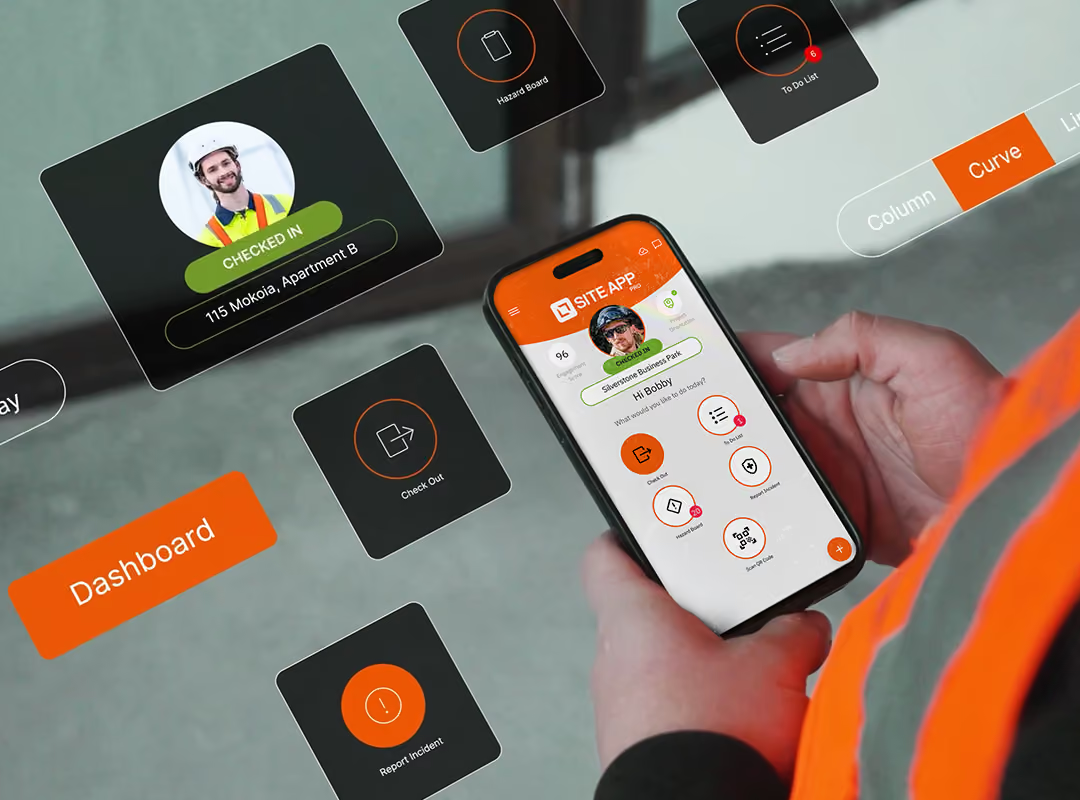
Site App Pro puts your whole site in your pocket. From the mobile app you can check who has signed in, review forms as they're completed, approve or decline permits to work, update the hazard board and assign corrective actions to your crew. Notifications flag incidents, overdue pre-starts and completed critical forms, so you can act straight away instead of finding out at the end of the week.

‍

If you're still relying on a whiteboard sign-in sheet and a folder in the ute, you'll know how quickly it gets on top of you. Site App Pro replaces that with digital records that are timestamped and ready when a client, auditor or main contractor asks for them.

Built for site managers

Run a tighter site from your phone

Everything a site manager needs, without heading back to the office.

Live site register

See who's signed in, when they arrived and if they're inducted.

QR code check-ins

Contractors and visitors sign in with their phone camera, no app needed.

Mobile permit approvals

Approve or decline permits to work with photos and full details.

Live hazard board

Update hazards in real time for everyone on your site.

Overdue form alerts

Get escalations when pre-starts or toolbox talks aren't completed on time.

Corrective actions

Assign tasks to your crew and track them through to done.

Training status

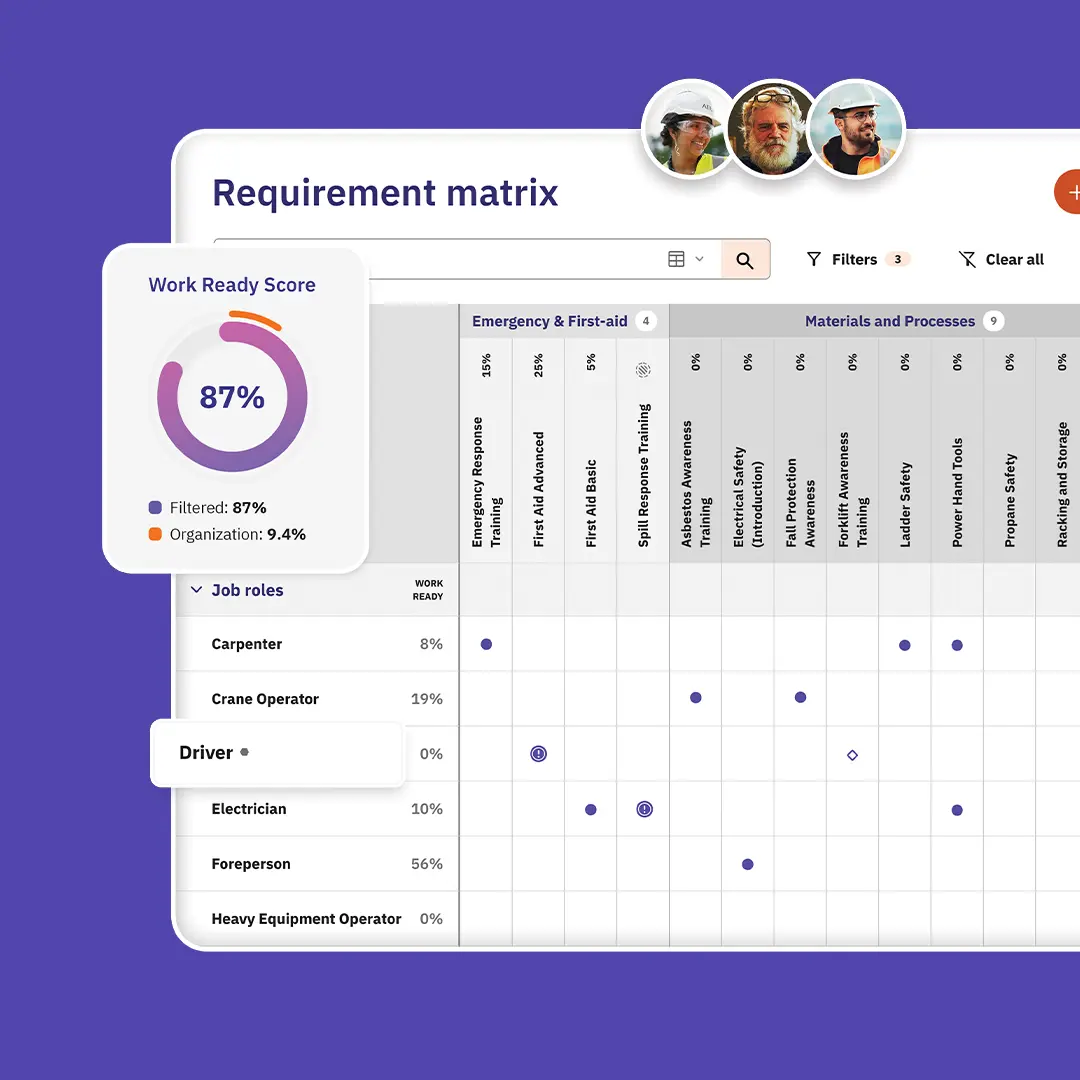
Check someone's qualified before they start high-risk work.

Works offline

Your team can complete forms in areas without coverage.

Site-only view

See your site's data without wading through every other site.

Site essentials

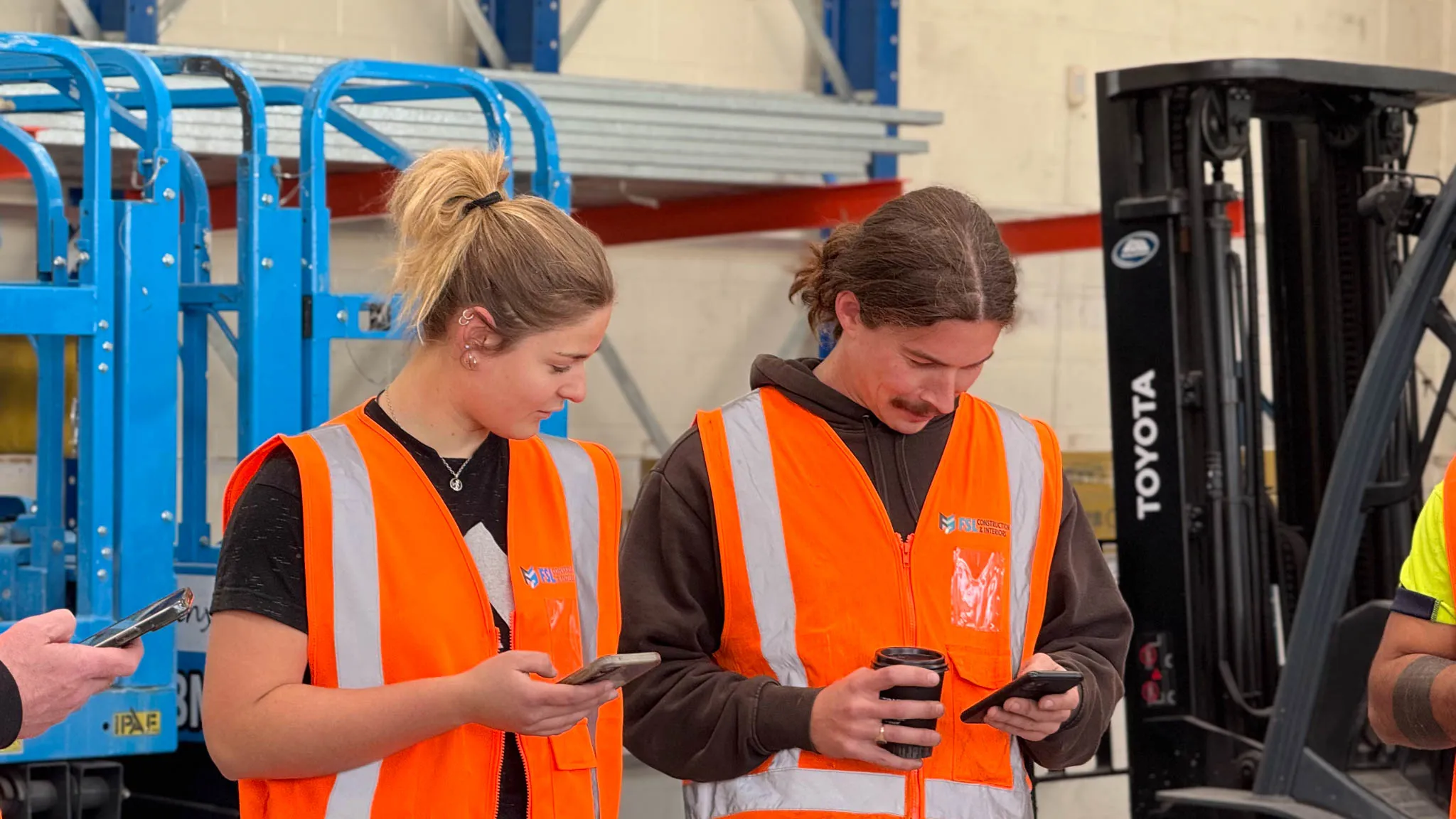
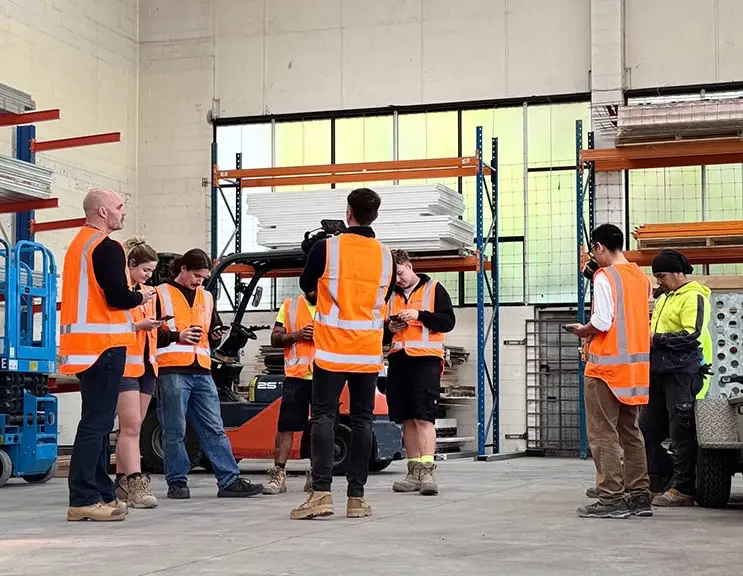
Two workers in orange hi-vis checking in on their phones beside a forklift in a warehouse
Site sign-in

Know who's on site with QR code check-ins

The Site App Pro site visitor register shows everyone who is checked in and not yet checked out, along with their check-in time, company and induction status. Workers check in through the app, while contractors and visitors scan a QR code at the site entrance with their phone camera. A web form opens, they complete the induction, acknowledge the hazard board and they're signed in.

There's no app download for subbies and no kiosk queue at the gate. Print the QR code, post it at the entrance and you've got an accurate attendance record for every person who has been on site, which comes in handy when the main contractor or client asks.

Book a demo
Worker in a hard hat and safety harness on a platform behind danger barriers
Permits to work

Approve permits to work from anywhere on site

When a worker completes a permit to work in Site App Pro, you get a notification. Open it on your phone, review the details and photos, then approve or decline it on the spot. If you decline, the permit goes back to the worker with your comments so they can fix it and resubmit, keeping high-risk work moving without cutting corners on the checks.

Approval workflows can be set up for hot work, working at height, confined spaces or any other permit your site uses. Every approval is timestamped against your name, giving you a clear record of who signed off what and when.

Book a demo
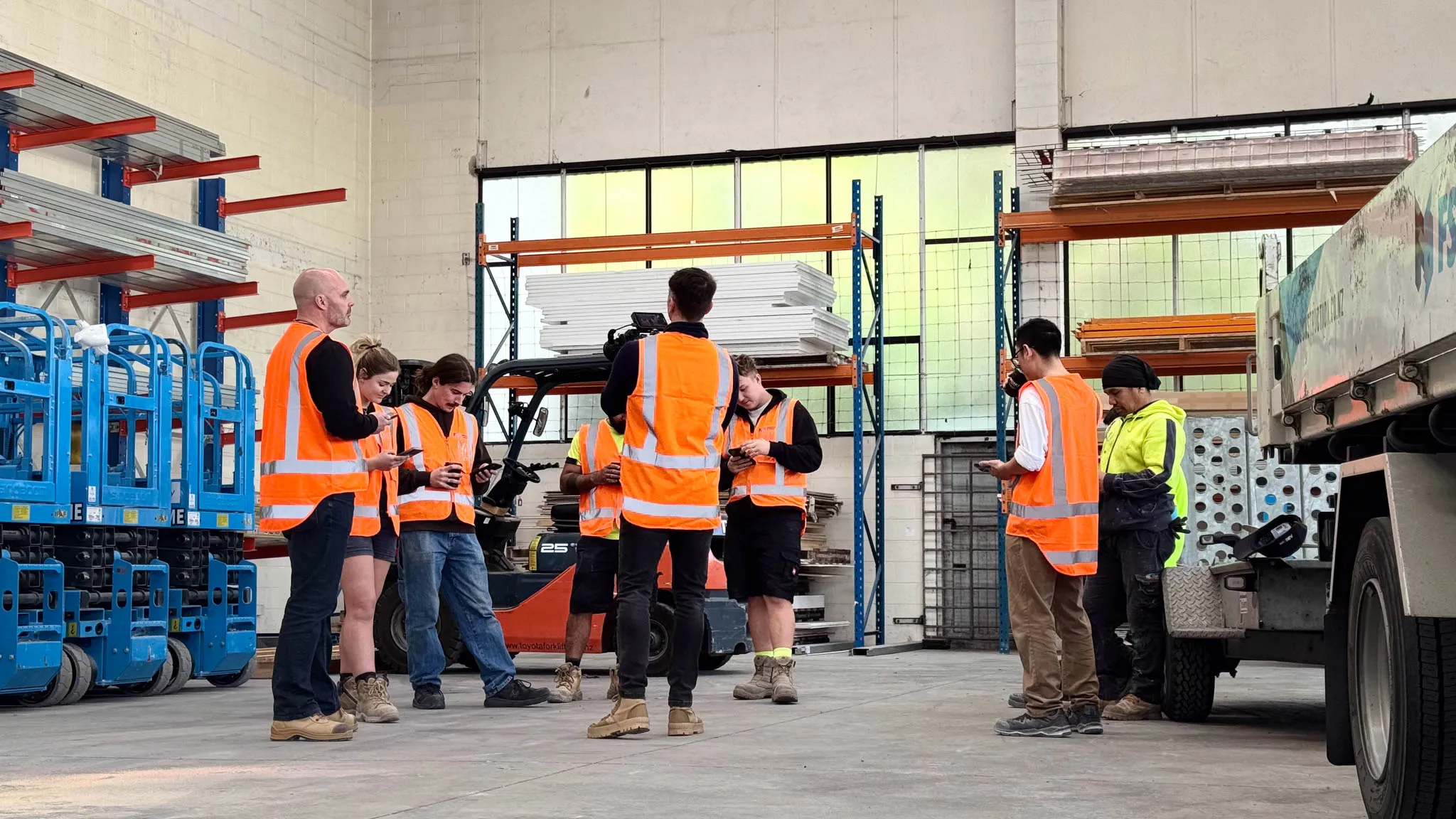
Group of construction workers wearing orange safety vests standing in an industrial warehouse near a forklift and a truck.
Daily safety forms

Check pre-starts, JSAs and toolbox talks as they come in

Site App Pro lets you review pre-starts, JSAs, inspections and toolbox talks as your team completes them, with photos and signatures attached. Scheduled forms land on each worker's to-do list, a reminder goes out before the due time, and if a form still isn't done, you get an escalation so you can follow up directly. No more guessing whether the paperwork happened.

Need something from last month or last year? Filter by date range, form type and site to pull up any record. You can export individual forms as PDFs to send to a client, or pin key forms like JSAs and SSSPs so your crew can find them quickly.

Book a demo
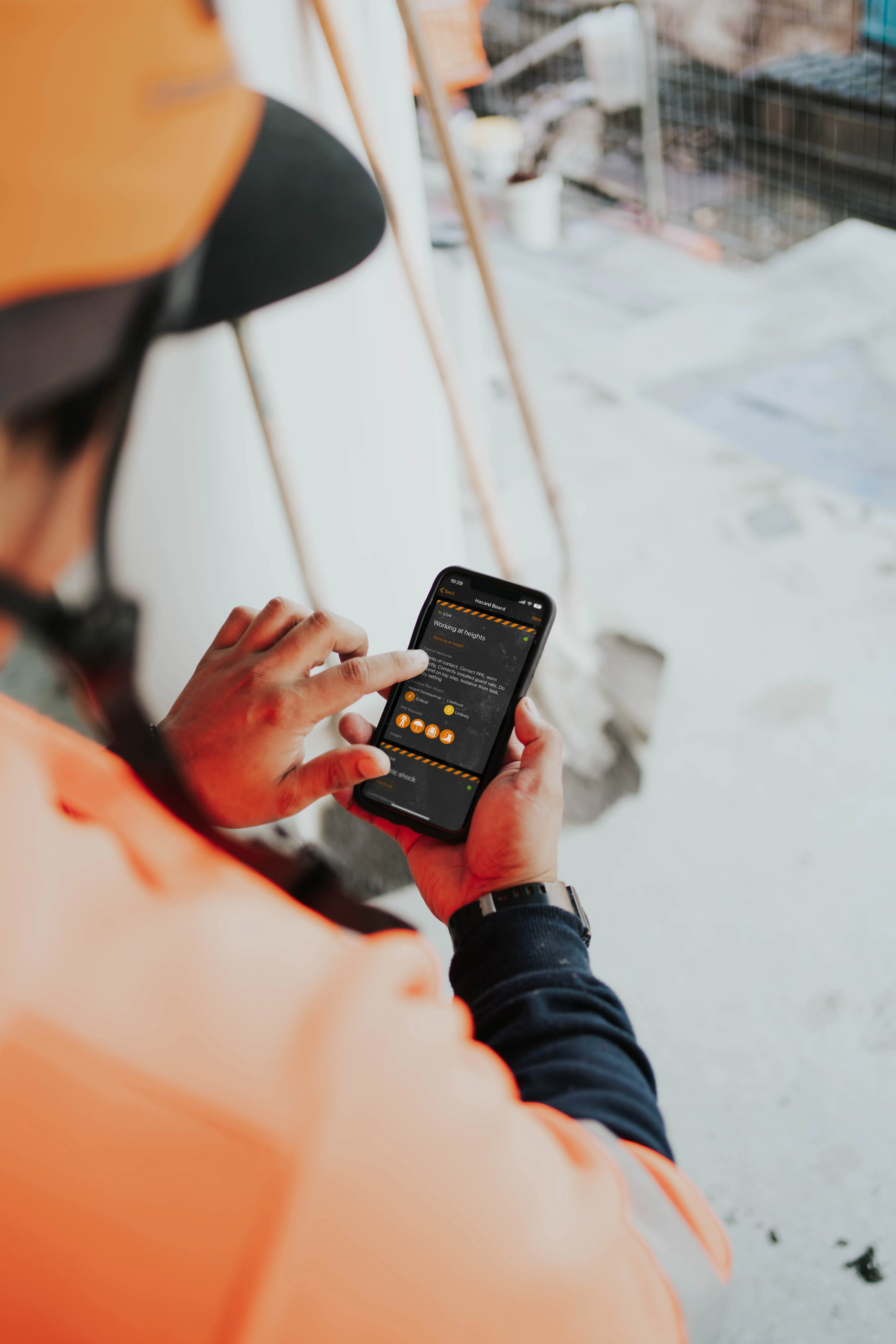
Worker in orange hi-vis viewing the Site App Pro hazard board on a phone at a construction site
Hazard management

Keep your hazard board current in real time

The digital hazard board in Site App Pro is a live view of the risks on your site. When a new hazard is identified, update the board from your phone and everyone on site sees it straight away. Workers, contractors and visitors acknowledge current hazards as they check in, giving you a record that the right people were told about the right risks.

Hazard boards can be copied from a master template for similar jobs, so you're not starting from scratch on every new site. They can also be exported as a PDF for your SSSP.

Book a demo
Crew management

Manage your crew without leaving the job

Site App Pro gives site and project managers a clear view of their crew from the mobile app. See which workers have checked in and who's missing, view training status and upcoming expiries, assign equipment and tasks, and track corrective actions through to completion. Engagement scores show who isn't using the system, so you can give them a hand before small gaps turn into bigger ones.

Many site managers work entirely from the app. The admin console is mainly for administrators who edit form templates or export data in bulk, so you can stay on site where you're needed.

Book a demo

Trusted by site managers

We’ve moved from a paper based health and safety system to digital, and it’s made everything so much more efficient. Even team members who were nervous about going digital have taken to it so easily. The system is simple to use, even for dinosaurs like me!

The support team have been amazing, always ready to help, answer questions and offer advice. They’ve made the change so much easier. Very happy with the system and would definitely recommend it.

Donna

Matassa Property Services

We’ve had a great experience with Site App Pro. Luke has been incredibly helpful throughout the onboarding process and really knows how to tailor the forms and features to suit our day to day needs. The platform itself is adaptable, user friendly and makes it much easier for staff to actively participate in health and safety. Highly recommend!

Erin

Really easy to use & convenient for multi-location businesses. The form builder is super flexible & handy! Customer service is always fast & excellent too

Zoe

We have been using Site App Pro for the last year now and have found the app to be great. With the easy app layout we have found that staff on the frontline have been more engaged and open to filling out the required daily forms. The support has been amazing and it helps to have locally based support on hand. We look forward to unleashing the apps full potential across both our organizations.

Geoff Vilabourouth

Contrax

Integrating Site App Pro allows us to offer more timely support to our clients through real time reporting. This partnership enables us to add significant value to our service.

Sara Crawford

Safewise

Home safe and well is at the heart of how we operate, and Site App Pro has been a game-changer in embedding safety into our daily work.The offline functionality is essential for our remote sites, ensuring nothing gets missed. Custom checklists and real-time dashboards give us full visibility across the scheme. The system is easy to use, making safety compliance seamless for our team. It’s a smart, long-term investment in the wellbeing of our people and the success of our operations.

Mark McKenzie

Central Plains Water

Our clients’ success is the foundation of our own. Having Site App Pro on board to help deliver effective systems that truly work for our clients is always a win in my book.

James Bamford

SafeSpace

What used to take six months to get running effectively now takes one week. And that’s no exaggeration.

Graham Mahuika

Intesafety

Such an easy to use app! The guys on site are using it and have come back with very little complaints about it. Being able to easily edit forms is such a game changer! Would recommend to others.

Victoria

We’ve had an outstanding experience with Site App Pro. Their customer service team consistently delivers above and beyond, with fast responses, practical solutions, and genuine care for our business. The platform itself is easy to use, reliable, alongside continuous platform enhancements, and collectively has made a huge difference to how we manage Health & Safety with our team and across multiple sites. We Highly recommend Site App Pro to any business looking for a system backed by a team that truly supports you.

Paula Hakaraia

Pacific Portable Buildings

Site App Pro has been easy to use and the fact of being able to customize the content to best suit our team requirements is amazing great service definitely recommend to all businesses from one man operations to large commercial companies.

Sam Shepherd

Rock Solid Workx

Frequently Asked Questions

Yes. The visitor log shows everyone who has checked in and not yet checked out, including their check-in time, company and whether they've completed the required induction. It works for employees, contractors and visitors.

You can do almost everything from the mobile app, including reviewing forms, assigning tasks, updating hazards, checking who's on site and viewing training status. The admin console is mainly for administrators who edit form templates or export data.

When a worker completes a permit form, you're notified. Review the permit on your phone with all its details and photos, then approve or decline it. Declined permits go back to the worker with your comments so they can resubmit.

Set up reminders and escalations. For example, if a pre-start isn't completed by 9am, the worker gets a reminder. If it's still not done by 10am, you receive an escalation notification so you can follow up directly.

Yes. Filter completed forms by date range, form type and site to pull up any record from any period. It's useful for client audits or when you need to check past work on a returning job.

Contractors scan a QR code with their phone camera, which opens a web form. They enter their details, complete the induction and check in. No app download is needed, and you can print the QR code and post it at every site entrance.

Site supervisor in a hard hat using a tablet above a busy construction site

Health and safety management software for small to enterprise New Zealand companies.

  • Offline functionality
  • No setup or onboarding fees
  • NZ-based support
  • Real-time dashboard
  • Safety mobile app
Book a demo