Group your safety forms into connected, end-to-end processes that guide your crew through the job safely. Instead of managing disconnected forms, you can link one form to the next.
Every team has different safety challenges. Explore solutions built for the way you work, from forms and site safety to incidents, training and equipment.
At Site App Pro, we believe in the power of people. That’s why our partners are at the heart of what we do, helping businesses streamline safety processes while growing their own success.
A hazard register lists the hazards at your workplace, the risks they create and your controls. NZ law doesn't require one by name, but it does require you to identify hazards and manage risks. A good register is the clearest way to show you do.
A hazard register is a record of the hazards at a workplace, who could be harmed, how serious the risk is and the controls in place. WorkSafe defines a hazard as anything that can cause harm. The register sits at the centre of the wider process covered in our guide to risk and hazard management.
Hazard: the thing that could cause harm, such as moving plant, a trench, silica dust, a forklift route or a ladder. Under the HSWA a hazard also includes a person's behaviour, such as fatigue.
Risk: WorkSafe describes risk as the likelihood of harm and its consequences.
Control: what you do to eliminate or minimise the risk.
A register works on a building site, a dairy shed, a workshop floor or a print factory. The format is the same; the hazards change.
Does NZ law require a hazard register?
The Health and Safety at Work Act 2015 (HSWA) does not use the words "hazard register". The law requires a PCBU to identify hazards that could give rise to reasonably foreseeable risks, and to eliminate or minimise those risks so far as is reasonably practicable. WorkSafe calls written records of how you manage risk good practice.
Identify hazards: regulation 5 of the General Risk and Workplace Management (GRWM) Regulations 2016.
Eliminate first, then minimise: section 30 of the HSWA, using the order of controls in GRWM regulation 6.
Keep controls working and review them: GRWM regulations 7 and 8.
What changes on 1 April 2027
The Health and Safety at Work Amendment Act 2026 takes effect on 1 April 2027. WorkSafe says every PCBU will need to put critical risks first: risks likely to cause death, a notifiable injury or illness, a notifiable incident or a listed occupational disease. Companies with fewer than 20 workers for at least 9 months of a financial year will have core duties focused on critical risks. Flag critical risks in your register now. Our article on critical risks and controls explains the definition.
What should a hazard register template include?
A useful hazard register template has one row per hazard and columns that show the hazard, the people at risk, the rating before and after controls, the controls, who owns them and when they were last checked. Site Safe's SSSP register uses four core columns: potential harm, initial risk, controls and residual risk. The rest is good practice.
Set up your template with these columns:
Hazard and location: what it is and where it is (plant room, bay 3, the north boundary).
Potential harm: what could happen to someone, in plain words.
Who is at risk: your workers, contractors, visitors or the public.
Critical risk (yes or no): could it cause death or a notifiable injury or illness?
Initial risk rating: likelihood and consequence before controls.
Controls: listed in order, starting with elimination and ending with PPE.
Residual risk rating: the rating with controls in place.
Owner: the named person who makes sure the controls stay in place.
Last reviewed and next review: dates, plus what triggered the review.
How often should you review your hazard register?
NZ law doesn't set a fixed review date for a hazard register. GRWM regulation 8 says you must review control measures when certain things happen, and WorkSafe says to review risks on an ongoing basis. In practice, review the register at those trigger points and at a regular set interval.
Review when:
A control fails: an incident or near miss shows it didn't control the risk.
Something changes: new plant, a new site, a new process or a change in the team.
A new hazard turns up: found on a walk-around, in a toolbox talk or in a risk assessment.
Workers raise it: worker engagement shows a review is needed, or a health and safety representative asks.
Monitoring says so: health or exposure monitoring results point to a problem.
Talking the register through at a toolbox talk is an easy way to meet your duty to engage with workers and to find hazards the office can't see.
What are the most common hazard register mistakes?
The most common hazard register mistake is treating it as a document you write once and file. WorkSafe says lots of paperwork does not equal good health and safety. A register earns its keep when the team on the ground knows what is in it and it matches what is happening on site this week.
Written once, never touched: a register from the start of the job that misses the new excavation.
Double handling: hazards typed into an SSSP, then again into a separate register and again on a whiteboard. Every copy drifts.
Controls that stop at PPE: hi-vis and gloves listed first, with no attempt to eliminate, isolate or engineer the risk out.
No owner: "everyone" owns the control, so nobody checks it.
Generic entries: "slips, trips and falls" with no location or task, which tells a new starter nothing.
Chasing paper registers around three sites is nobody's idea of a good Friday, which is why many companies move the register onto a phone or tablet.
How Site App Pro helps with hazard registers
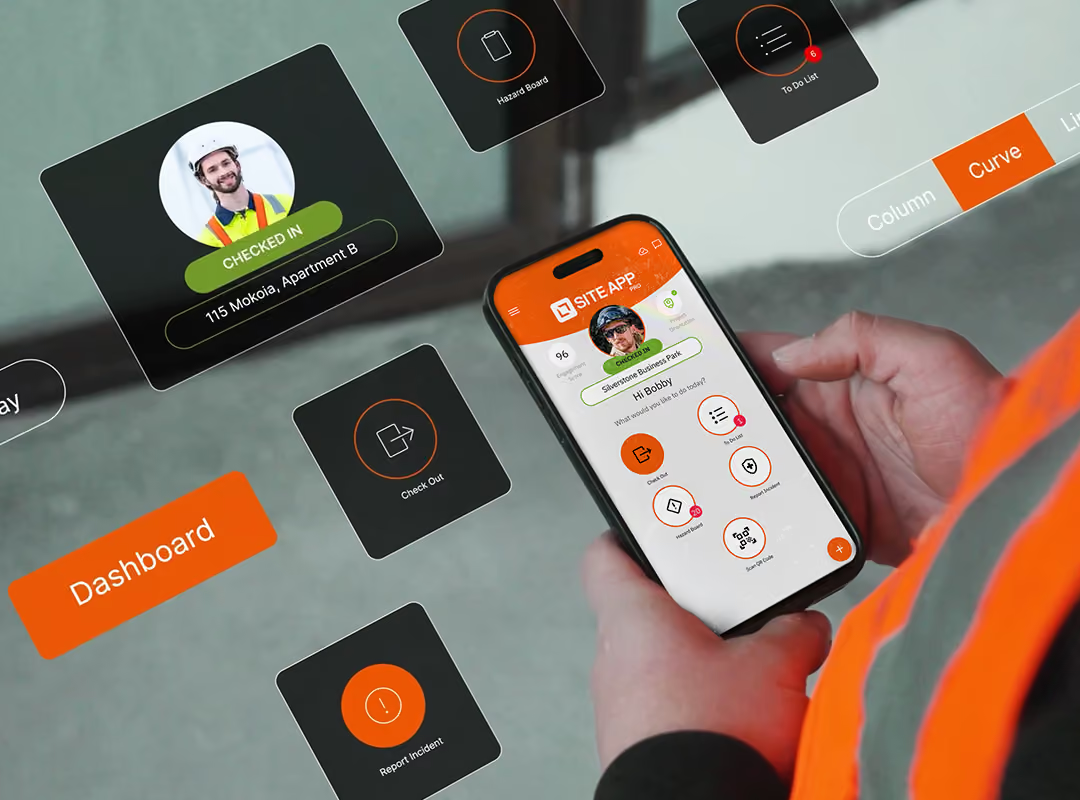
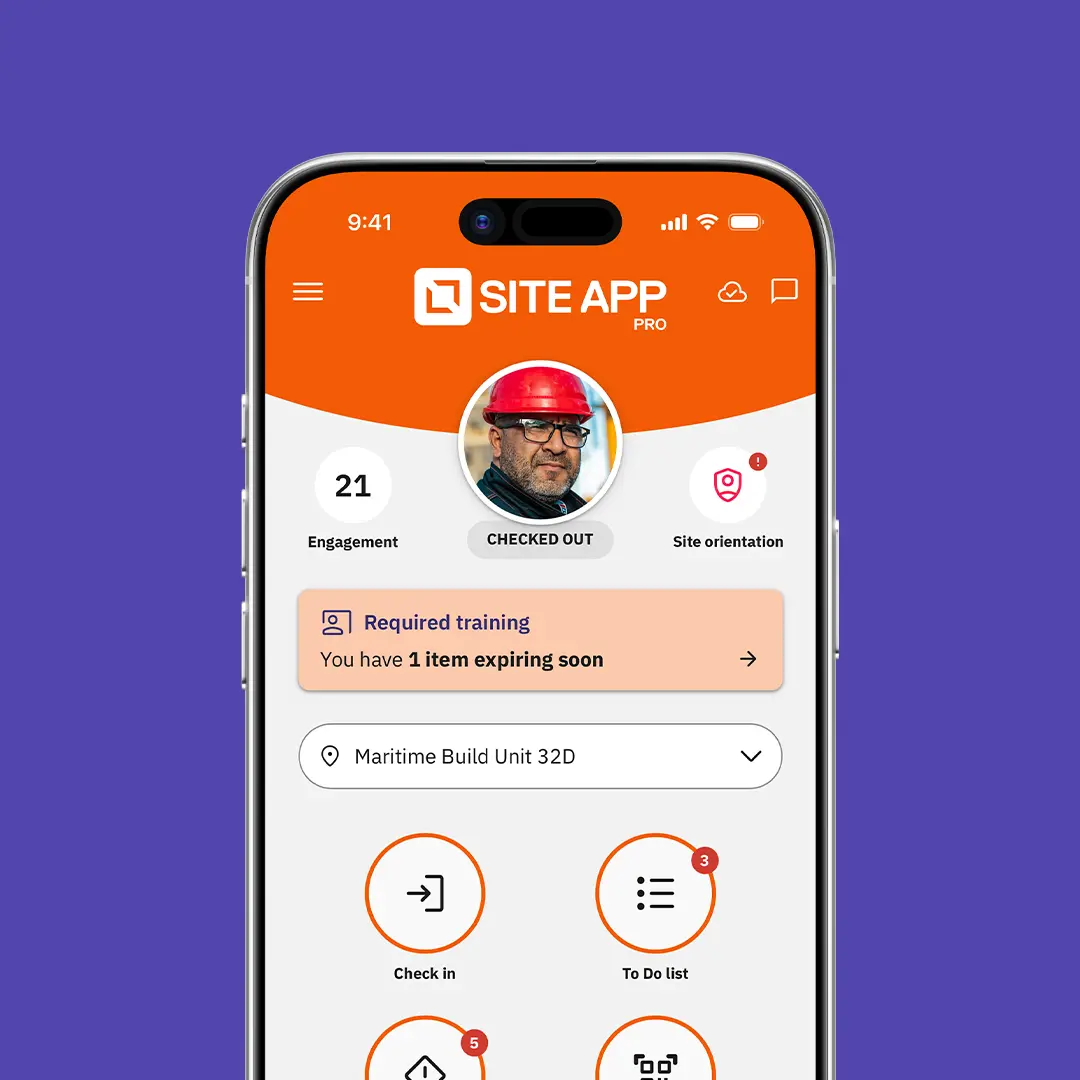
Site App Pro gives you a digital hazard board and register your team can see and acknowledge on site.
Digital hazard board: add or update hazards as they change, and your team acknowledges them when they check in or when a new hazard is added.
Templates you reuse: set up a master hazard register and copy it to similar sites instead of starting again.
Records in one place: reviews, risk assessments and related forms sit together and export when a client or auditor asks.
If you're not sure which hazards count as critical risks for your company, or how to rate them, an independent consultant can help you set up your register. Find a health and safety consultant who works in your industry.
Try Site App Pro for free
Start a 14-day free trial with no credit card required. We set up your account and upload your existing forms and hazard registers free of charge. Our NZ-based support team is there to help your team get started. Try Site App Pro for free.
A hazard register lists the hazards at your workplace, the risks they create and your controls. NZ law doesn't require one by name, but it does require you to identify hazards and manage risks. A good register is the clearest way to show you do.
Ryan Hartley
CEO
Disclaimer: Site App Pro does not provide health and safety or compliance advice. This guide has been provided for information purposes only. You should consult your own professional health and safety advisors for advice directly relating to your company or before taking action in relation to any of the content provided.
A hazard register and a risk register overlap, and many NZ companies use one document for both. A hazard register lists the things that could cause harm and their controls. A risk register usually rates and ranks the risks those hazards create. What matters to WorkSafe is that risks are identified, controlled and reviewed.
Small companies still need to identify hazards and manage risks, so a simple hazard register is a sensible way to record that. From 1 April 2027, companies with fewer than 20 workers have core duties focused on critical risks. A short register that names those critical risks and their controls is a practical place to start.
Contractors and visitors should know about the hazards that could affect them before they start. The HSWA requires PCBUs who share a workplace to consult, co-operate and co-ordinate with each other. Sharing the relevant parts of your hazard register at sign-in or induction is a common way to do that.
Health and safety management software for small to enterprise New Zealand companies.