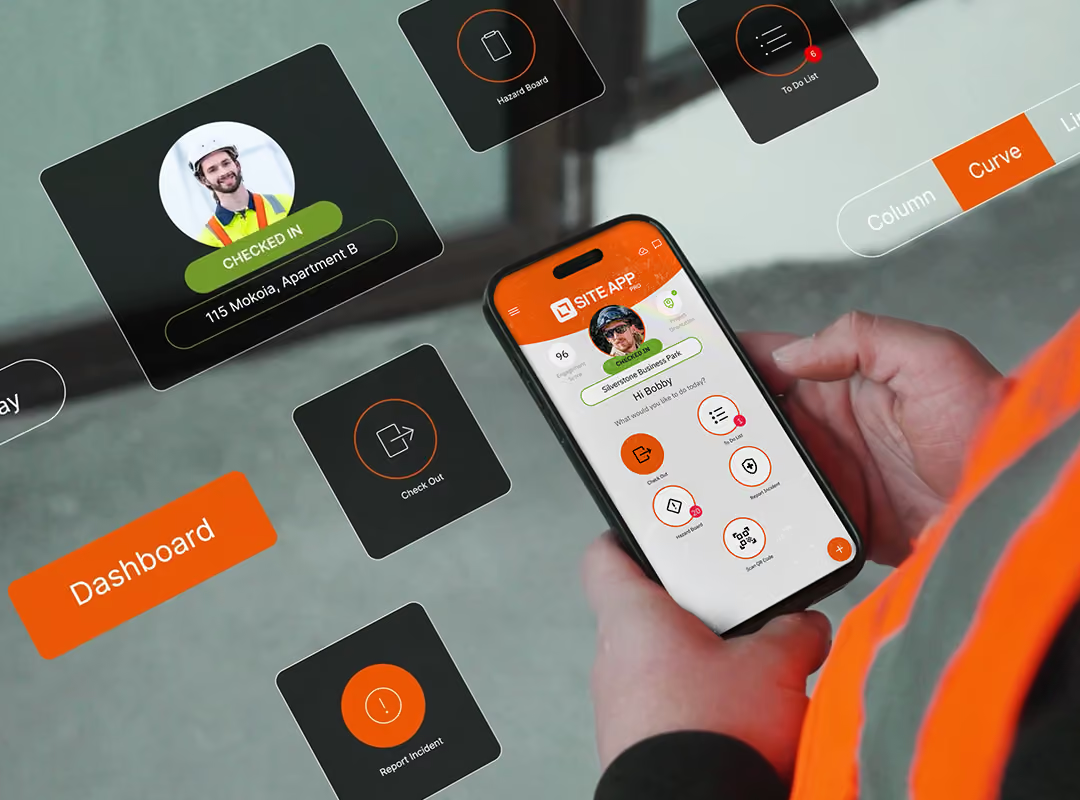
Assign mobile site induction training, host digital toolbox talks and build custom training forms to give you visibility of your workers’ current and expiring qualifications, plant tickets and CSCS cards across construction worksites.


IN THE OFFICE
Streamline your training records into one platform. Admins can build specialised training tasks, toolbox talks and assign training forms to entire teams. Automated expiry notifications alert you to renew qualifications, card and plant tickets, giving you that true peace of mind that nothing is missed.
ON THE CONSTRUCTION SITE
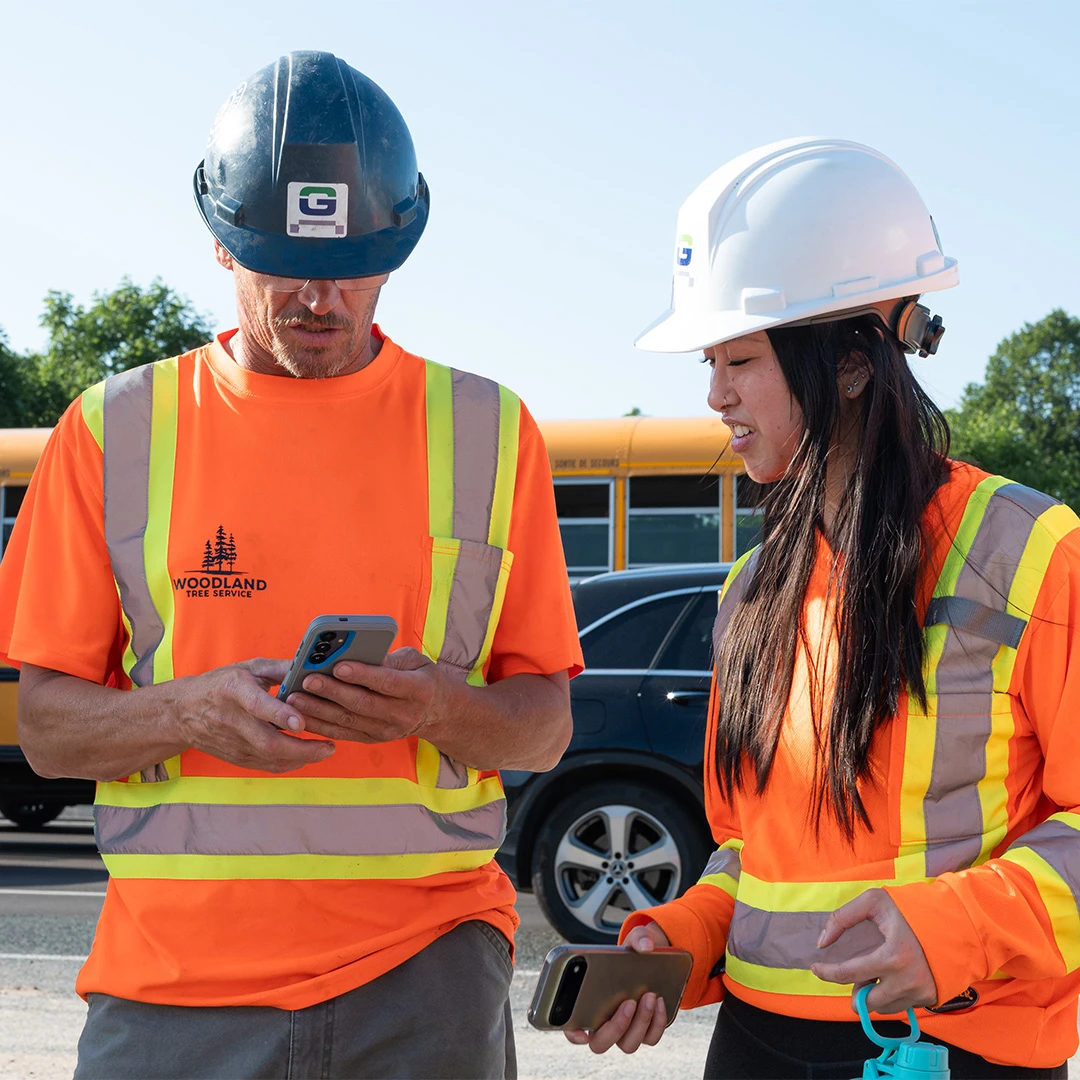
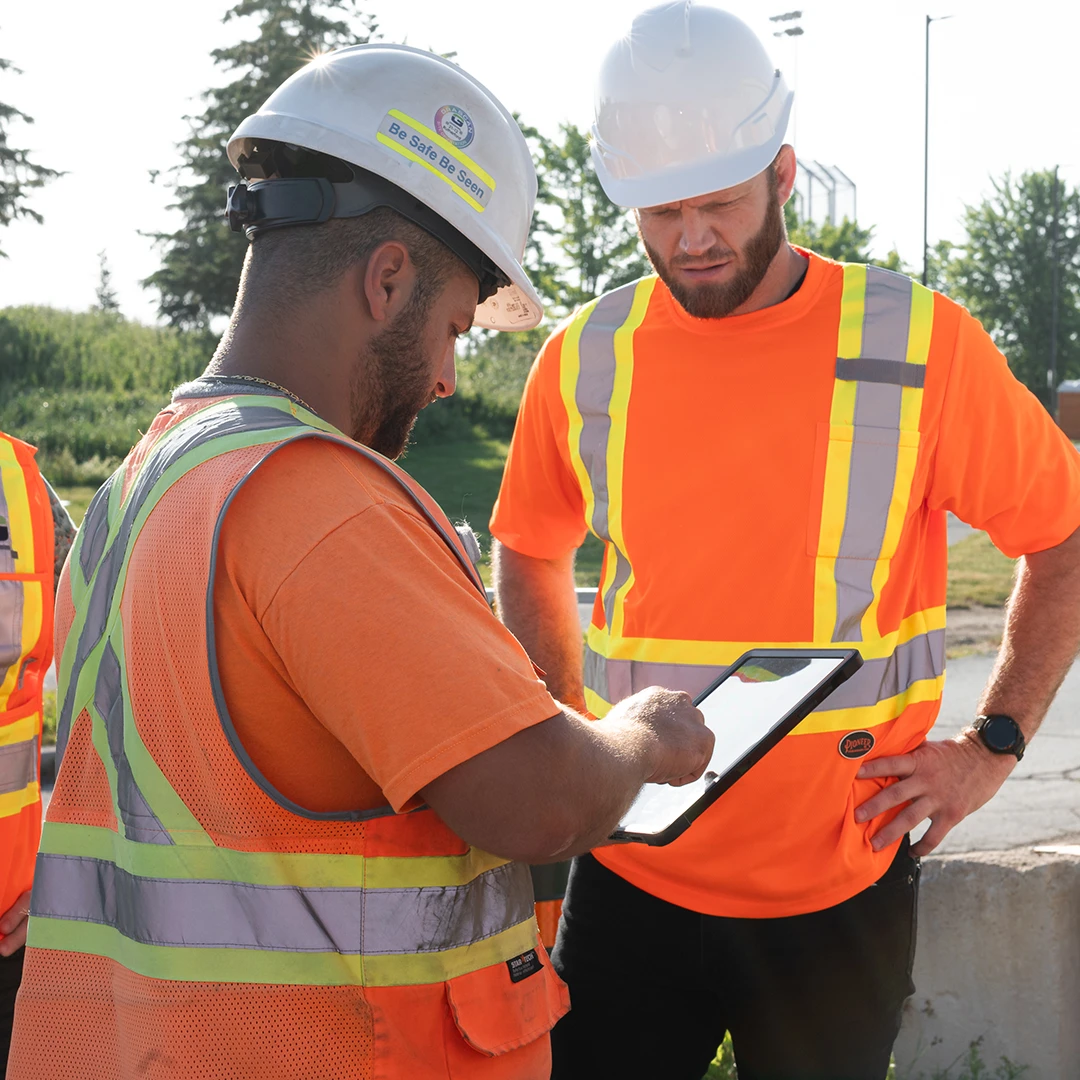
Workers can complete digital site inductions, review standard operating procedures, and take safety quizzes straight from their safety app. Supervisors can easily verify operator training completion for high-risk work like mobile plant and heavy machinery operations, working at heights, or within hazardous environments to keep everyone protected.

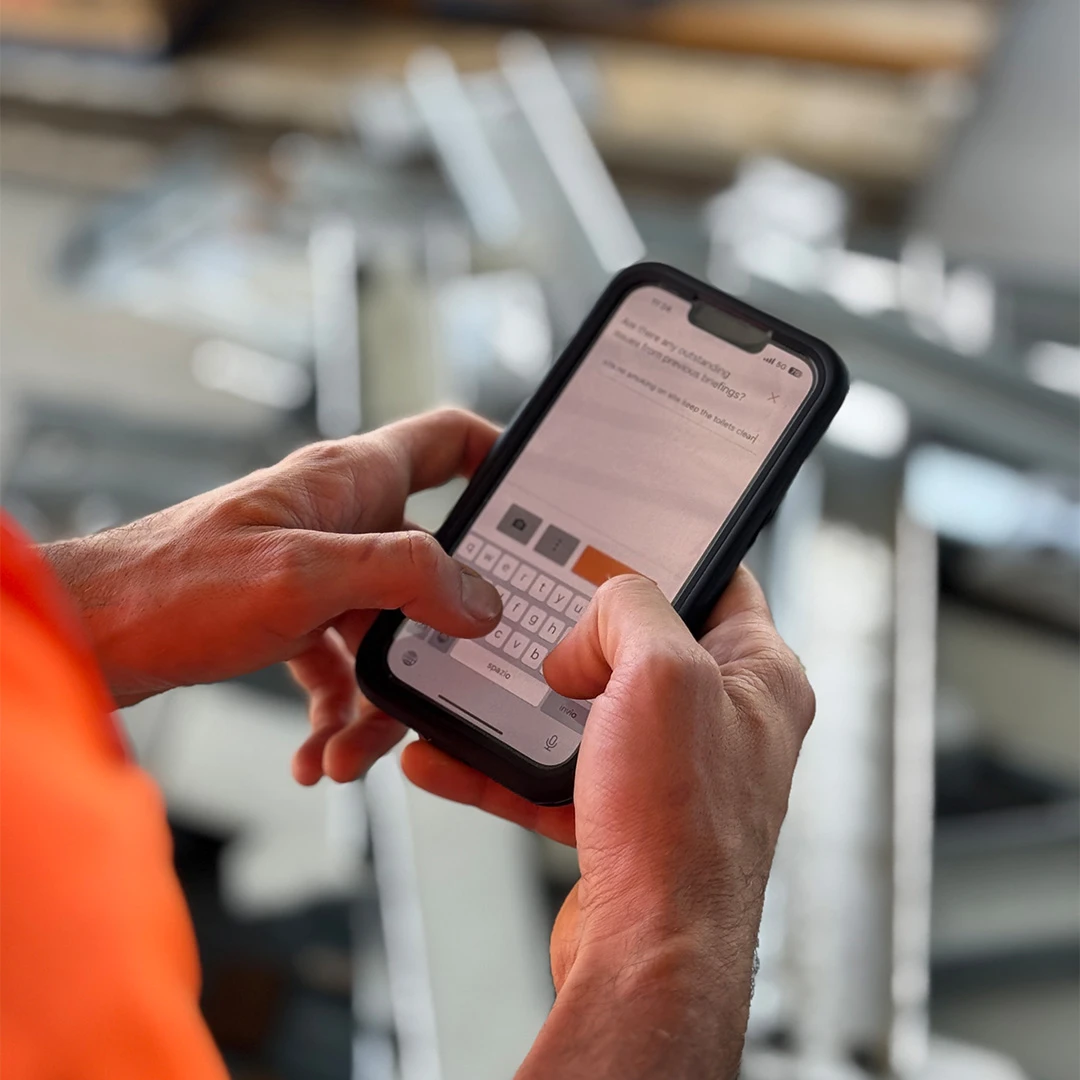
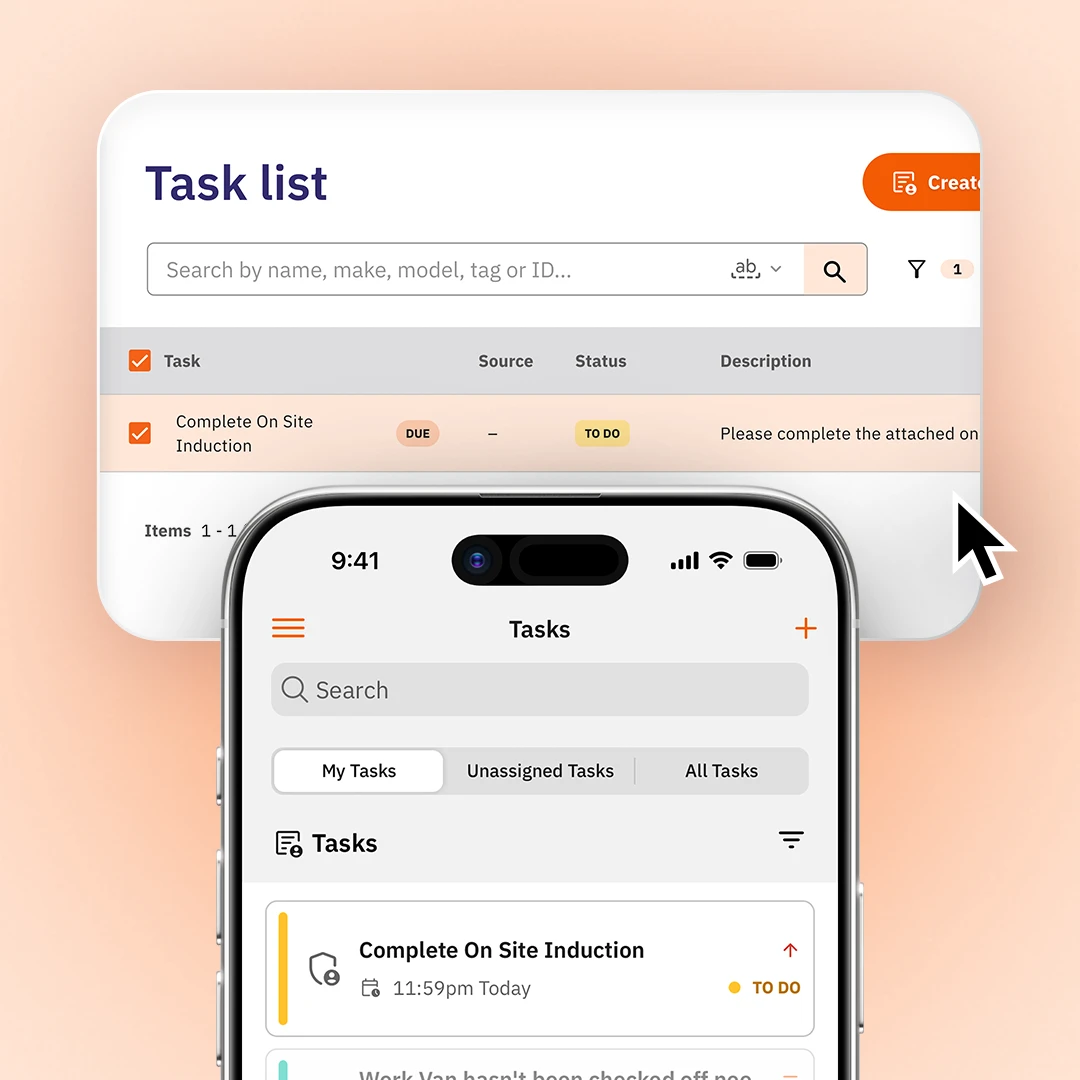
Site App Pro enables your team to complete site inductions digitally through the mobile site induction app, allowing them to instantly acknowledge hazards, first-aid arrangements, and emergency assembly points. If an induction requires in-depth site training, you can easily embed training videos directly into your training forms. Once a worker finishes their induction, the system automatically logs the completion straight into their training history.

Reduce the admin pressure of chasing your team to complete training. With Site App Pro, you can seamlessly assign mandatory training forms to an entire group or specific workers, overseeing completion rates for everyone. Schedule these tasks in advance so your team can complete their learning independently through their app or together with their supervisor.

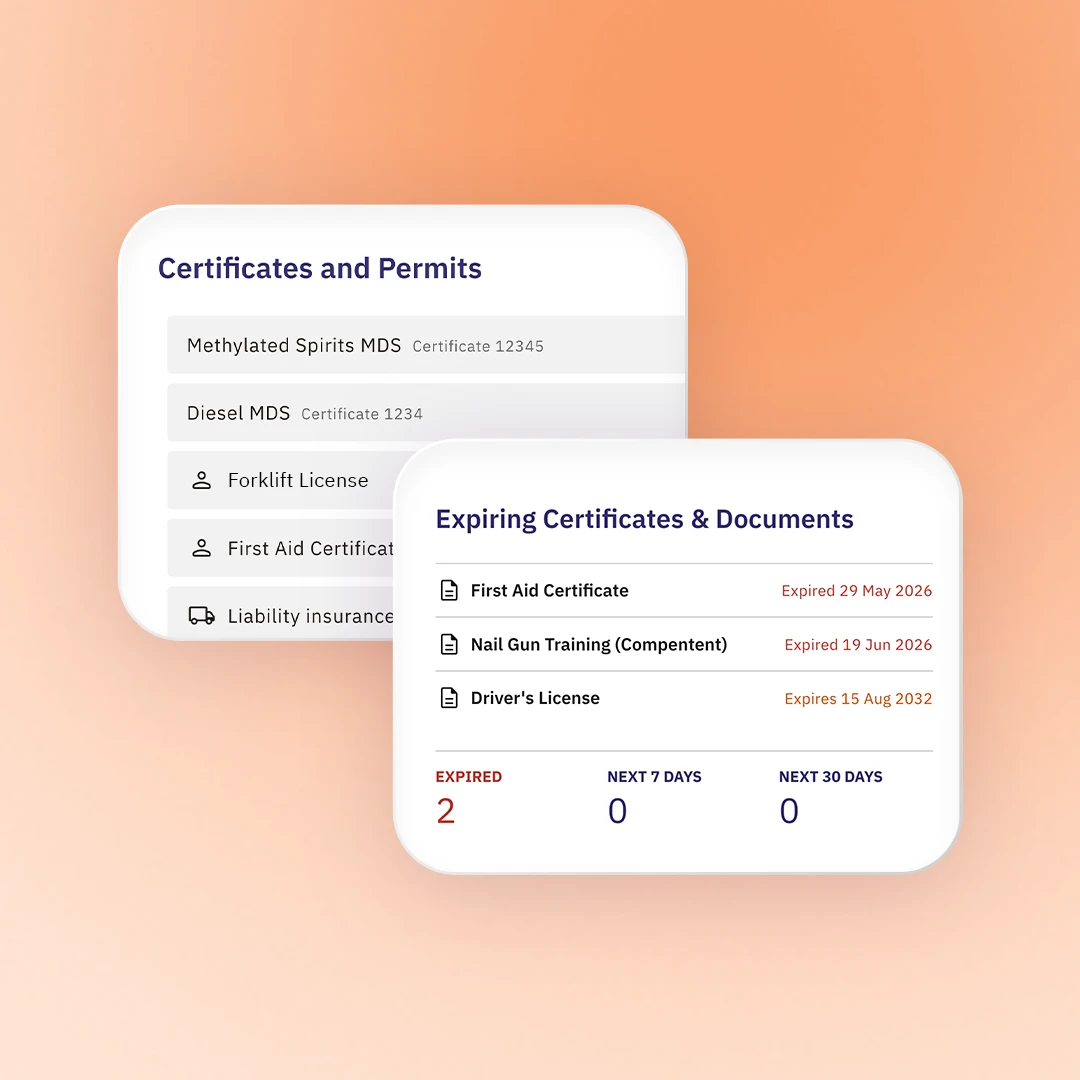
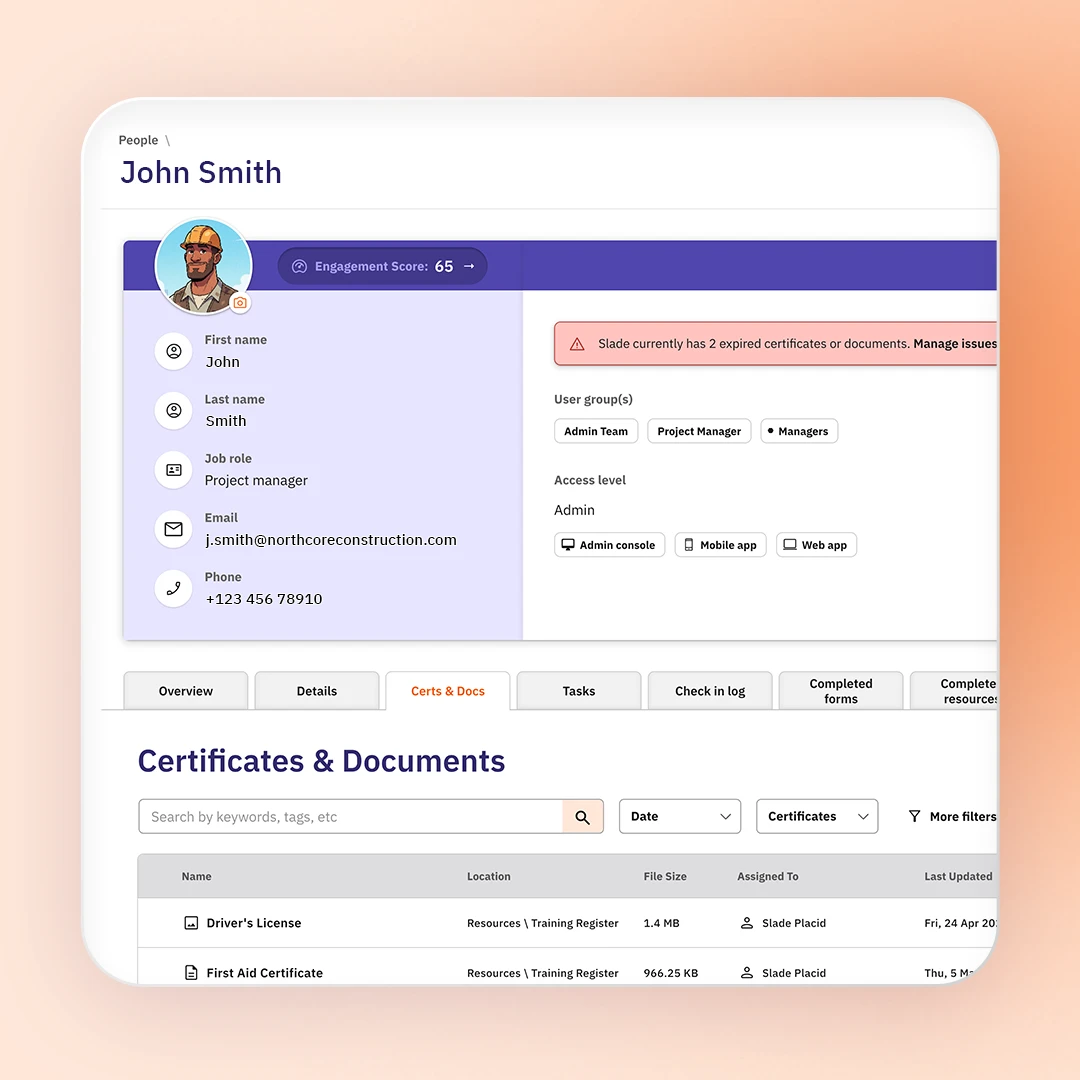
Don’t let expired licenses and unverified certifications stall work on site. Site App Pro stores and tracks competencies and first aid qualifications under individual worker profiles, triggering automated alerts before they expire. At the same time, you can log and manage temporary, daily permits to work so that it is clear to everyone on the tools that approval has been given to complete high-risk jobs.

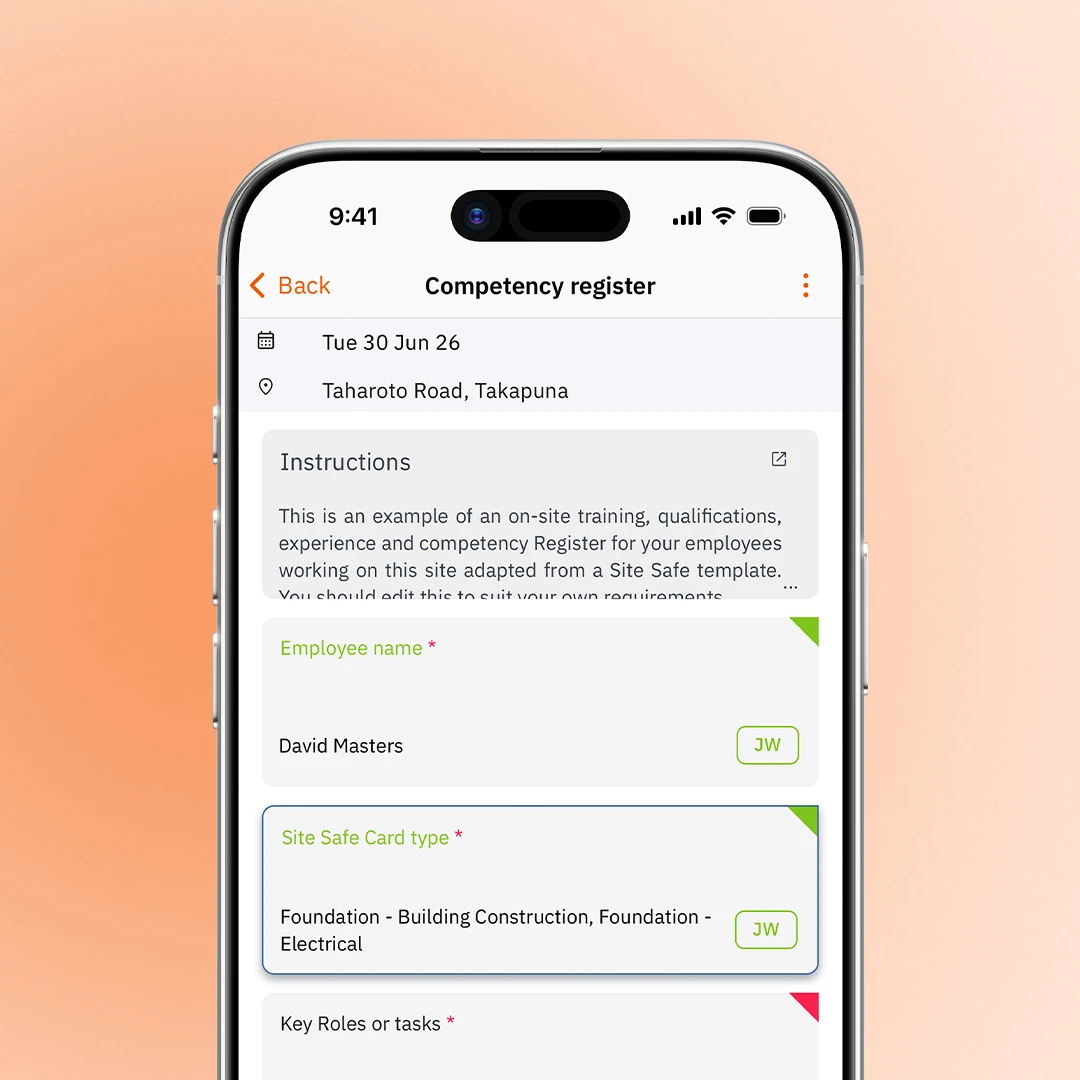
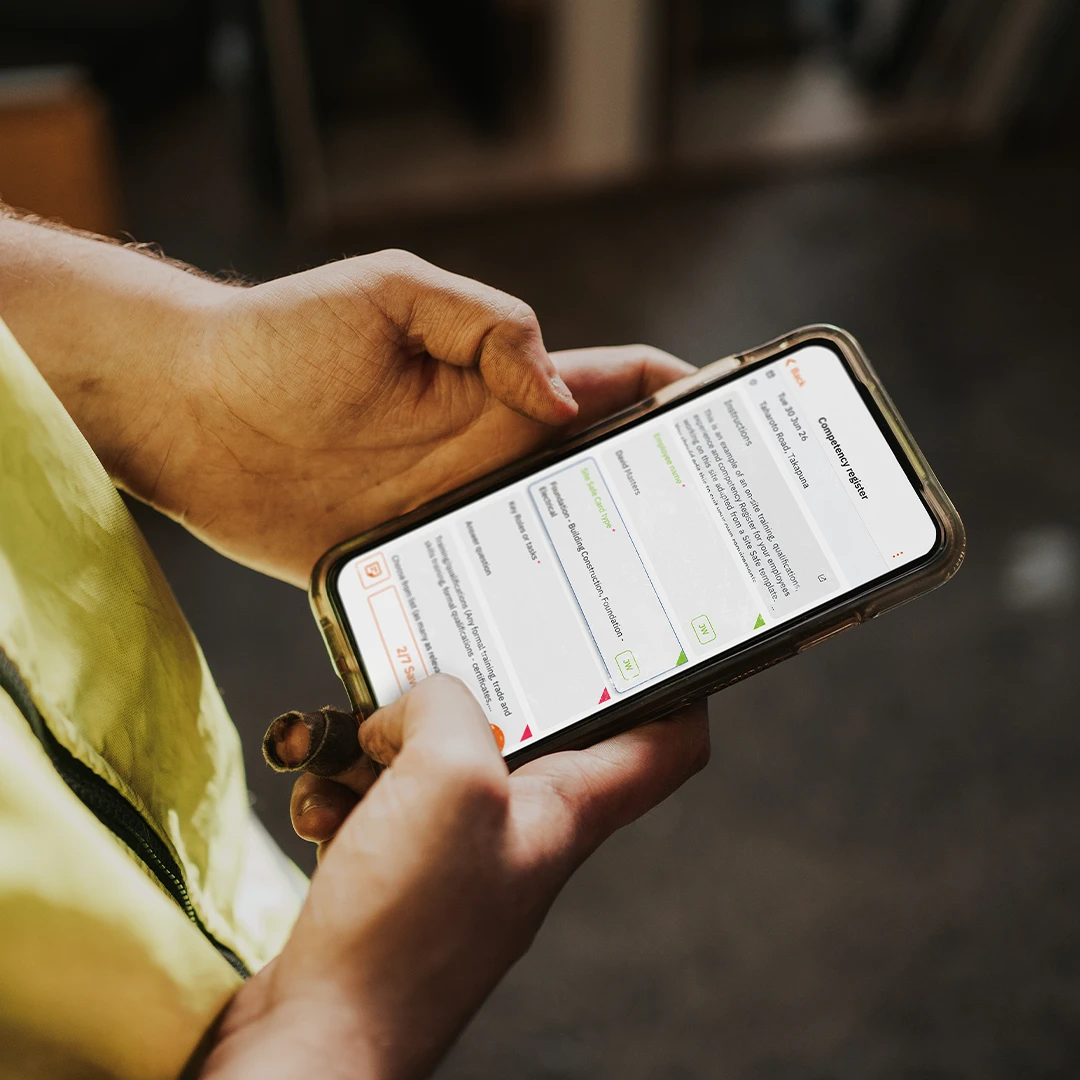
Transform manual record-keeping into a live database for your team or located directly under each worker’s profile. You can use Site App Pro to log operational skills for high-risk machinery, confined spaces, asbestos removal, scaffolding, and traffic management - including years of experience, competency levels, and uploaded licenses. By categorising safety forms, RAMS, and completed training quizzes, the platform builds a history of safety activity.

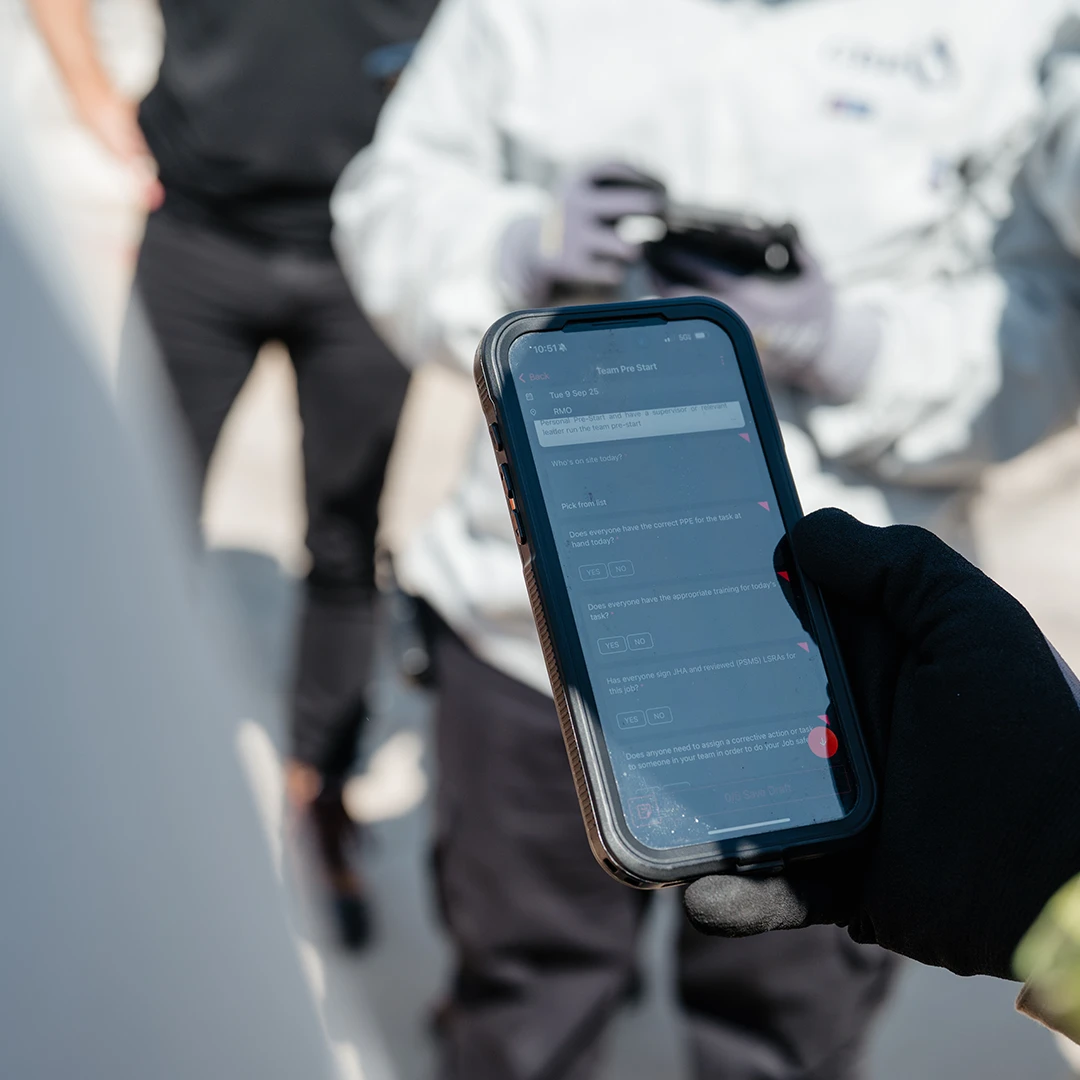
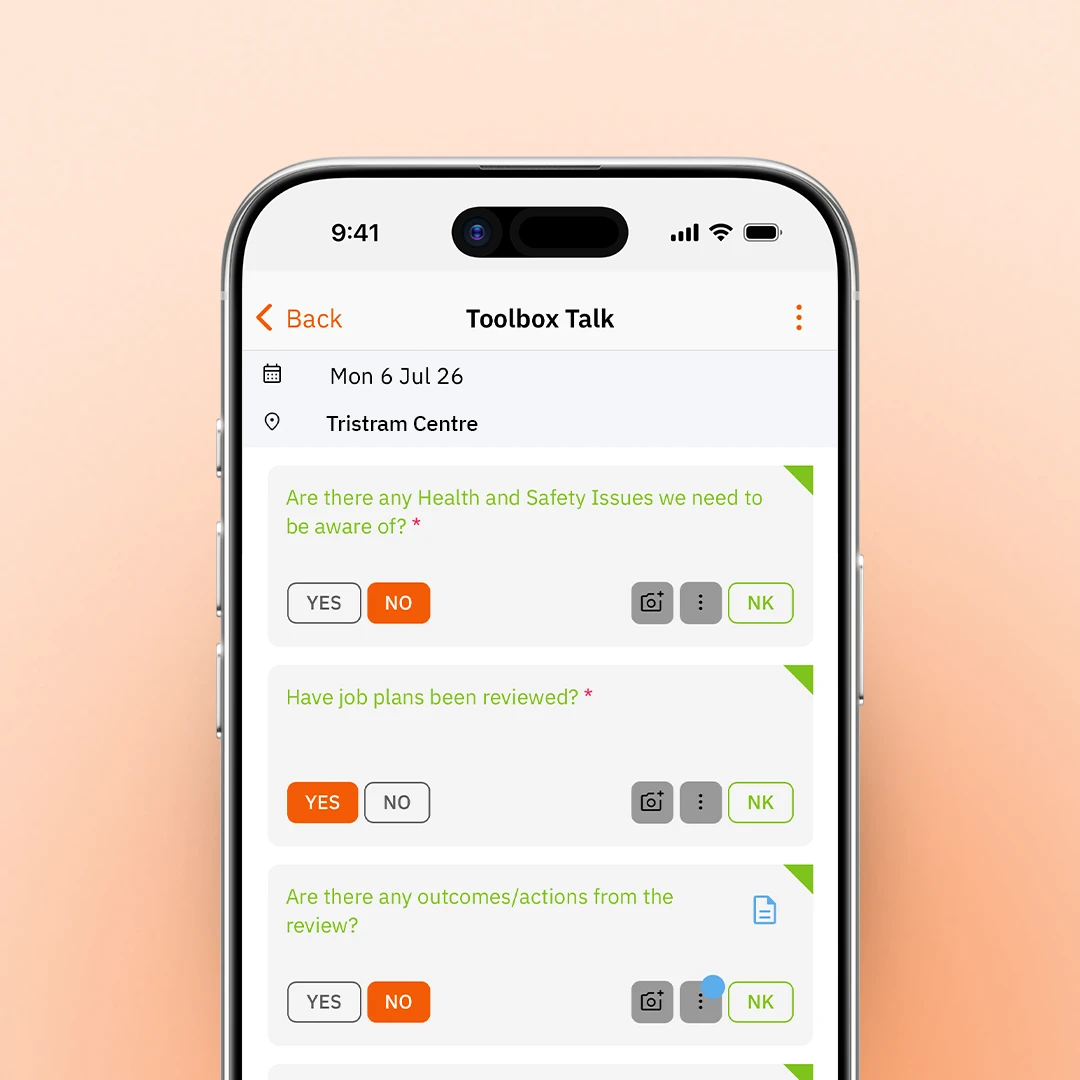
Run digital toolbox talks from any device with Site App Pro. Schedule weekly safety topics straight to your team’s mobile safety app, capture worker acknowledgments using digital signatures, and generate an attendance report in seconds. It eliminates paperwork and gives you an audit-ready compliance log to hand directly to inspectors, keeping your construction sites connected and compliant.
Create custom training forms and track credentials for workers across every site.
Track vehicle pre-starts, hour meters, and routine mechanical servicing.
Record live asset tracking, permits, and test-and-tag tool compliance.
Training to familiarise workers with site-specific safety rules.
Safety authorisation for welding, cutting, or spark-producing tasks.
Our toolbox talks software enables you to manage and schedule daily safety meetings.
Manage site-specific risk assessments and structural demolition permits.
Step-by-step safe work instructions directly on the tools.
Manage fall-protection compliance, harness inspections, and high-risk elevation safety.
Mandatory safety checklists before entering restricted, enclosed areas.
Track which workers perform dangerous tasks and when.
Track specialised licensing and exposure logs for handling toxic materials.
Live log tracking equipment maintenance and compliance checks.
Formal authorisation required for high-risk, specialised activities.
Verify worker competency for operating specialised machinery and heavy plants.
Manage every worker’s training, certifications and licenses in their individual worker profile.
Test worker comprehension of site policies and operating manuals.
Log skill development or operational site checklists.
An individual's full history of safety activity and credentials.
House critical standard operating procedures and safety documentation for reference.
Trigger automated alerts before licenses, permits or certifications lapse.
Store individual credentials alongside site-specific approvals.
Control system permissions based on job role.
Group workers by role to deploy relevant compliance requirements automatically.
Send completed forms to management for mandatory sign-off.
Centralise verified employee skills and operating licenses in one location.

Site App Pro tracks every certificate and training record automatically. You'll see what's expiring in the next 3 months right on your dashboard and on each staff profile, plus optional email or push alerts before anything lapses.
Every certificate is attached directly to a staff member's profile, so your team can pull it up on their phone through the safety mobile app whenever they need it on site.
Generate training history for any staff member, or for your whole team, and email it straight to the client.
Give auditors their own read-only login so they can view your training records directly, or simply pull up the report on a tablet and walk them through it live.
Set any training form to repeat daily, weekly, or monthly so it lands automatically on your team's to-do list, or assign one-off training tasks to specific people with a due date.
A toolbox talk is a short safety briefing held with your team before work starts. It covers a specific hazard, task, or procedure relevant to that day or week. They're one of the most effective ways to keep safety front of mind on site.
Use a scheduled toolbox talk form in Site App Pro that has a repeat signature section so every worker signs off in their safety app. You can automatically rotate a new safety document or video into each session and ensure attendance is captured, stored, and reported.