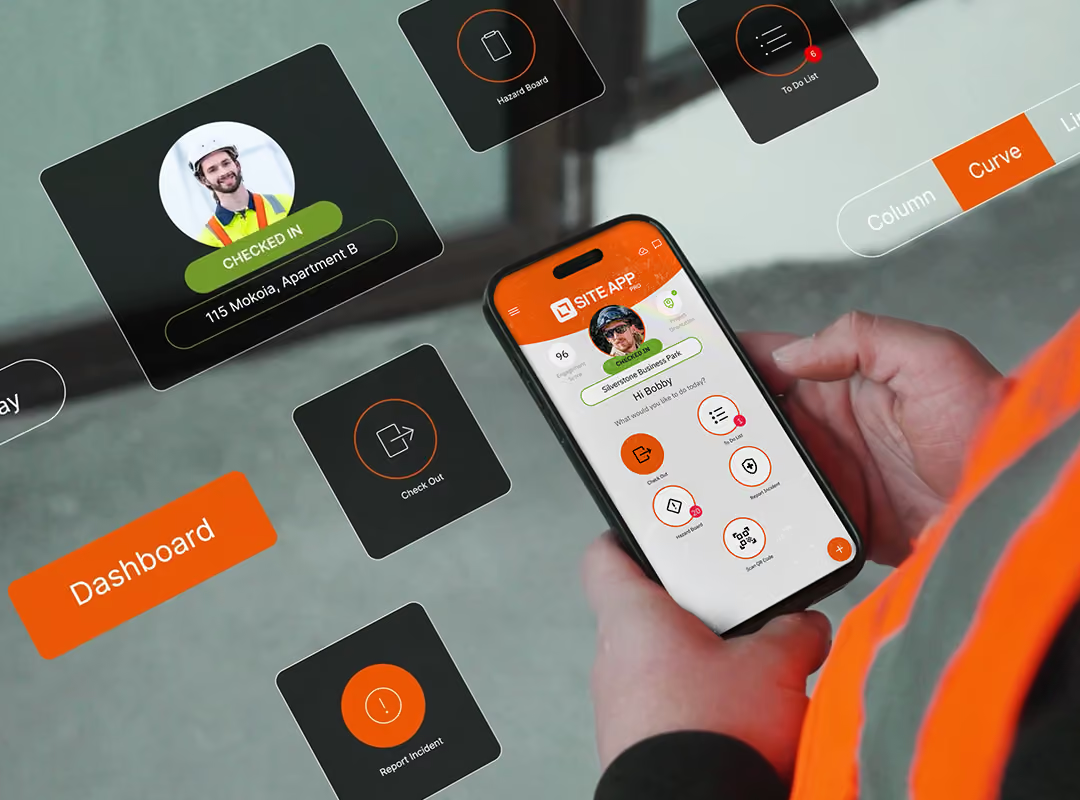
Empower workers on construction sites to complete health and safety forms that flow directly into the activity feed and populate Site App Pro’s reporting and compliance dashboard in real-time. This eliminates administrative delays, transforming daily site inputs into immediate, actionable visibility for your office teams.


IN THE OFFICE
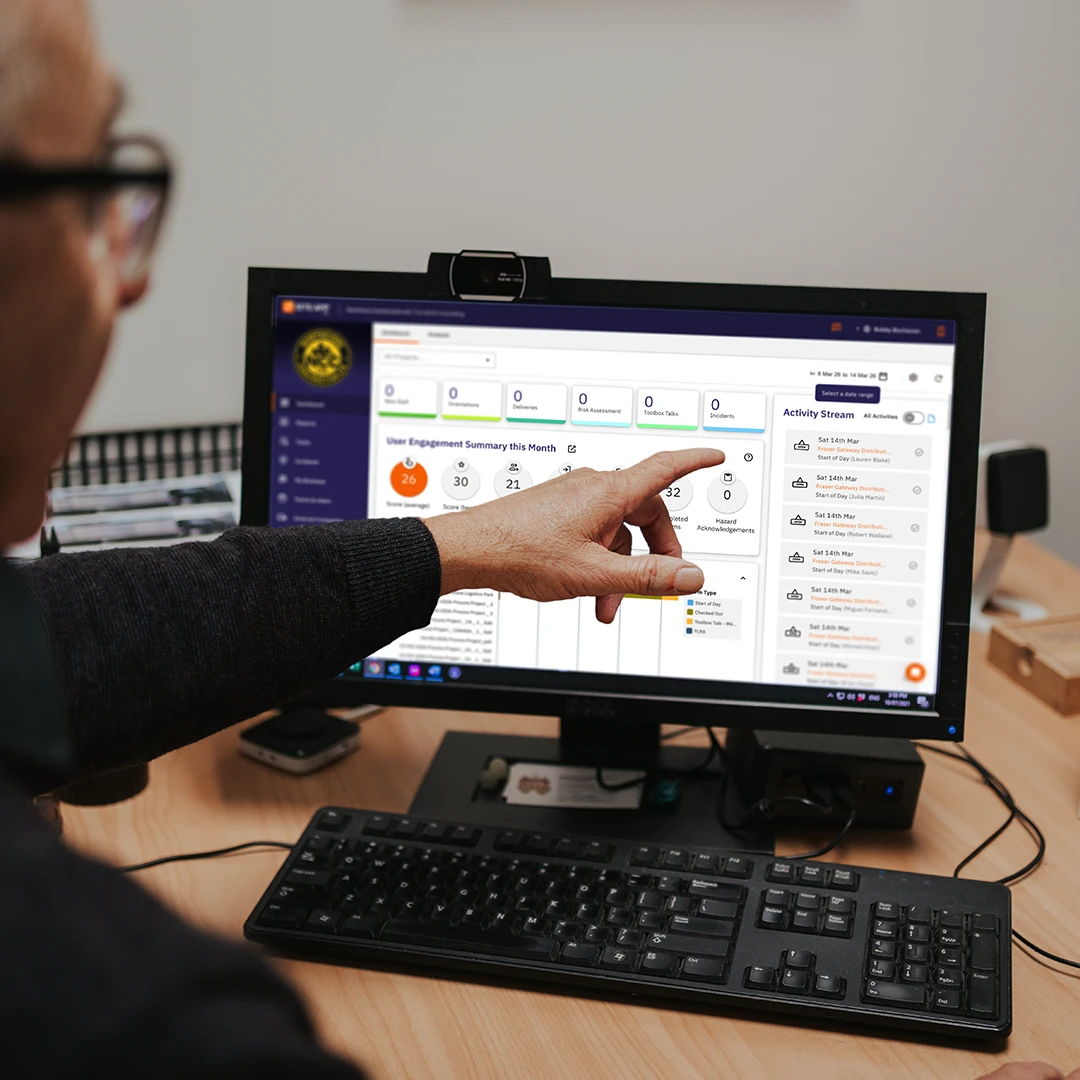
Health and safety managers use the dashboard to analyse real-time site activity, trends and form completion rates. These convert into live safety reporting and insights that give you full visibility over risk and compliance. For seamless audit preparation, compile and export individual forms into clean datasets, customised with your company logo for a professional presentation.
ON THE CONSTRUCTION SITE
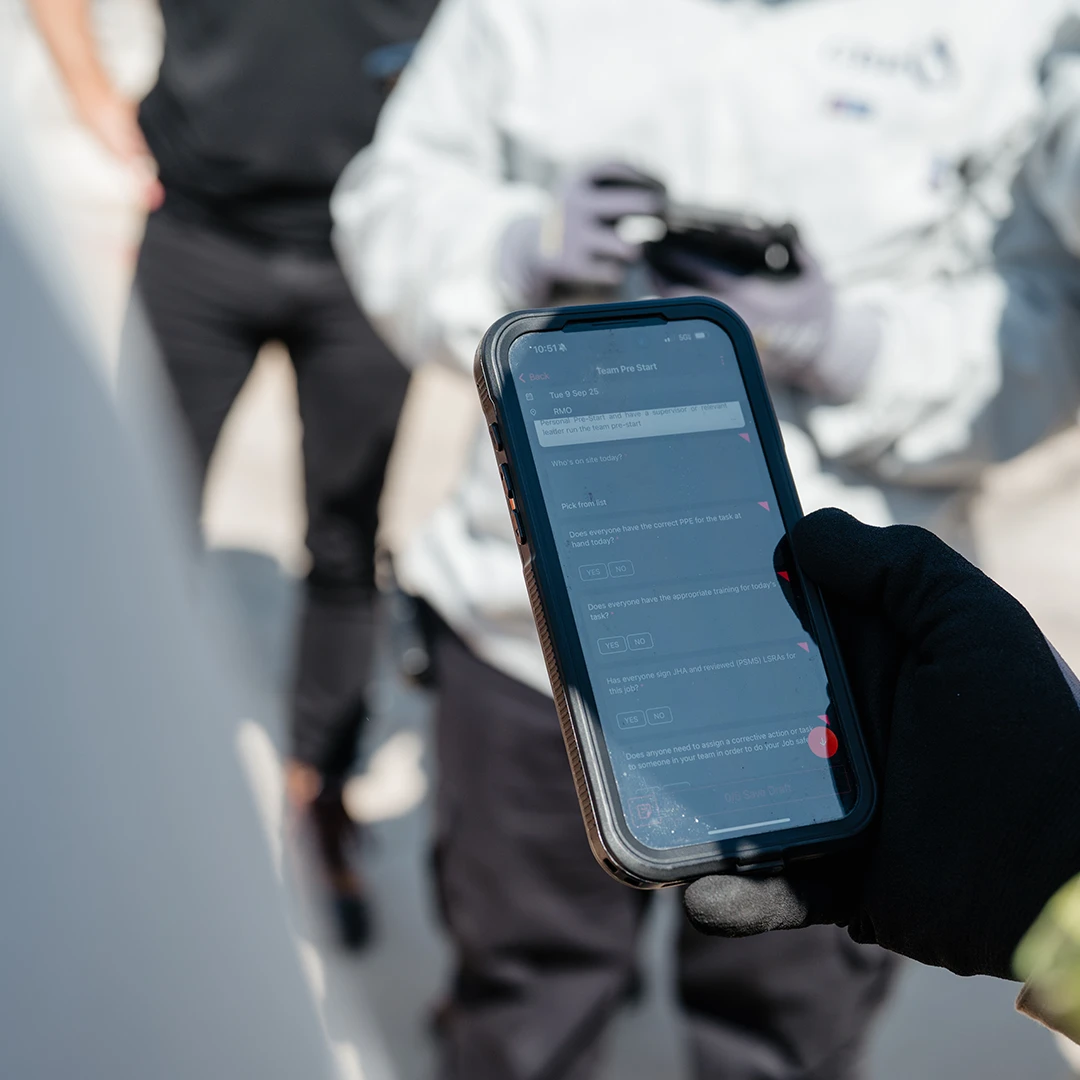
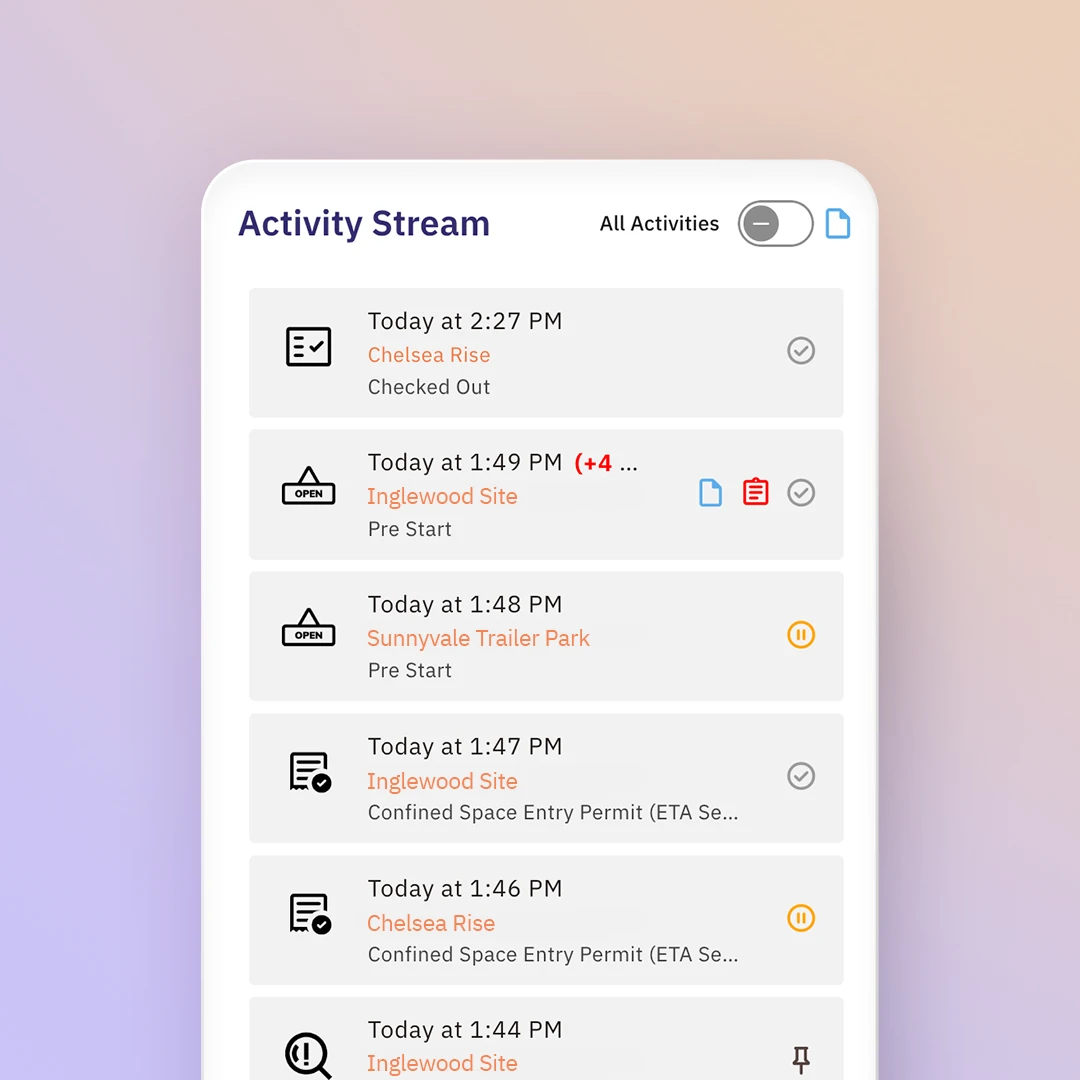
Workers can quickly log risk assessments, complete daily pre-starts, and notify hazards through the health and safety reporting app as they happen on the ground. Supervisors can access a live activity stream and form completion rates.

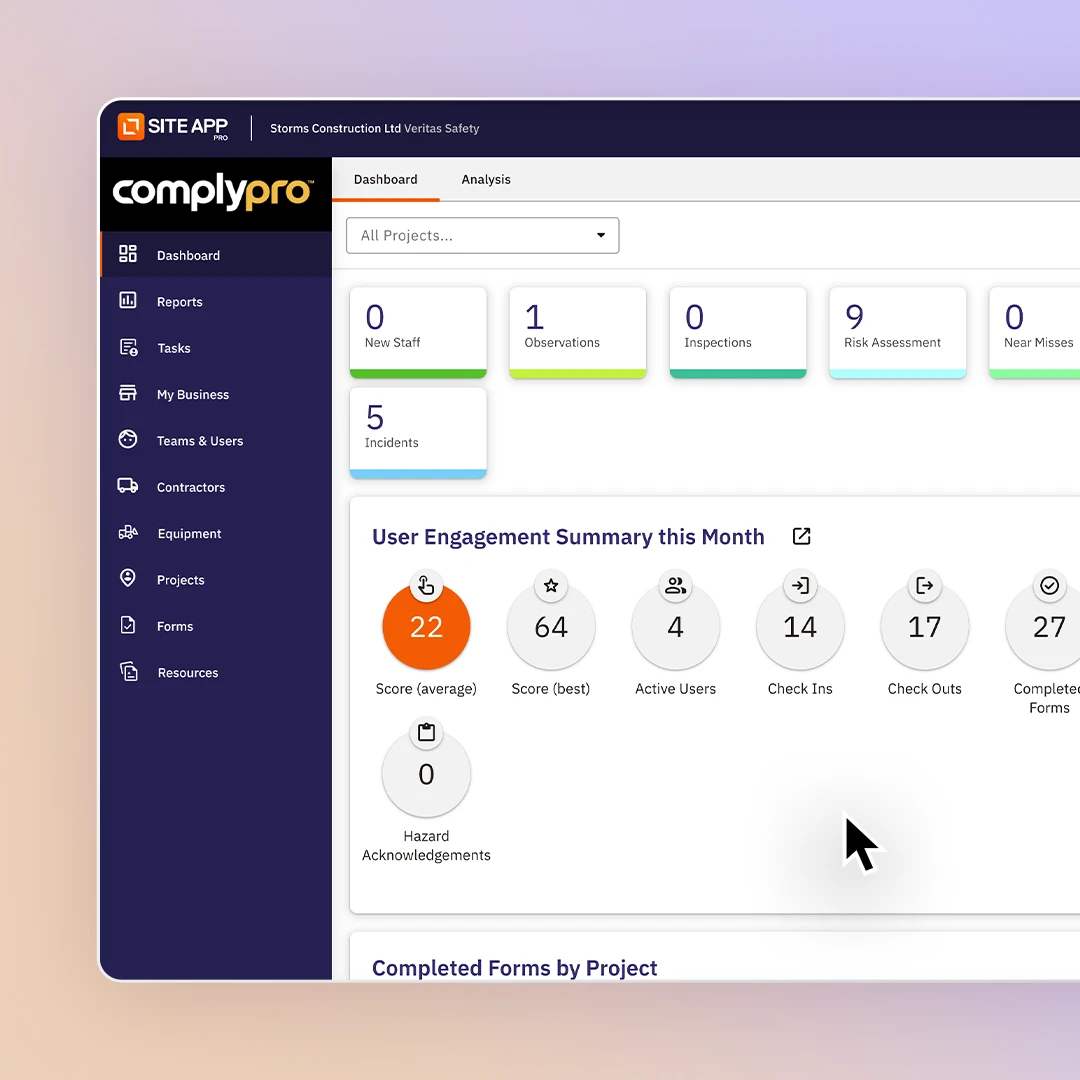
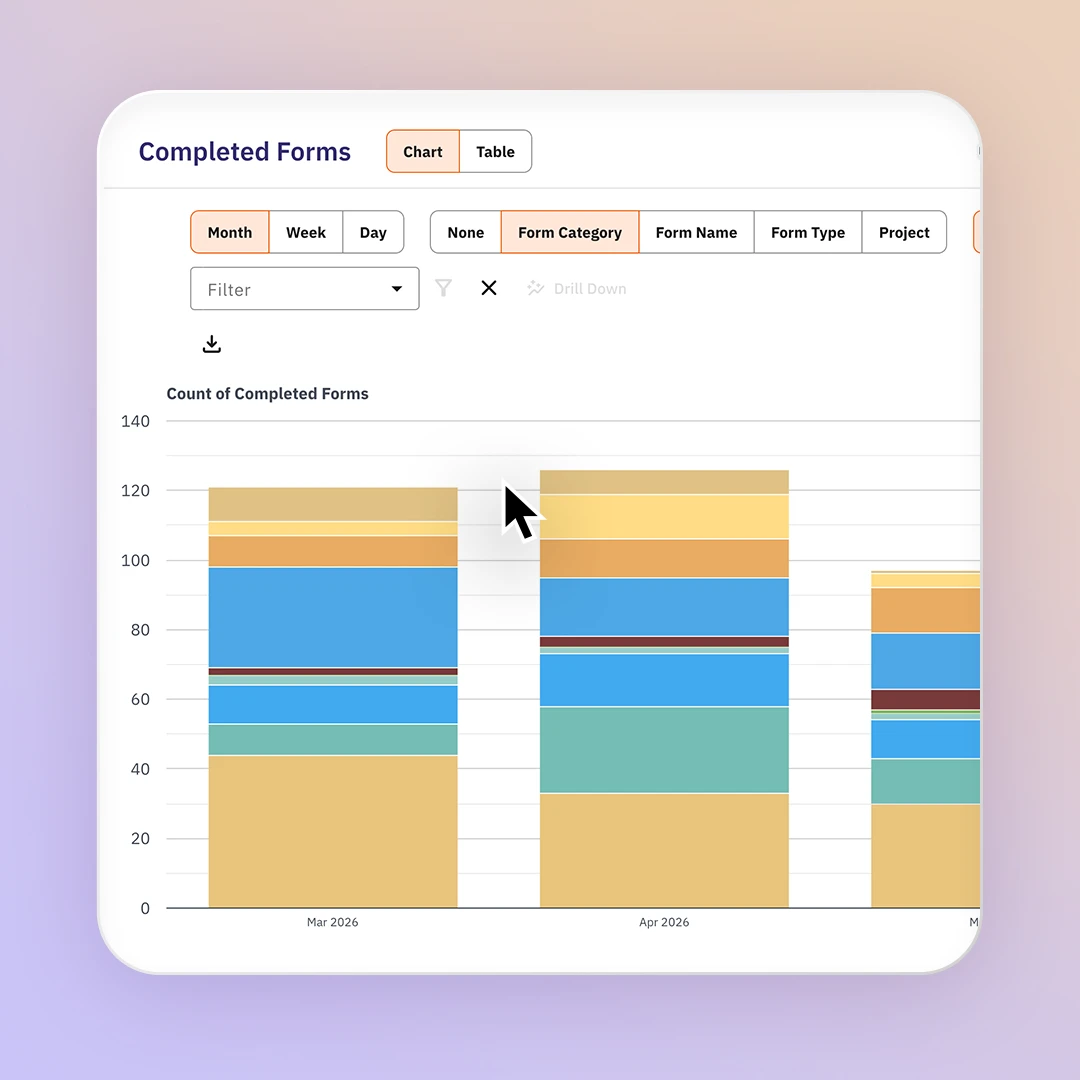
Gain complete oversight of your team’s safety engagement with our live web-based reporting dashboard. Packed with easy to understand, dynamic pie charts and bar graphs, Site App Pro breaks down completed forms by site, user, or type. Track real-time user engagement scores, safety KPIs, upcoming tasks, map active site locations, review health and safety incident analytics and view upcoming certification expiration dates. Simply adjust your custom date range to analyse specific trends, turning everyday safety activity into insights.

Remove the complexity of navigating raw data in spreadsheets with Site App Pro’s trend analysis tool. Filter and drill down into completed forms, responses, and hazards instantly. By adjusting date ranges and form details, you can isolate critical data points and visualise them across column charts, line graphs, or table views. This flexible compliance dashboard enables you to interrogate safety performance from multiple sources, exposing worksite risks before they escalate. Once you have built your dataset, you can export the safety report as a CSV or PDF file in our safety audit software.

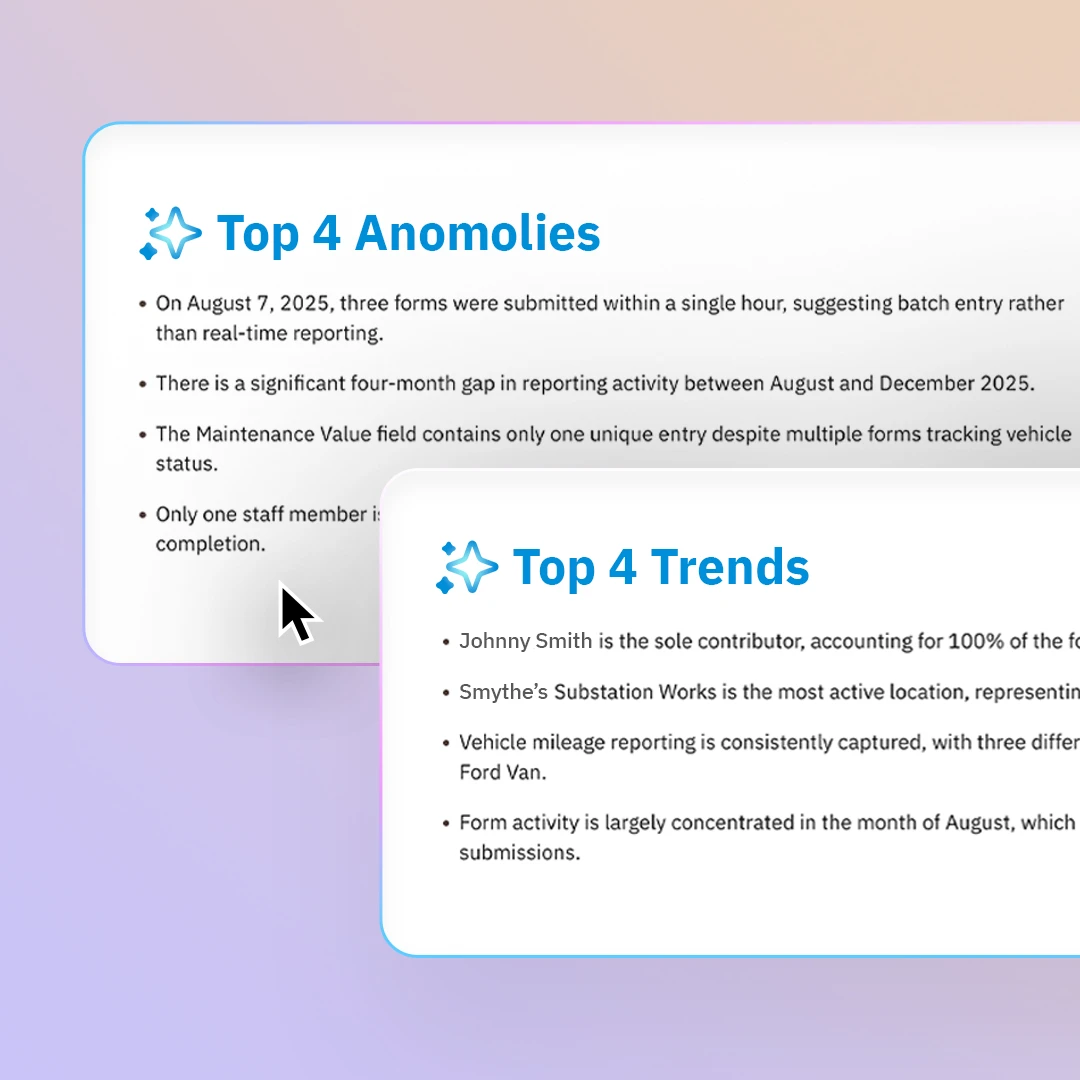
Instantly summarise your compliance data using Site App AI. You can compile, view, and export individual or bulk completed form reports, filtered instantly by site to print or email directly to stakeholders. Save valuable time by letting our built-in AI summarise complex safety data like incident analytics for your health and safety board reports that are ready to present in your next management meeting.

Monitor a live activity stream of worker engagement for every site as it happens on the ground. When a worker logs a risk assessment, starts an inspection, or checks into a project, the action updates instantly in your compliance dashboard. Adjust your notification settings so you are notified when something requires immediate attention, such as equipment needing a service, or an incident happens on-site.

If an auditor reviews your operations, you can give them direct access to your safety audit software to view and analyse your entire history of safety activity. Every form, signature, and record logged is securely backed up long-term and available for full download at any moment. If an auditor arrives unexpectedly, site supervisors can instantly display live training certificates, active permits, and critical safety resources directly from their site audit app.
Analyse real-time safety data visually in the reporting and incident dashboard, then export into a CSV or PDF.
Summarise form insights with Site App AI to identify trends.
Track outstanding safety tasks, assigned workers, and close-out dates.
Workers can complete near-miss reports through their safety app.
Track total visitor check-ins, worker hours, and real-time site occupancy.
Monitor asset service histories, mechanical pre-starts, and active maintenance logs.
Map team skills against required roles and licenses.
Deliver a comprehensive compliance overview for one specific project location.
Summarise completed digital site checklists and daily compliance forms.
A report outlining on-site accidents. Can be completed through the incident report mobile app.
Generate a report for a custom time range for completed site safety forms.
Verify training plans and safety sign-offs across your team.
Evaluate compliance against regulatory safety standards comprehensively.
Centralise a worker’s log of completed safety learning courses.
Capture and log active workplace risks before accidents happen.
A log of close calls that have happened on-site.
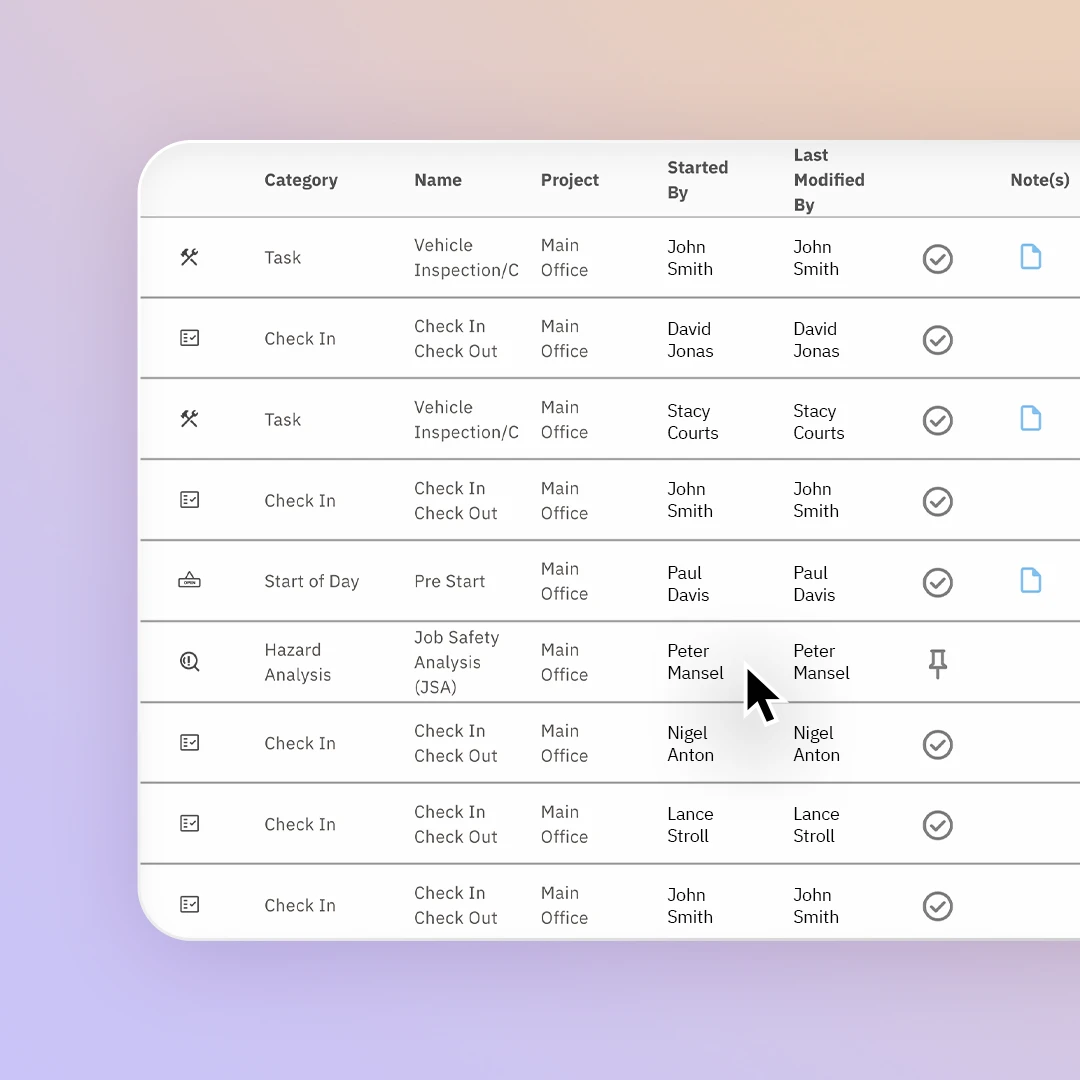
Track a historical log of completed safety forms and give auditors access to review your history.
Audit physical site conditions, structural integrity, and environmental controls.
Record worker injuries, medical treatments, and immediate site impacts.
Analyse root causes and regulatory evidence following a workplace incident.
Site App Pro’s reporting tools enable you to analyze and visualize trends and summaries.
In PDF or CSV formats. You can also print the forms.
Maintain live and historical safety records.
Search through the database and use advanced filtering to drilldown data.
Lock exact dates and times onto every submission automatically.
Record version history of who edits a form and when they edited it.
Automatically capture the form version as edits are made to the form template.
Review how engaged your workers are with the health and safety processes.
See in real-time the activity from every worker on every site as forms and tasks are completed.
Log a list of visitor details of who has signed into the site and signed out.

You don't need to write one from scratch - generate a report in a click, or use our Site App AI form report summary to turn months of submissions into a report with key trends highlighted.
As often as you like, reports are generated on demand for any date range. You can also set up automatic daily or weekly summary emails.
Every team member, including contractors, gets an engagement score based on their activity in the safety app. View it individually or pull a full team report to see who's engaging and who isn't.
Yes, bulk upload templates make it easy to migrate your equipment, staff, and incident records from spreadsheets, and integrations can keep data syncing automatically going forward.
Yes, every form, report, and list in Site App Pro can be exported as a PDF or CSV - for audits, client requests, or your own records.
Reporting is built around three views: a high-level summary, a deep-dive form report for one form type at a time, and a full completed forms log you can search and filter any way you like.
All your data is stored securely in the cloud and accessible anytime through your desktop platform, with the mobile safety app syncing automatically once you're back online.
Yes, your dashboard tracks completions by site, staff, and form type, flags upcoming expiries, and our Site App AI form report summary tool can surface trends and anomalies across months of data automatically.
Yes, build any audit checklist with photos, scored questions, yes/no checks, and digital sign-off. Completed audits are stored and can be exported as a PDF and any issues can be turned into a corrective action on the spot and tracked through to completion.
Your team can complete forms such as audits, pre-starts, inspections, and incident reports with no internet connection. They're stored on the device and sync automatically when you're back online. Workers can also view up to 12 months of their saved forms from the mobile safety app.