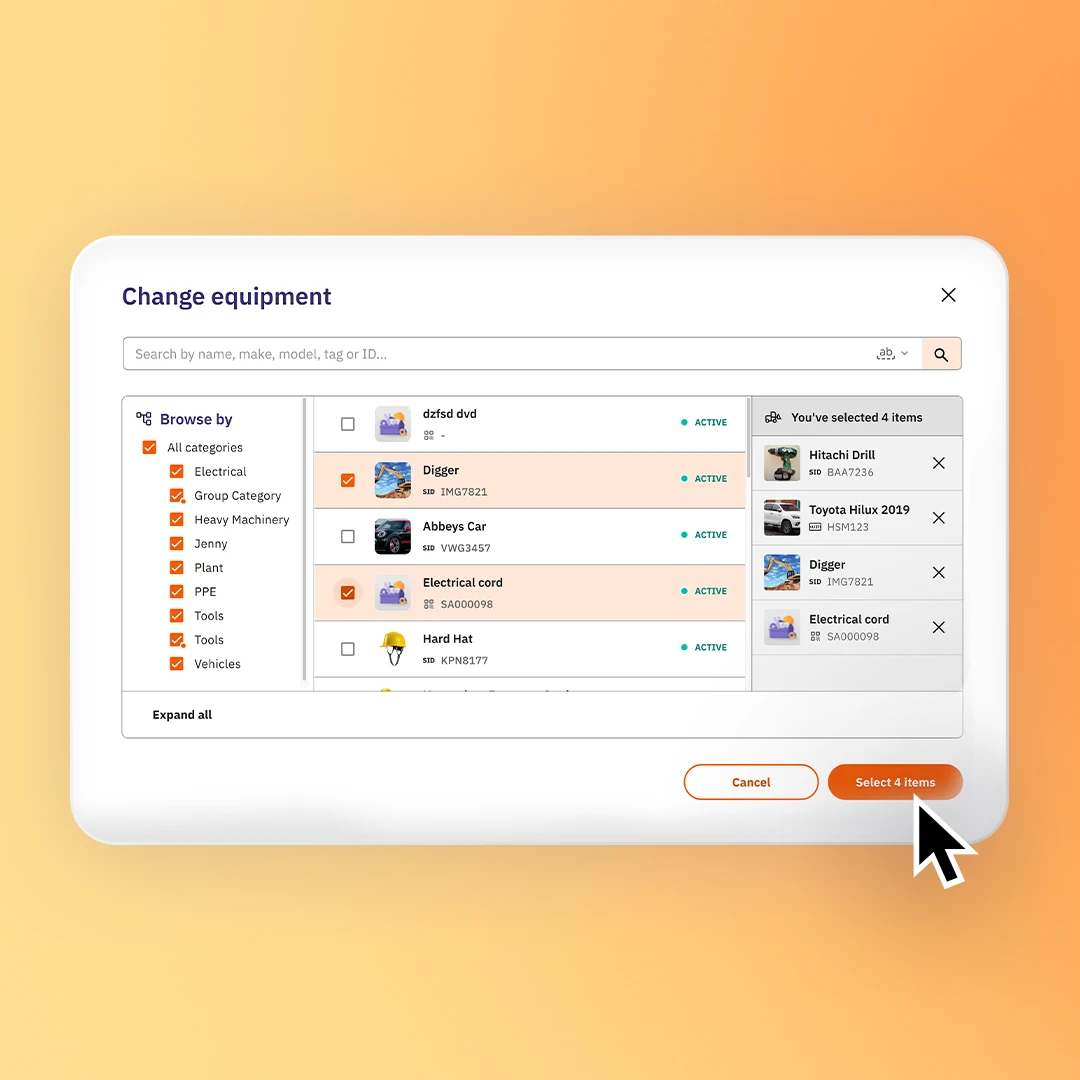
Manage equipment, planned preventative maintenance (PPM), standard operating procedures (SOPs), and physical inspections across your construction while assigning corrective actions to resolve defects. It streamlines local compliance, helps companies reduce equipment downtime, and ensures your critical machinery stays safe and fully operational.


IN THE OFFICE
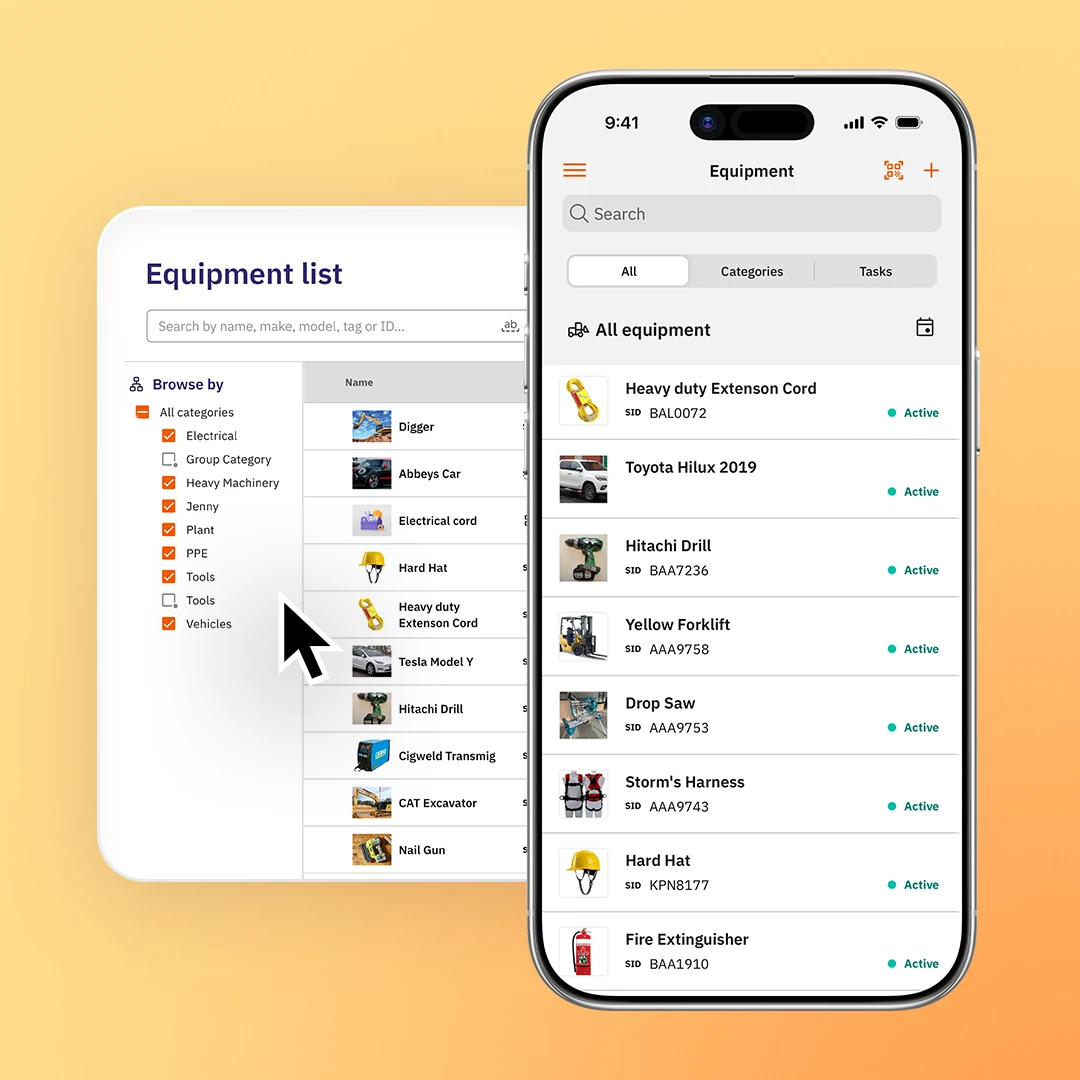
Have complete control of your equipment and assets in one platform. Site App Pro enables you to customise equipment profiles, bulk-schedule maintenance cycles based on dates or machinery hours, and review active repair requests. It removes the admin pressure of tracking gear, giving you confidence that all equipment is up to date and compliant.
ON THE JOB SITE
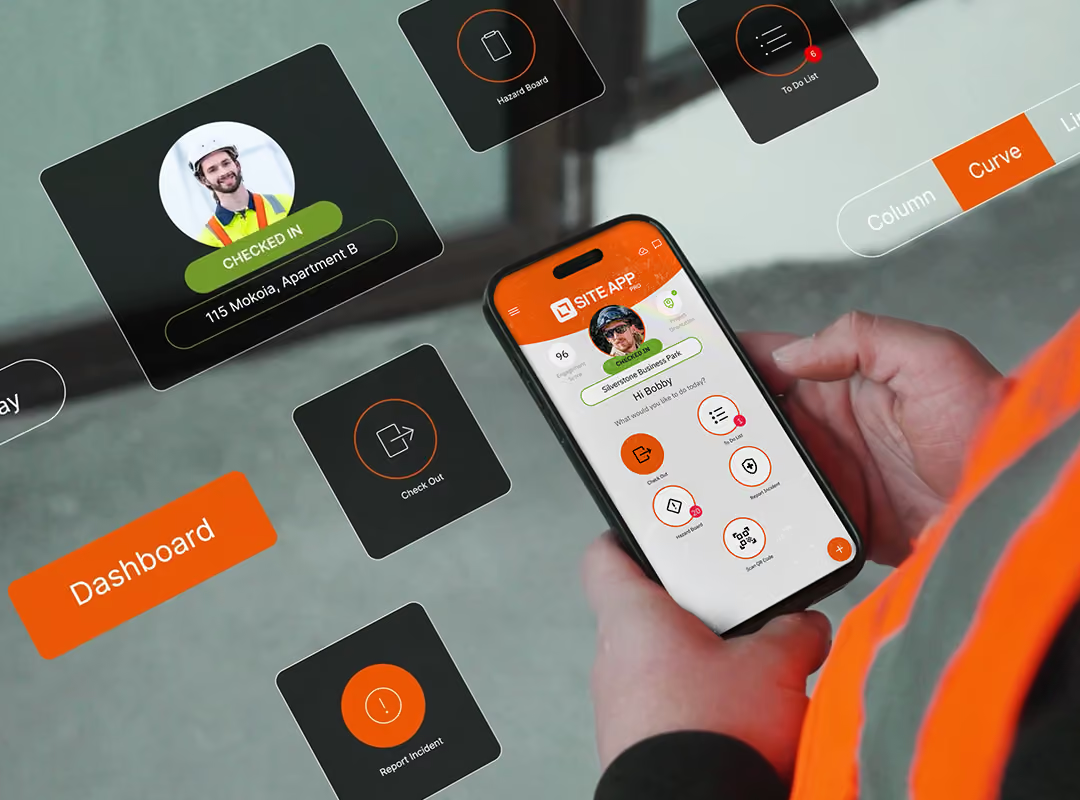
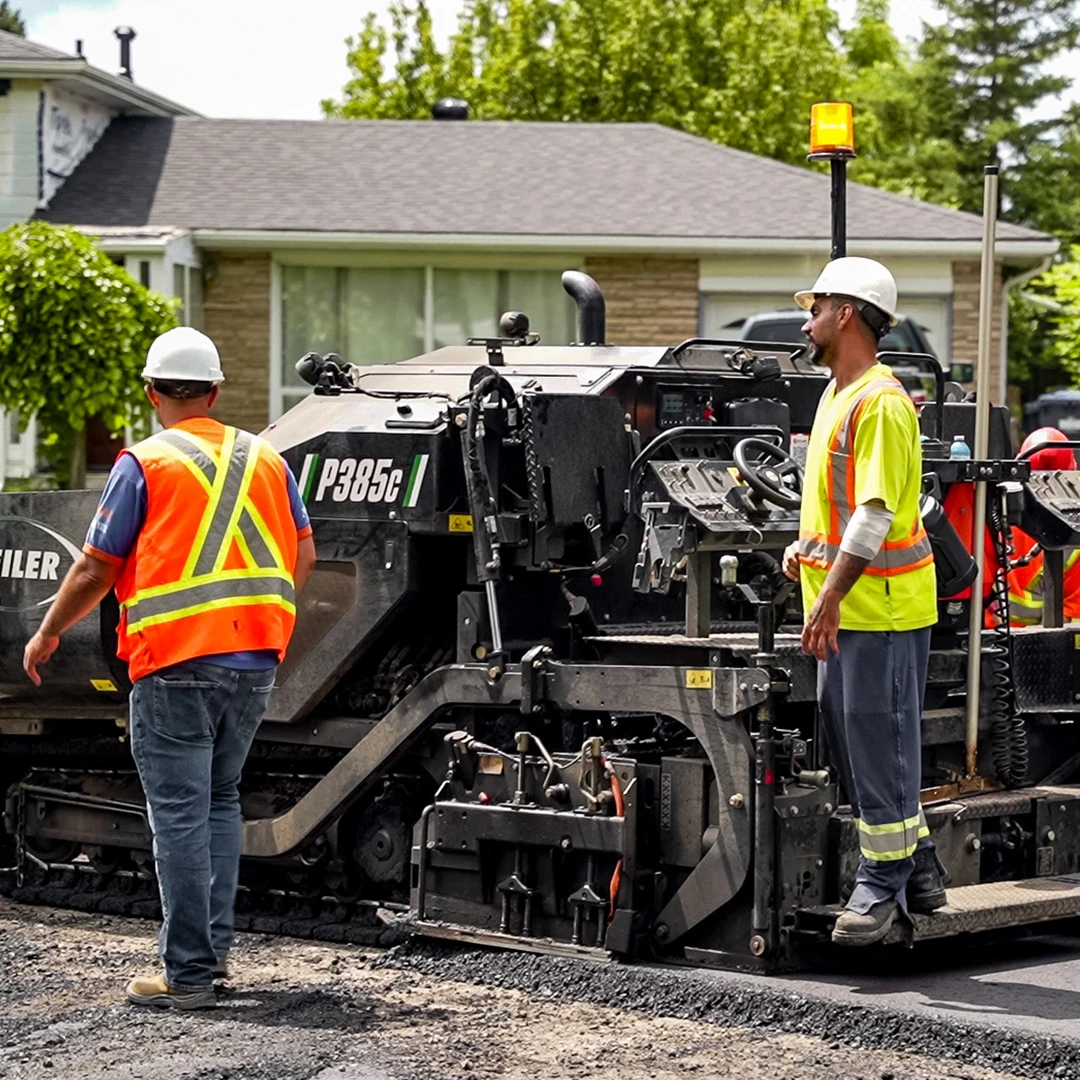
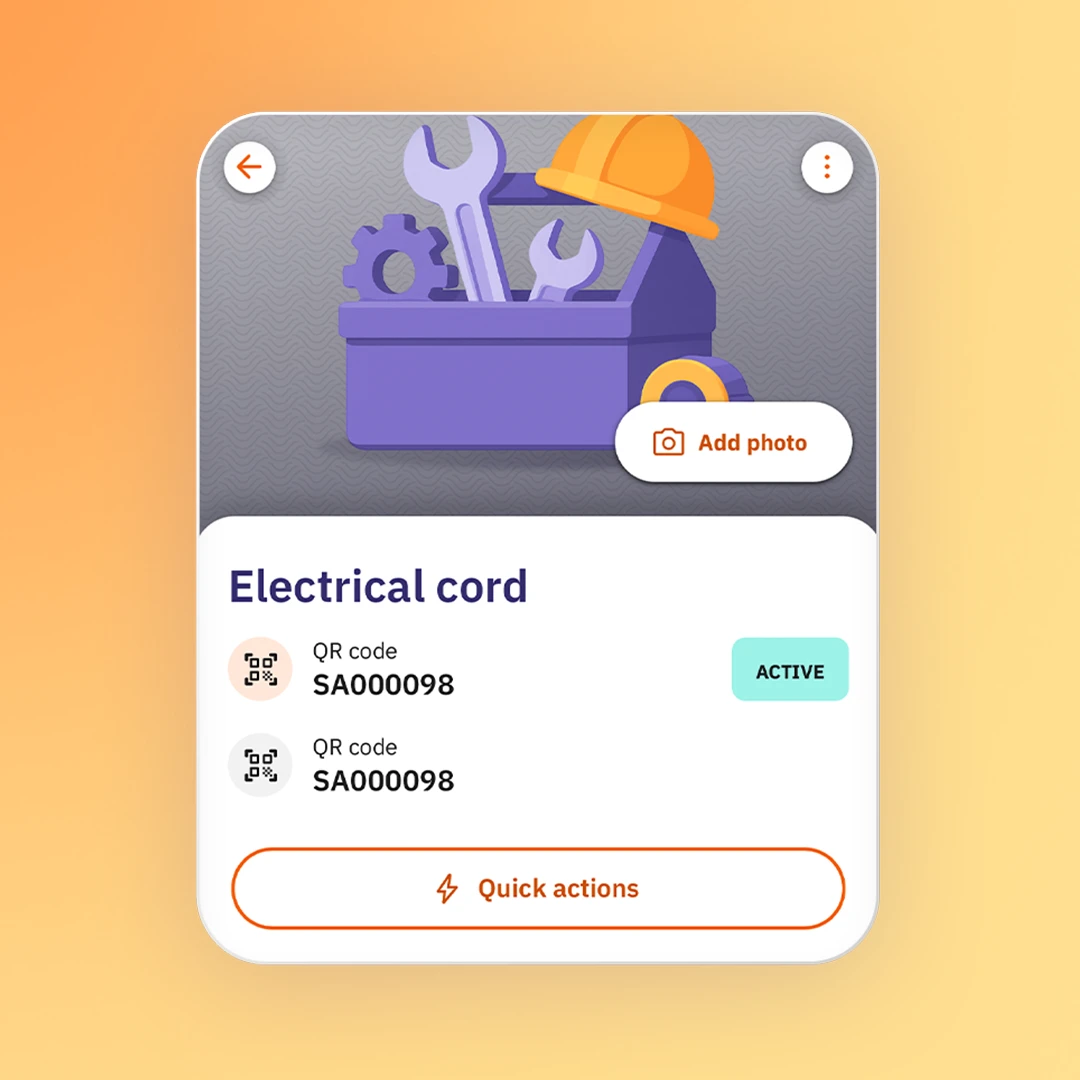
Teams can scan heavy-duty, weather-resistant QR code tags to pull up equipment profiles directly from their mobile safety app. Workers can instantly complete daily pre-start checks that update machinery hours in real time, review manufacturer instructions, or log repairs on the spot - keeping your team engaged and your gear safe to operate.

Eliminate the admin headache of paper schedules and unexpected machinery breakdowns. Site App Pro transforms asset maintenance into a live, automated equipment register. Completely customise profiles for your fleet or assets, using Site App AI equipment photo builder to instantly create profiles. Automated road tax and MOT alerts eliminate the need to track expiration dates across your fleet manually. When teams complete recurring equipment tasks, like daily machinery pre-starts through their safety app, it updates the machine's hours in real time, automatically triggering service alerts to ensure your plant stays safe to operate.

Site App Pro centralises your operational tasks into four clear categories: maintenance, inspection, compliance, and corrective actions. Our scheduled maintenance software allows you to manage regular tool maintenance cycles or PAT testing. For vehicle and plant compliance, daily equipment checks capture mileage or machinery hours to automatically track road tax and MOT expiries. If a defect is found, instantly assign a maintenance task to a worker or team, allowing you to monitor progress in real time and escalate critical repairs.

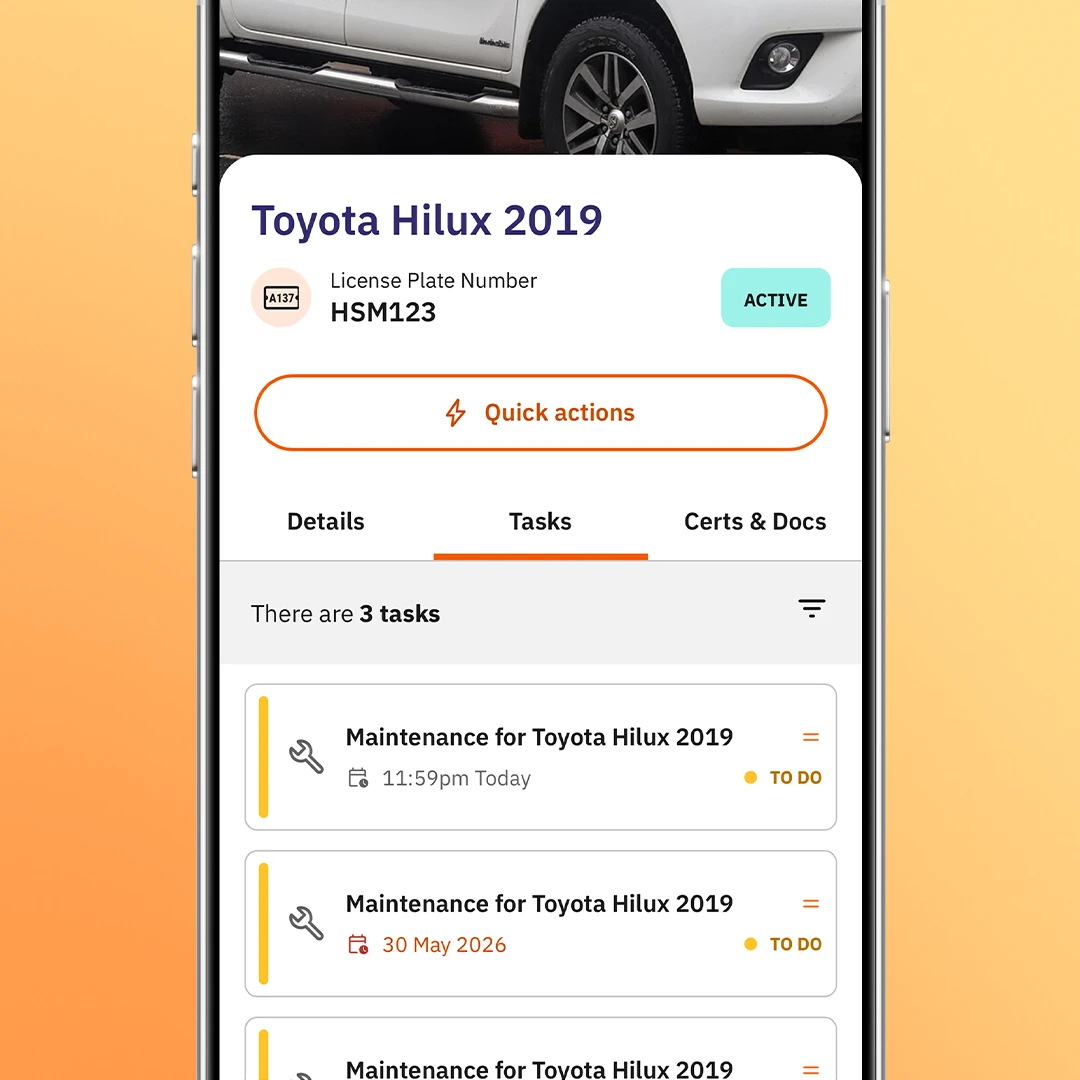
View a dedicated maintenance list that isolates active repair requests and recurring scheduled tasks. With Site App Pro’s equipment inspection app, you can set up planned preventative maintenance (PPM) tasks in bulk across all equipment, scheduling to specific calendar dates or operational usage, like vehicle mileage or forklift and plant hours. By streamlining your assets in a single location, your team can be in control of the full asset lifecycle management and maintain all equipment compliance.

As a plant and machinery management software, Site App Pro allows you to upload existing PDF equipment manuals directly to each asset's digital profile, keeping instructions available at all times on-site. To actively reduce risk across your plant fleet, you can transform these manuals into proactive equipment familiarisation tasks. Assign them to your team through the mobile safety app and include quizzes to verify that the team understands how to use specialised tools safely.

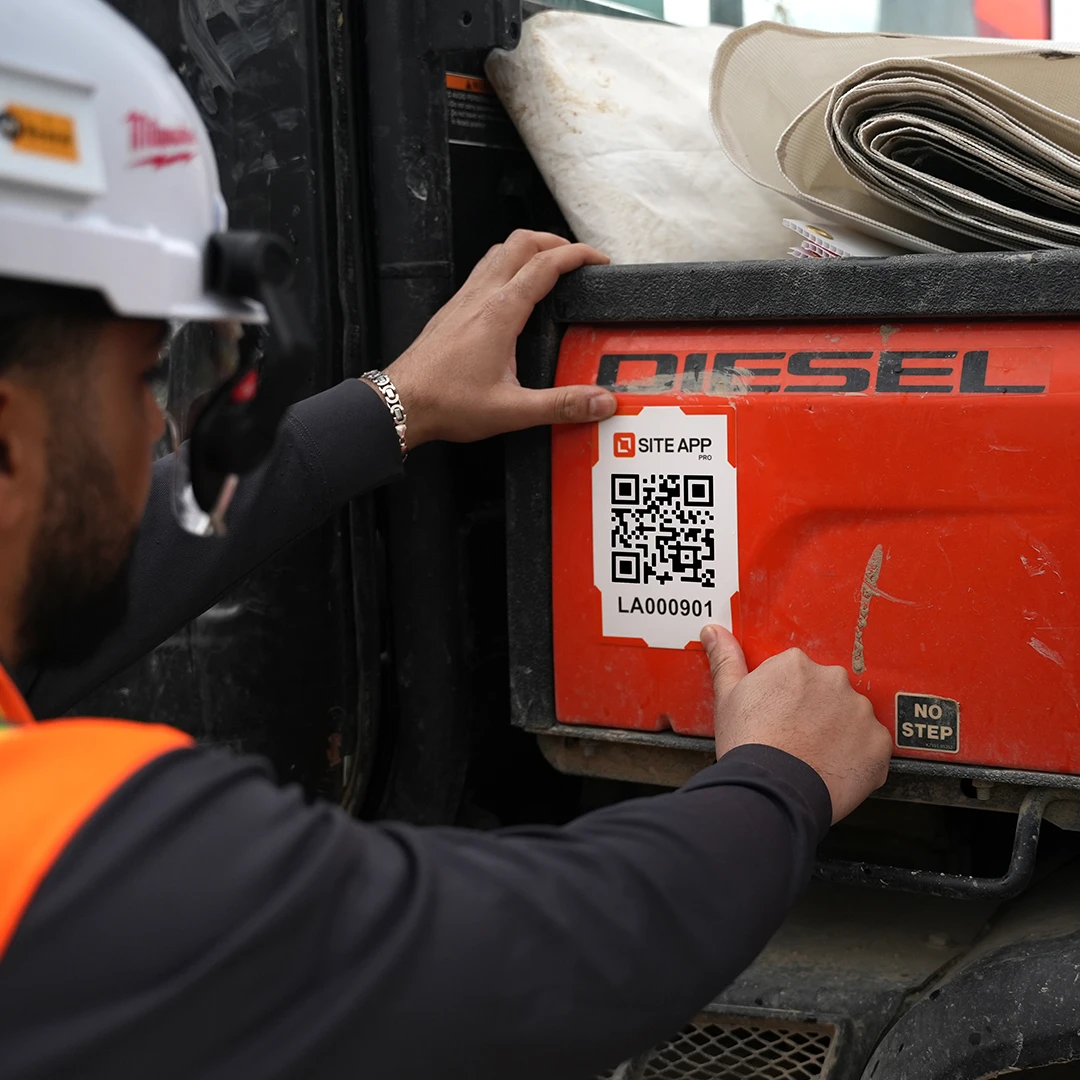
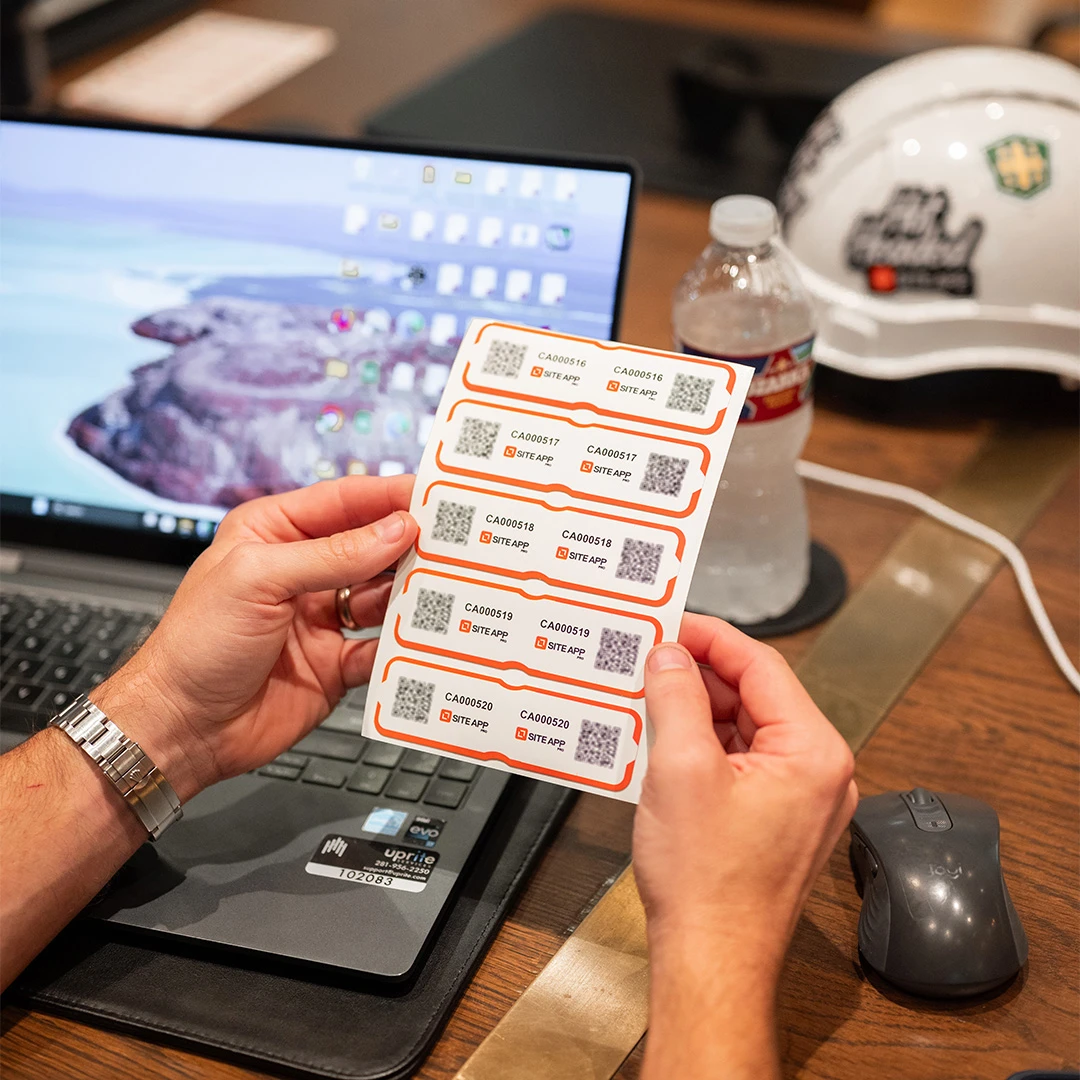
Your paper binder that logs machinery hours is no longer required. Site App Pro provides UV-protected and water-resistant equipment QR code stickers designed to withstand the harshest construction site conditions. Available in multiple sizes to stick on everything from heavy excavators to small power tools, these codes link directly to each asset's digital profile. With a quick scan from your asset tracking app, your team can complete pre-start checks, review standard operating procedures (SOPs), create repair tasks, or track upcoming services.
Manage road taxes and certificates for your equipment in one location.
Safe working load (SWL) limits and certification expiry tracking for lifting chains, shackles, and cranes.
Specialised compliance sign-offs for high-risk equipment and scaffolding.
Deliver step-by-step manufacturer safety guidelines directly to on-site machine operators.
Track electrical equipment safety testing intervals (portable appliance testing) to prevent site hazards.
Log service intervals, operational hours, and wear thresholds for assets.
Critical pre-start links to specific hazardous tasks.
Build out equipment profiles, schedule maintenance tasks, track asset activity and manage plant compliance.
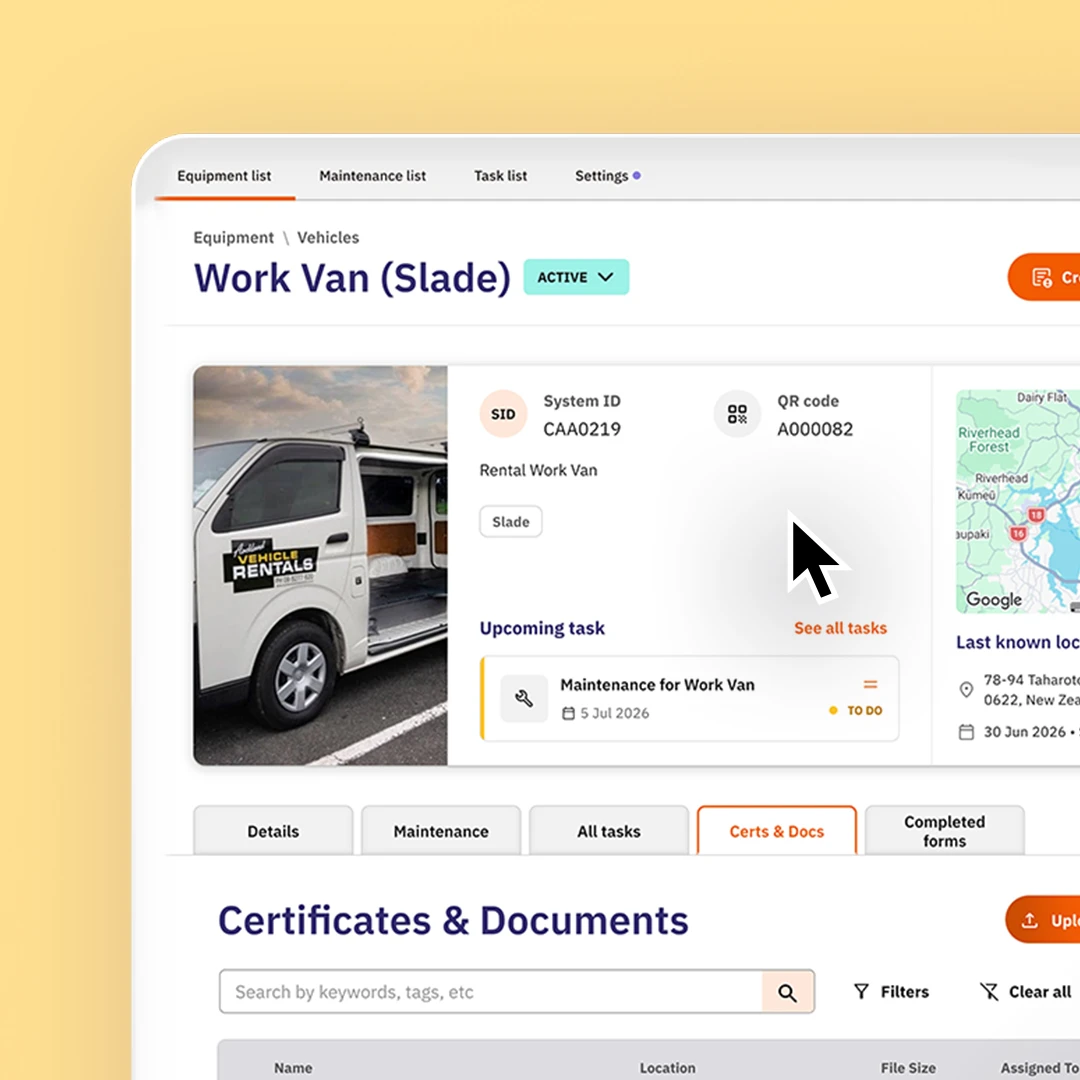
Create a unique asset profile with key information, ownership and compliance details.
Track machine hours or kilometers from field inputs automatically.
Get notified of upcoming road tax or MOT expiration dates.
Manage equipment compliance, road user charges and test and tag.
Schedule regular, routine service intervals based on time or wear.
Track the last location the asset was recorded in.
Log the status of the asset based on active, inactive, out of service or archived.
View a log of what workers have used the equipment before.
Record date or purchase, if the equipment is owned or hired and who from.
Practical, targeted tasks implemented on-site to address safety concerns.
Centralise asset data, tracking, and compliance logs.
Report any defects or faults of equipment as they occur.

Stick a Site App Pro QR code sticker on any piece of equipment, and anyone on your team can scan it (with their phone camera or the in-app scanner) to access the asset profile, pre-start checklist, maintenance history, and upcoming tasks.
Yes, if a sticker is damaged or you need to move it, simply apply a new sticker and scan it from that equipment's profile. The platform automatically overwrites the old code and links the new one.
Yes, the bulk upload supports up to 1,000 items per upload and works for new fleets as well as migrations from an existing asset spreadsheet.
Site App Pro's QR codes use a 7-digit code system tied to stickers available from the Site App Pro shop. Other QR codes are not compatible with Site App Pro.
Yes, every equipment profile has a ‘last known location’ tab that shows a map of where the item was last seen. The location updates automatically whenever someone scans the QR code or selects the equipment while completing a mobile form.
When a pre-start check flags an issue, a corrective action can be raised directly from the form and assigned to any team member, who receives an instant push or email notification.
Store each vehicle's road tax and next service dates in its equipment profile, then set up a repeating task based on each date. A task automatically appears and is assigned to the right person as the date approaches, they can open the attached form, enter the new date, and the next reminder schedules itself automatically.
Site App Pro isn't a standalone CMMS, but it covers what construction teams need most: asset registers, maintenance scheduling, compliance tracking, corrective actions, and service reminders that are all connected by workflows in one place.
There's no dedicated tool loan feature, but you can flag when something's unavailable and build a custom form to record who took what and when.