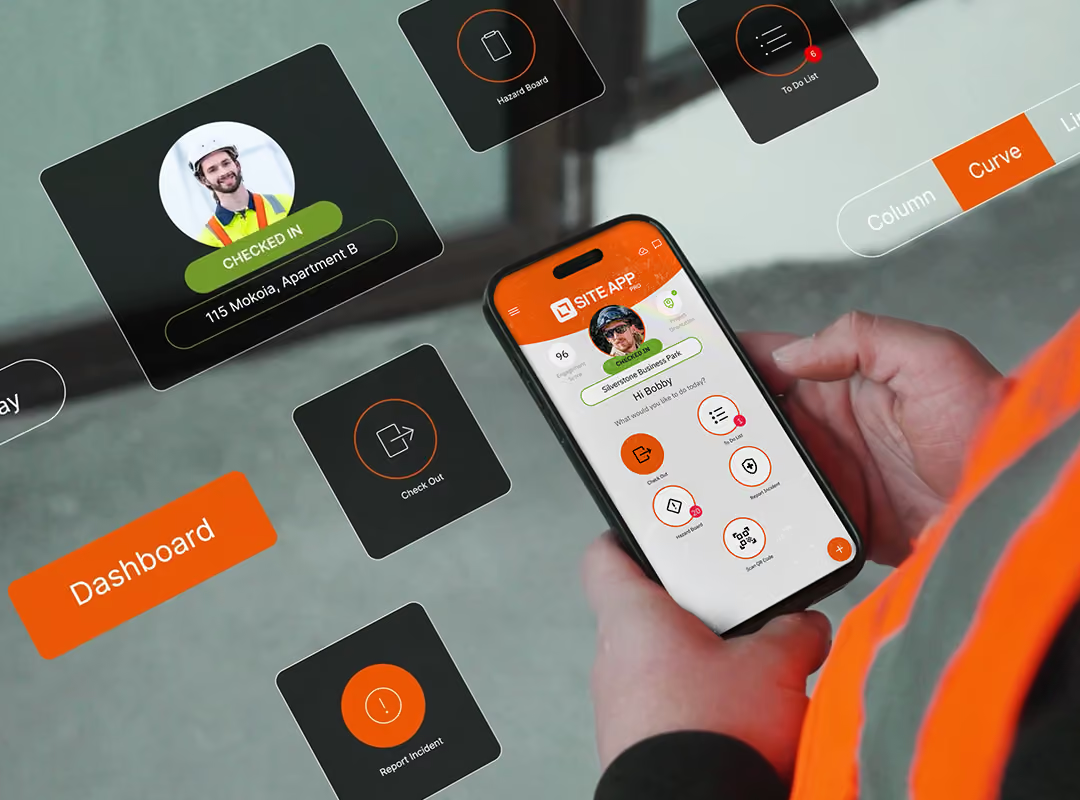
Site App Pro replaces paper checklists, toolbox talks and incident forms with a centralised RAMS management software, built mobile-first for construction sites. It enables you to schedule tasks, automate reminders, and connect digital workflows that your team can complete offline, even when working on sites with patchy signals.


IN THE OFFICE
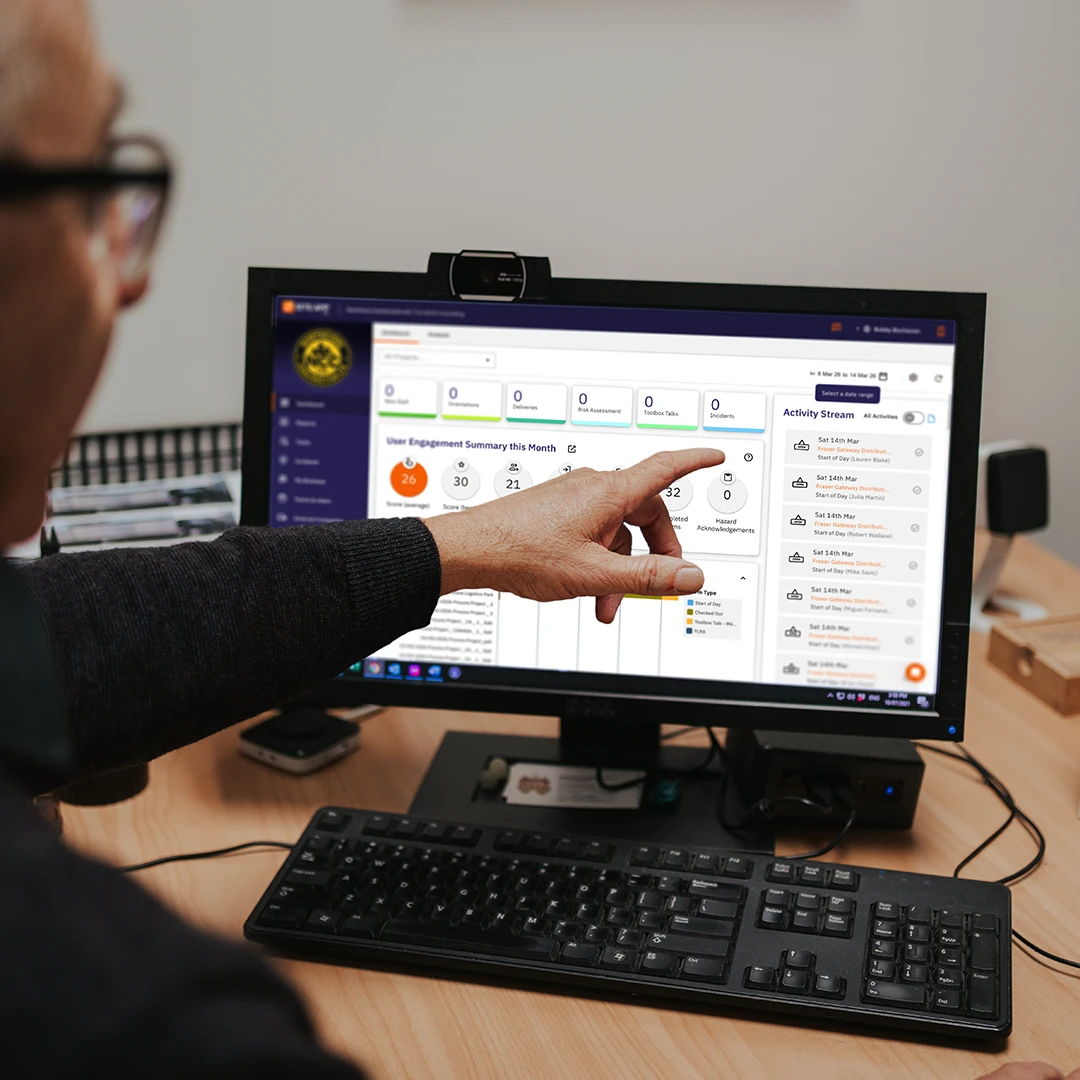
Engage your team with custom safety templates using 30+ answer types and digital signatures. Whether you are scheduling recurring site diaries or logging accident reports and near-misses, you can easily manage approval workflows, set user permissions, and track time-stamped records. Everything feeds into a live activity stream, delivering smart, paperless safety that keeps your business compliant.
ON THE CONSTRUCTION SITE
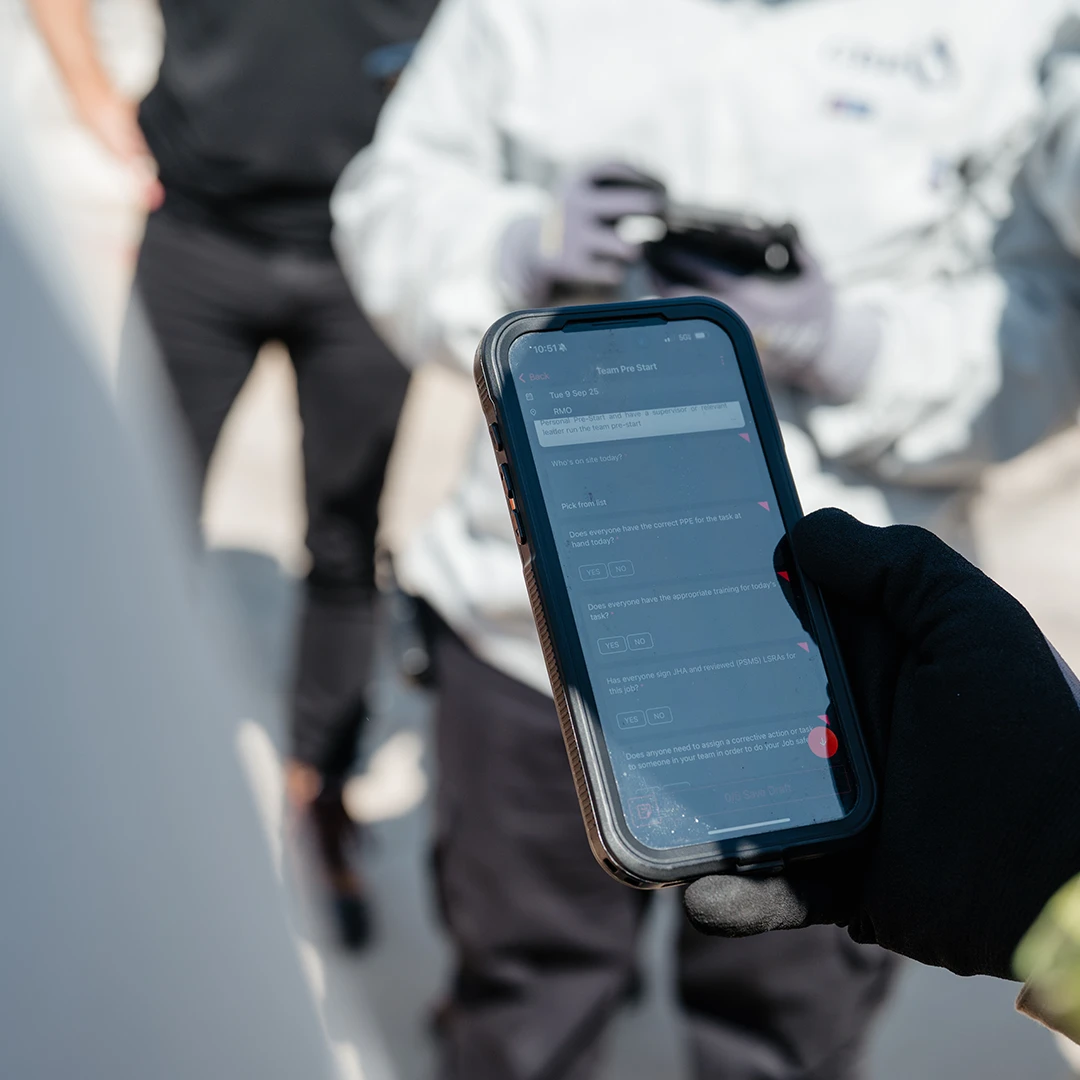
Built for those on the tools, Site App Pro lets you complete daily pre-start checks, toolbox talks, and hazard logs right from your phone. As a dedicated hazard log app, it captures real-time site conditions with instant photo uploads, sending data straight to the office without slowing you down. It’s safety software that works offline, where your team can complete safety forms anywhere, even with zero signal

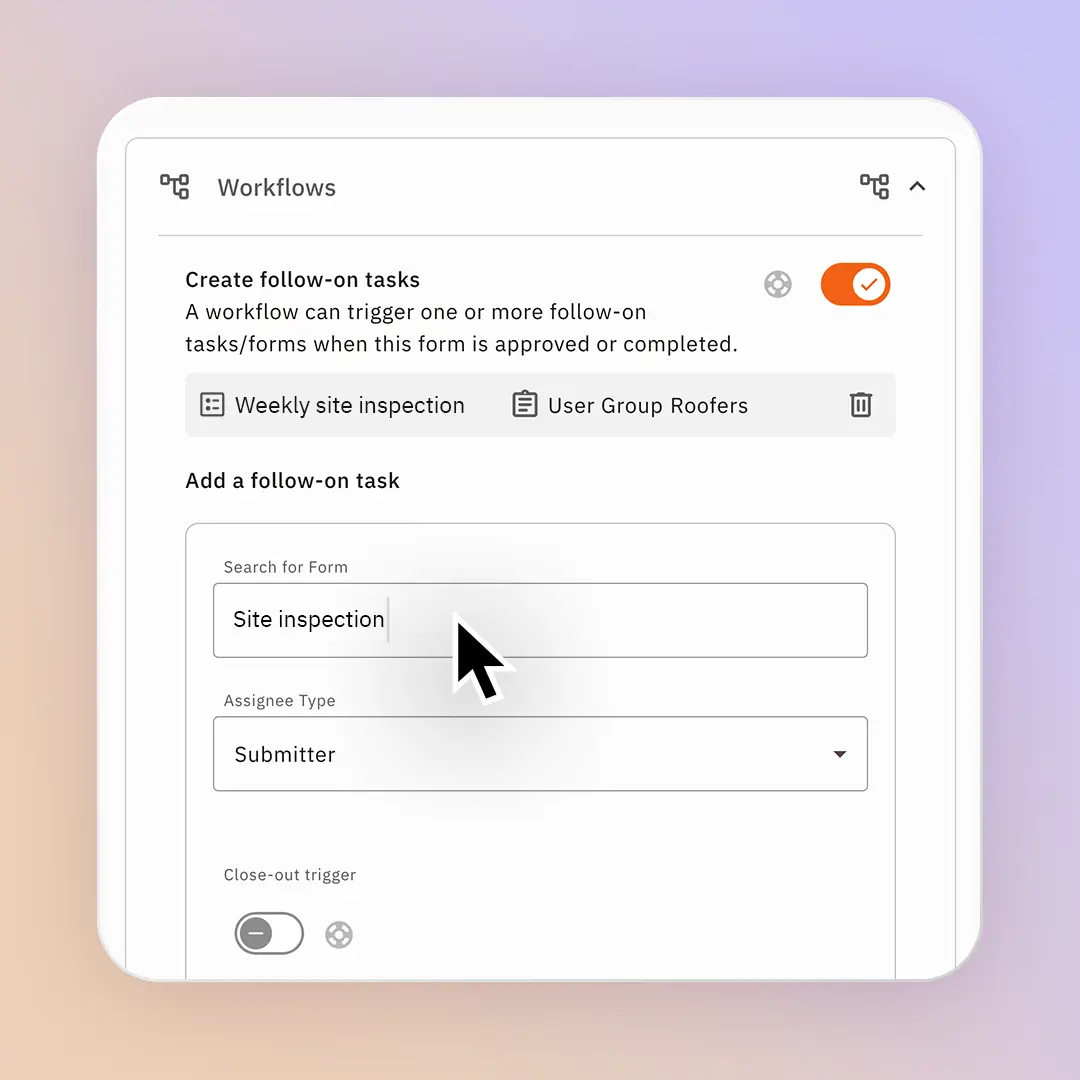
Group your health and safety documents into connected, end-to-end workflows that guide your team safely through health and safety processes. Instead of managing disconnected safety forms, our permit to work software allows you to link a form after a form. Instantly trigger an accident investigation, the moment a near-miss or incident is flagged on-site. Configure digital permits to work (PTW) with a multi-step approval process for a hot work permit, or verify your team’s competencies through a quiz assessment after a toolbox talk.

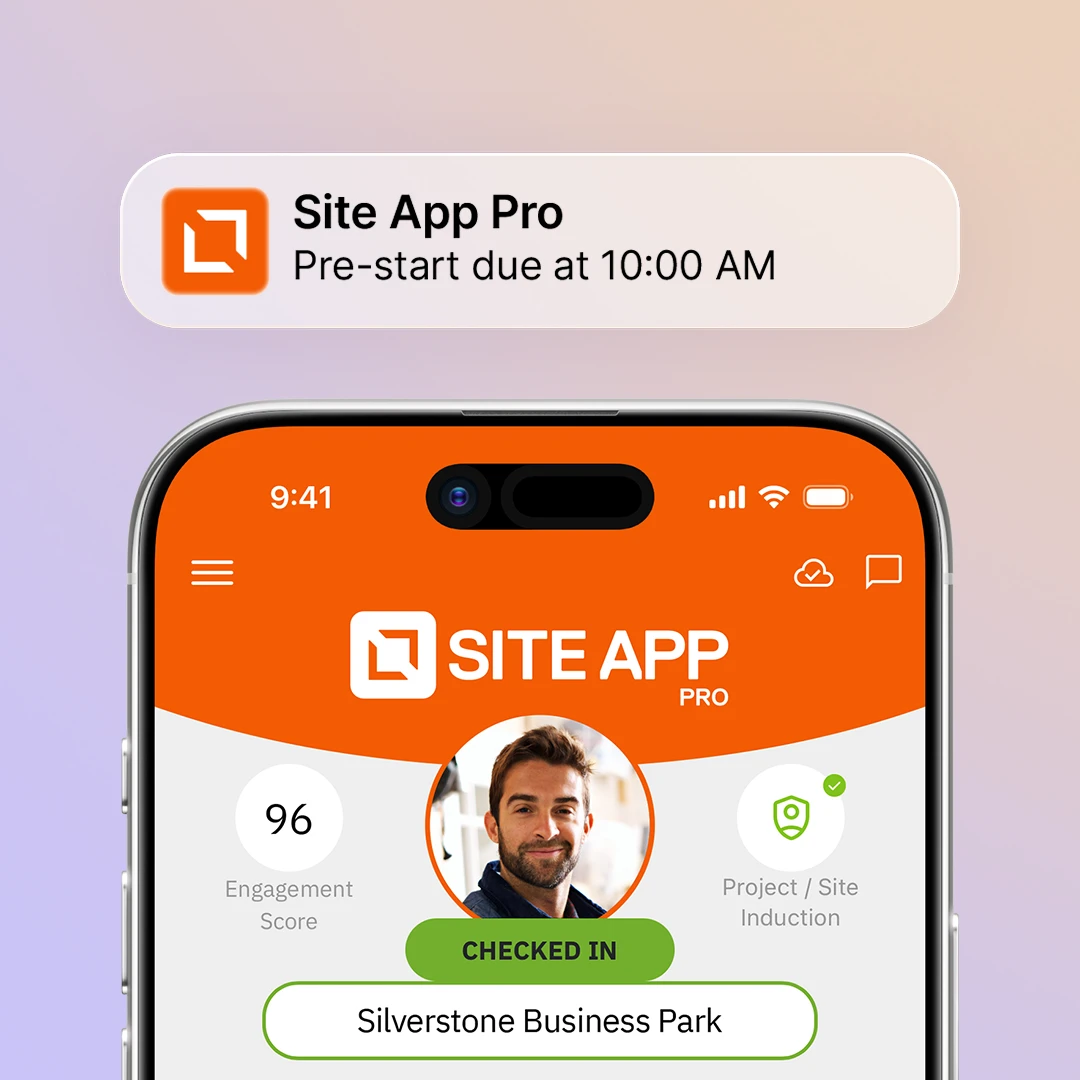
Site App Pro streamlines your daily safety tasks with smart notifications and automated reminders that handle the heavy lifting. Receive alerts the moment a defect is reported on-site via corrective actions, and let the system automatically prompt your workers to complete forms in a specific timeframe. If the form has not been completed it can be escalated to supervisors to follow-up completion.

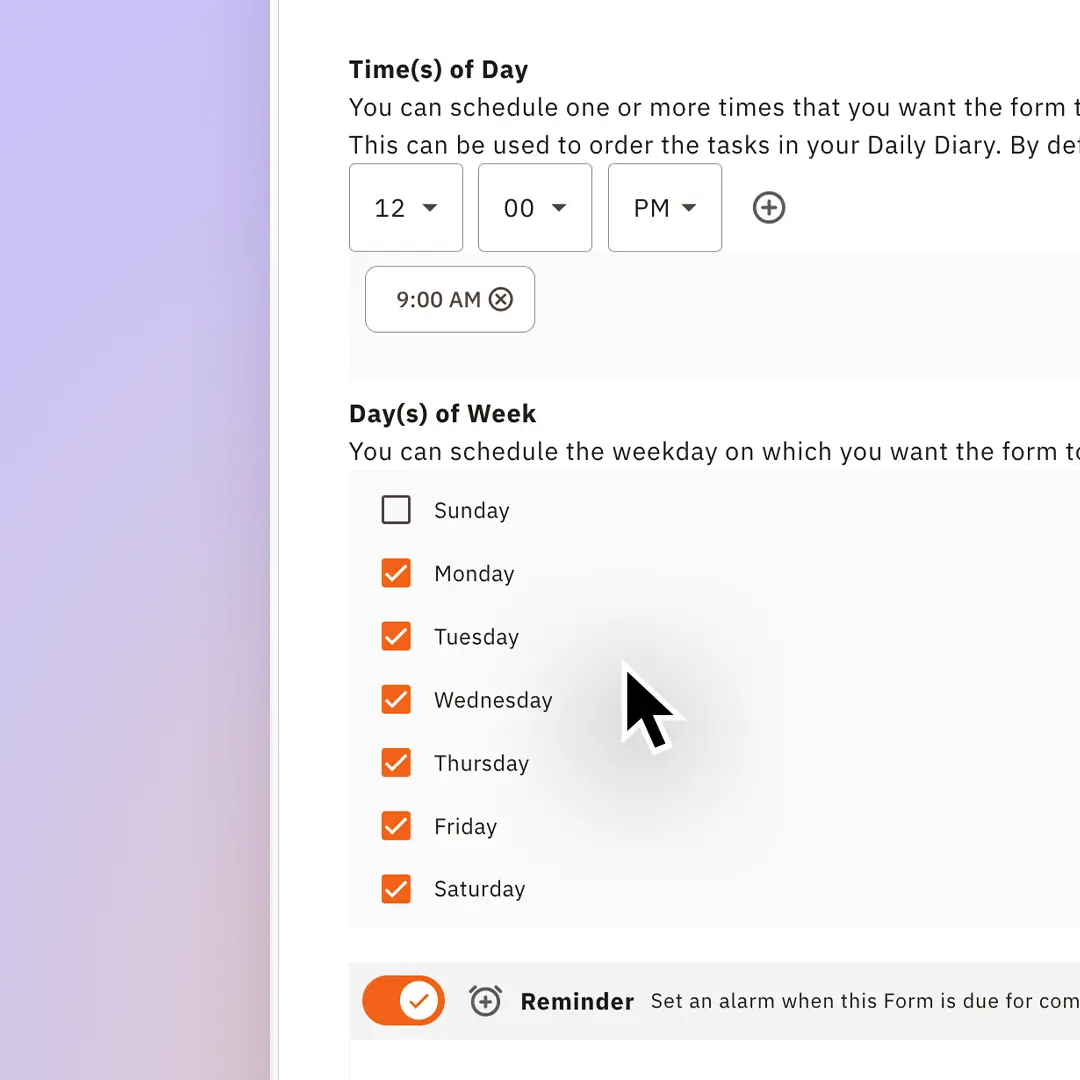
Remove the uncertainty from your health and safety plan by scheduling required forms to start the day. Instead of chasing paper trails, Site App Pro lets you automate daily, weekly and monthly forms such as pre-start checks, toolbox talks, and site inspections. Assign specific workers, trades or subcontractors so that the relevant teams on the ground get clear requirements delivered right to their devices.

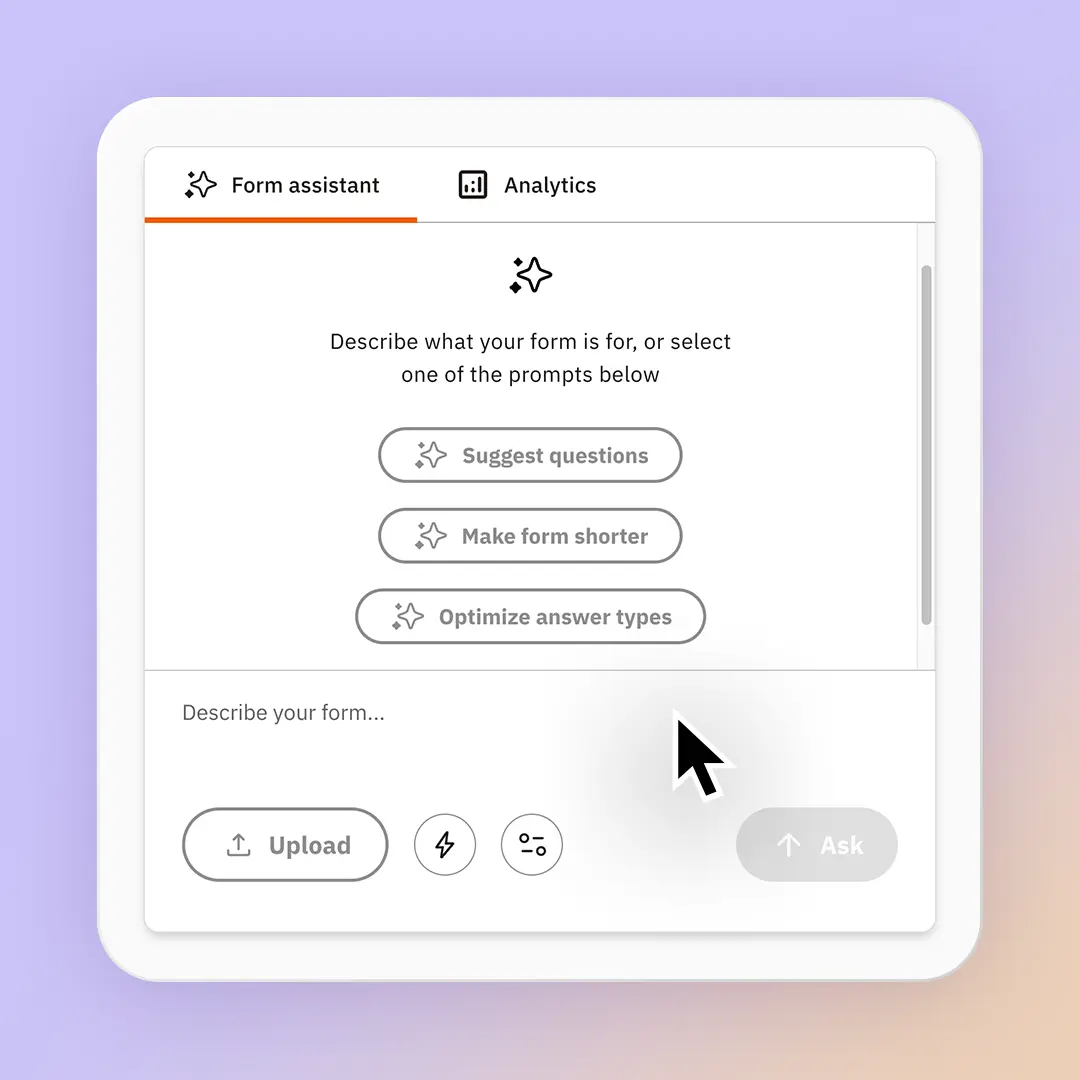
Our built-in AI form assistant, Site App AI allows you to upload your existing PDF documents to create an interactive digital form in seconds. Site App AI is aligned to your local legislation to deliver recommendations. When your form insights roll in, it automatically creates instant form report summaries, giving visibility of trends, compliance gaps, and critical site hazards before they become issues.
Get started with Site App Pro’s free health and safety templates or build your own form in seconds.
Evaluating the likelihood and severity of site hazards in our risk register software.
Records of unplanned events that could have caused harm.
Centralise and update your overall project health and safety plan as the build progresses
Breaking down specific tasks to identify step-by-step risks.
Training to familiarise workers with site-specific safety rules.
Safety authorisation for welding, cutting, or spark-producing tasks.
Live log tracking staff competencies licenses, and expiries.
Brief team safety briefings covering site hazards and updates.
Systematically identifying and controlling physical workplace hazards.
Break down specific tasks to outline step-by-step safe systems of work.
Mandatory safety checklists before entering restricted, enclosed areas.
Daily or weekly safety audits for company vehicles.
Formal logs documenting on-site injuries, damage, or illness.
Quick daily safety and machinery checks before starting work.
Hazard register software that is a live, central list of all identified site hazards.
Contractor health and safety prequalification assessment for tenders.
Formal authorisation required for high-risk, specialised activities.
Records of serious harm required for reporting.
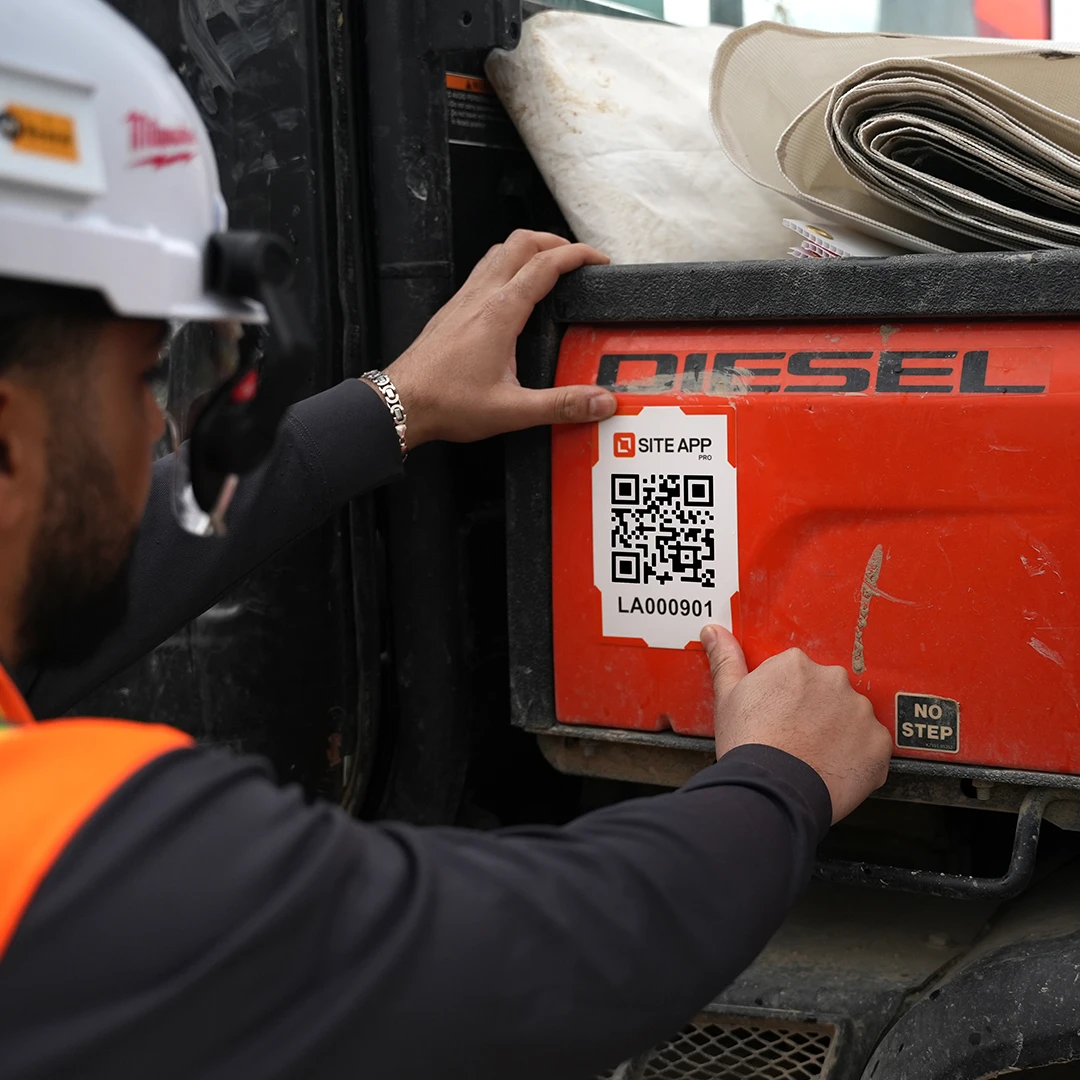
Central record tracking equipment management, and compliance checks.
Site App Pro’s health and safety form tools enable you to customise every form for any process, permit or assessment.
Group and filter safety forms by specific site or project.
Work on your form as a draft before you publish.
Create one-off forms or recurring daily safety checks.
Set forms to trigger daily, weekly, or monthly.
Auto-prompt the crew when forms are overdue or required.
Alert managers instantly when site defects are reported.
Direct specific safety tasks and forms to individual workers.
Connect forms together sequentially to guide high-risk tasks.
Send completed forms to management for mandatory sign-off.
Copy or duplicate existing forms to save setup time.
Control exactly who can view, edit, or submit forms.
Log site notes quickly using hands-free voice-to-text.
Capture real-time visual evidence directly inside the form.
Collect digital signatures on devices for instant compliance.
Keep critical safety forms visible at the top of screens.
Lock exact dates and times onto every submission automatically.
Track form submissions in a real-time compliance feed.
Track if answers are changed after completion.

Yes, the forms are fully customisable and editable, and with a built-in AI form building assistant, you can upload your existing PDF documents directly into Site App Pro.
Site App Pro allows you to control who sees what information by user group or job role. These enable you to decide what groups of people see what forms or tasks.
Yes, our fully customisable form builder allows you to create new forms and templates, and fully customise the pre-existing forms in your list.
Yes, you can hide or show form content based on conditions.
Yes, our tasks system enables you to create and manage corrective actions directly inside a form while completing it, allowing you to raise issues as they come up. Forms, photos and files can be uploaded to corrective actions to provide more context while completing it and are saved against that form for better reporting during an audit.
Yes, while completing a form, you can upload an image to your forms.
Signatures can be added directly to a form. Workers or users are prompted to add a signature taken on their phone or tablet screen.
Our resource library allows you to house all of the documents you need, including SOPs and training material. We also house certificates and can alert you when these expire. All of the resources can be viewed from the mobile app, and even be saved offline for use when you are out of data reception.
Yes, Site App Pro digitises all of your paper safety forms and stores them in one central location. Your team can access and complete the forms through their daily diary app.
Yes, Site App Pro can be used for construction and other industries like civil, oil and gas, forestry, manufacturing, primary industries and other high-risk industries.