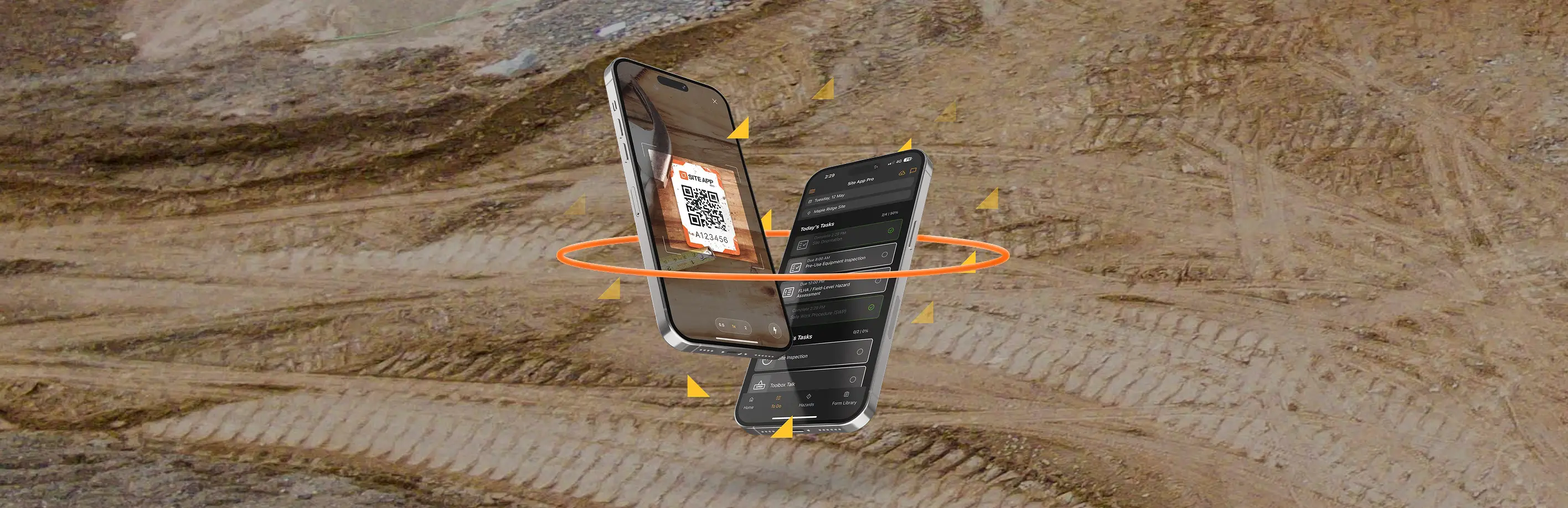
Mobile-ready forms that fit the way you work, whether it’s a toolbox talk or hazard assessment.
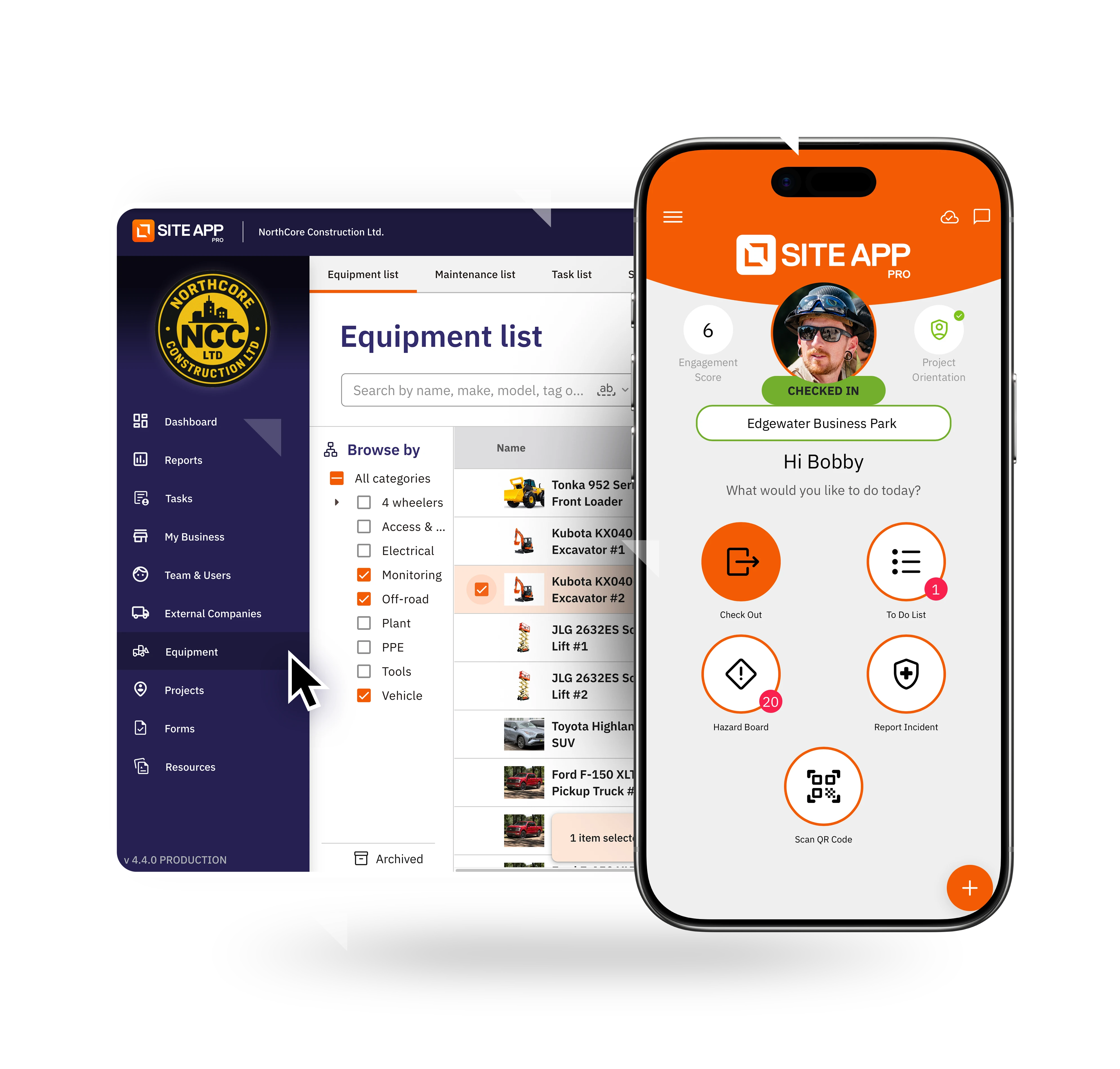
With Site App Pro, you can create fully customisable inspections, audits, reports, checklists, and more, covering Toolbox Talks, Pre-Use Inspections, Orientations, and FLHA/JHA/JSAs. Smart features like time stamping, digital signatures, and photo capture make reporting simple and reliable, while offline functionality ensures work continues uninterrupted, automatically syncing when back in range. You can also set recurring schedules or trigger tasks by location or site for seamless compliance management.
Site App Pro is a user-friendly safety management app designed for the demanding environments of construction, manufacturing, agriculture, horticulture, and oil and mining.
Start with Site App Pro todayEliminate the administrative burden with health and safety forms in New Zealand. It enables you to schedule tasks, automate reminders and connect workflows. Replace paperwork and spreadsheets with a centralised health and safety management system software.


Engage your team with interactive health and safety forms that are unique to your company. Whether it’s a one-off toolbox talk or a regular pre-start, you can easily build custom health and safety form templates by choosing from 30+ different answer types that include digital signatures.
Workers can capture real-time site conditions with photo uploads, while admin teams maintain total control using built-in approval workflows, precise user permissions, and time-stamped records. Everything feeds directly into your live activity stream to deliver smart, paperless safety that protects your team without slowing them down.

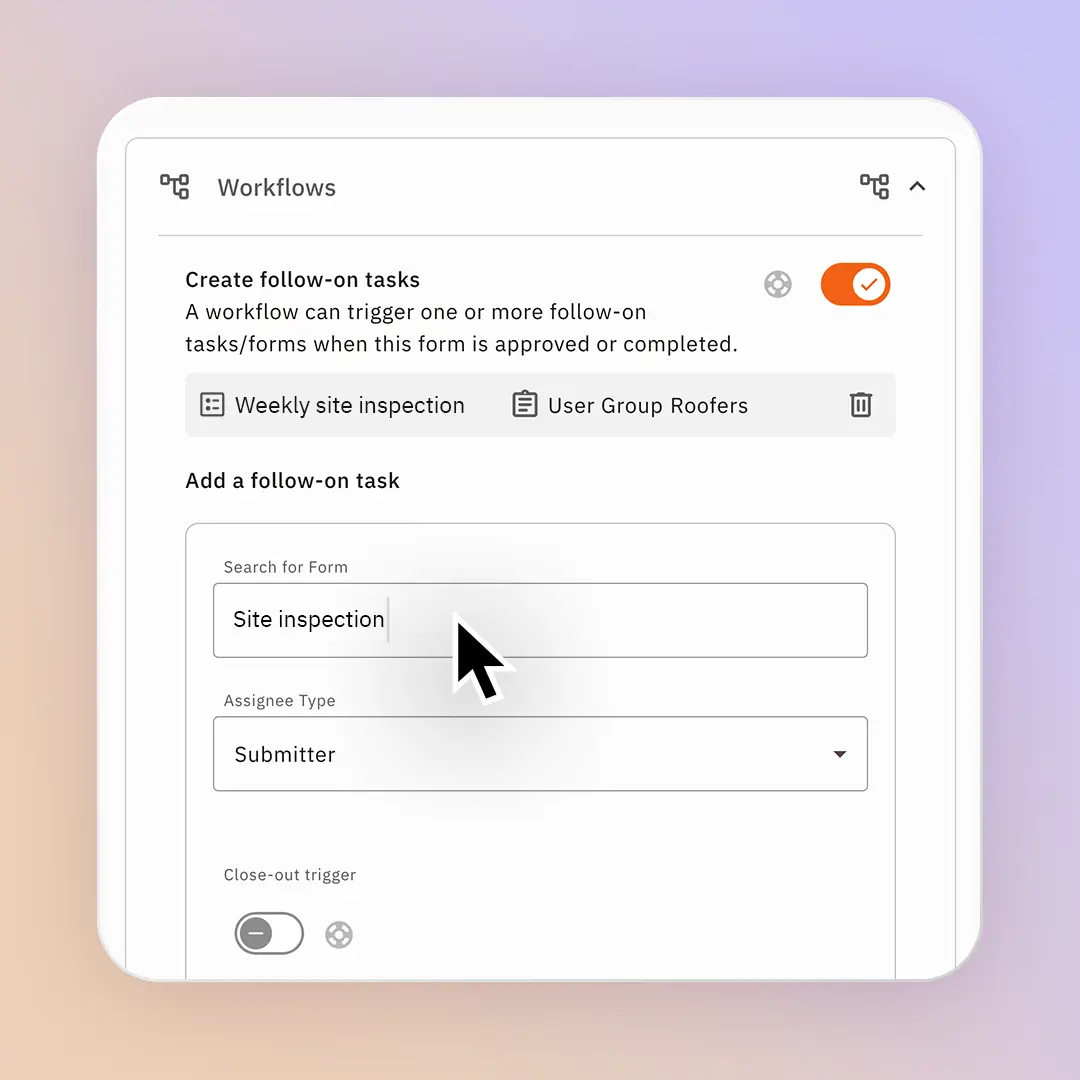
Group your health and safety documents into connected, end-to-end workflows that guide your team safely through health and safety processes. Instead of managing disconnected safety forms, you can link a form after a form. Instantly trigger an investigation report when an incident report form is submitted, set up a hot work permit with an approval process or check your competencies through quizzes.

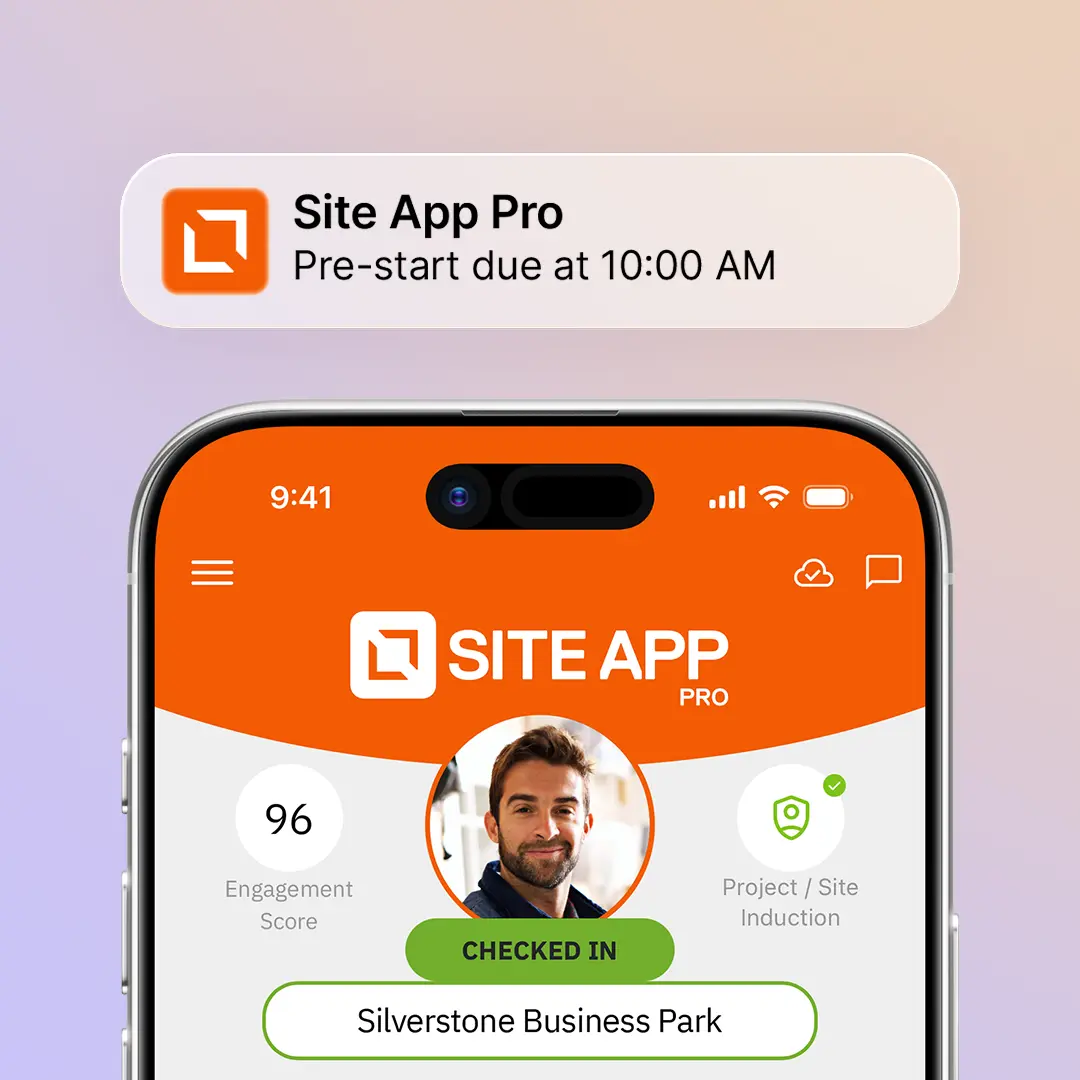
Site App Pro streamlines your daily safety tasks with smart notifications and automated reminders that handle the heavy lifting. Receive alerts the moment a fault is reported on-site via corrective actions, and let the system automatically prompt your team about upcoming license expiries. It turns messy field data into live compliance records, while letting the team focus on the job.

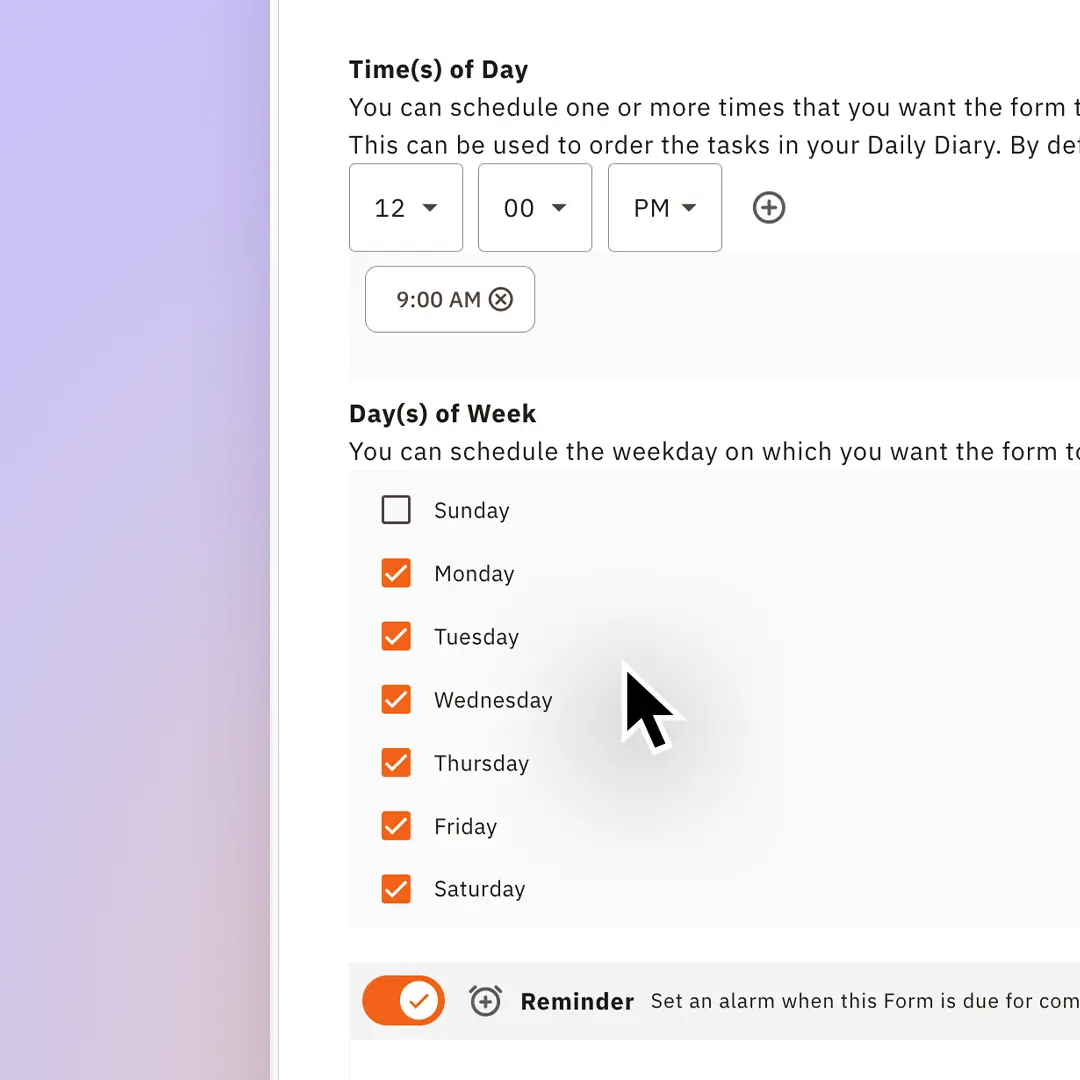
Remove the uncertainty from your safety plan by scheduling required forms to start the day. Instead of chasing paper trails, Site App Pro lets you automate daily, weekly and monthly forms such as pre-starts, toolbox talks, and site inspections. Assign to specific user groups so that the relevant teams on the ground get clear requirements delivered right to their devices.

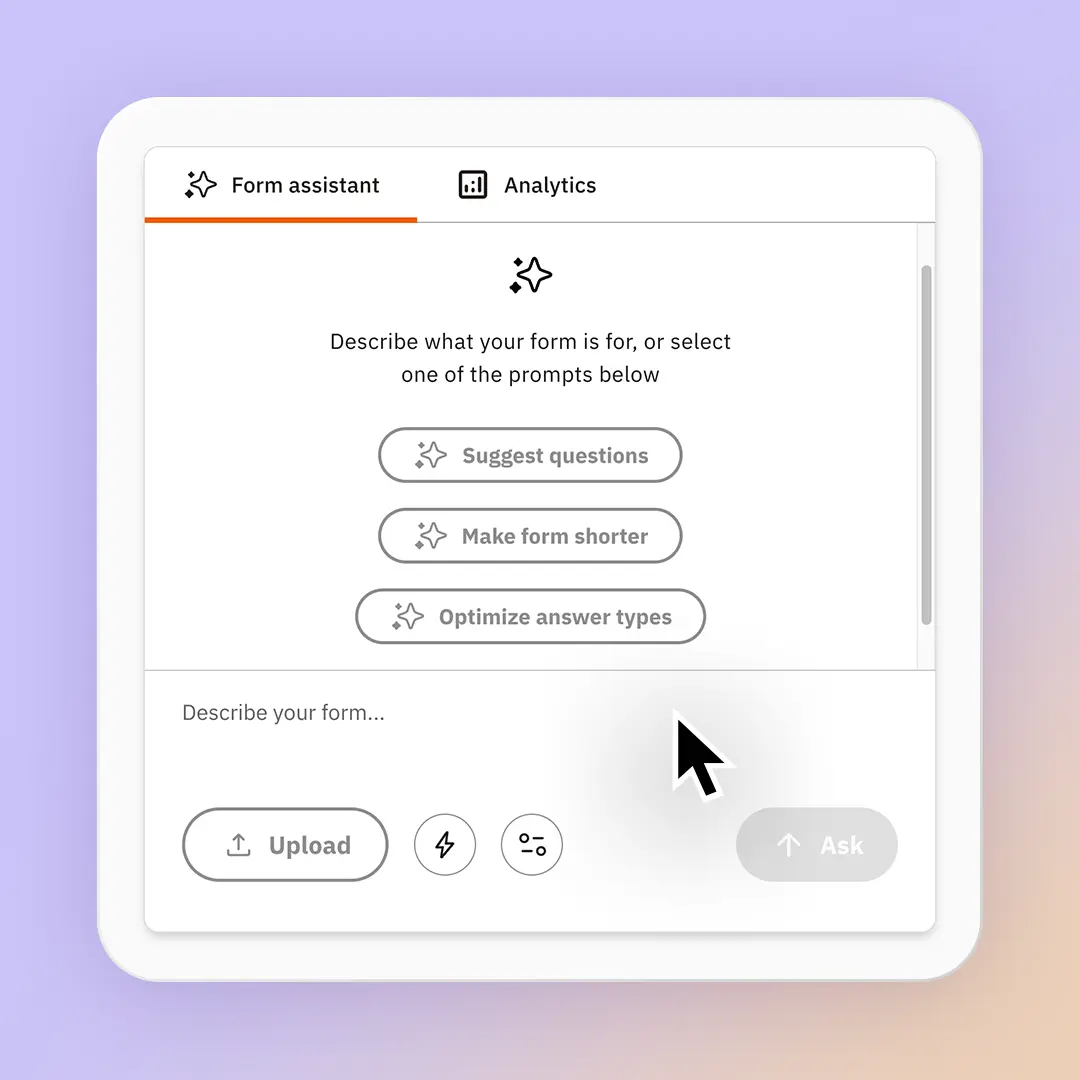
Our built-in AI form assistant, Site App AI allows you to upload your existing PDF documents to create an interactive digital form in seconds. Site App AI uses the Health and Safety at Work Act legislation to deliver recommendations. When your form insights roll in, it automatically creates instant form report summaries, giving visibility of trends, anomalies and summaries.
Have confidence that your team is able to complete health and safety forms on job sites.
Track if answers are changed after completion.

Yes, the forms are fully customisable and editable, and with a built-in AI form building assistant, you can upload your existing PDF documents directly into Site App Pro.
Site App Pro allows you to control who sees what information by user group or job role. These enable you to decide what groups of people see what forms or tasks.
Yes, our fully customisable form builder allows you to create new forms and templates, and fully customise the pre-existing forms in your list.
Yes, you can hide or show form content based on conditions.
Yes, our tasks system enables you to create and manage corrective actions directly inside a form while completing it, allowing you to raise issues as they come up. Forms, photos and files can be uploaded to corrective actions to provide more context while completing it and are saved against that form for better reporting during an audit.
Yes, while completing a form, you can upload an image to your forms.
Signatures can be added directly to a form. Workers or users are prompted to add a signature taken on their phone or tablet screen.
Our resource library allows you to house all of the documents you need, including SOPs and training material. We also house certificates and can alert you when these expire. All of the resources can be viewed from the mobile app, and even be saved offline for use when you are out of data reception.
Track if answers are changed after completion.