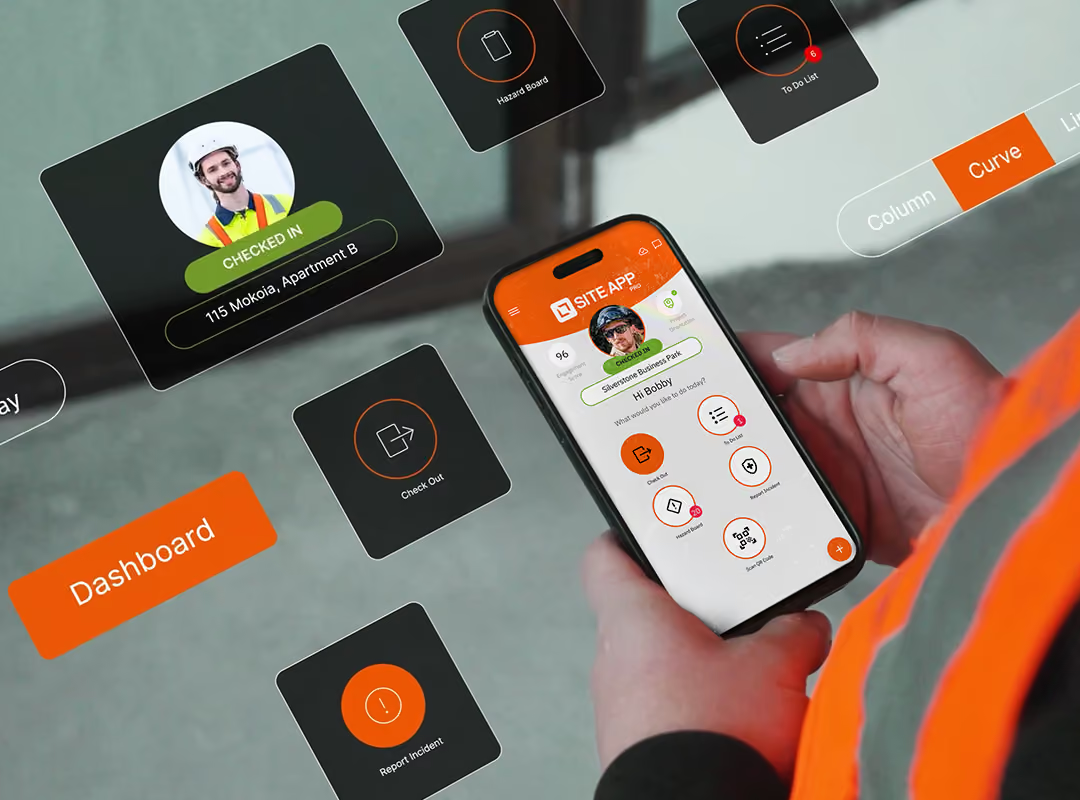
Group your safety forms into connected, end-to-end processes that guide your crew through the job safely. Instead of managing disconnected forms, you can link one form to the next.
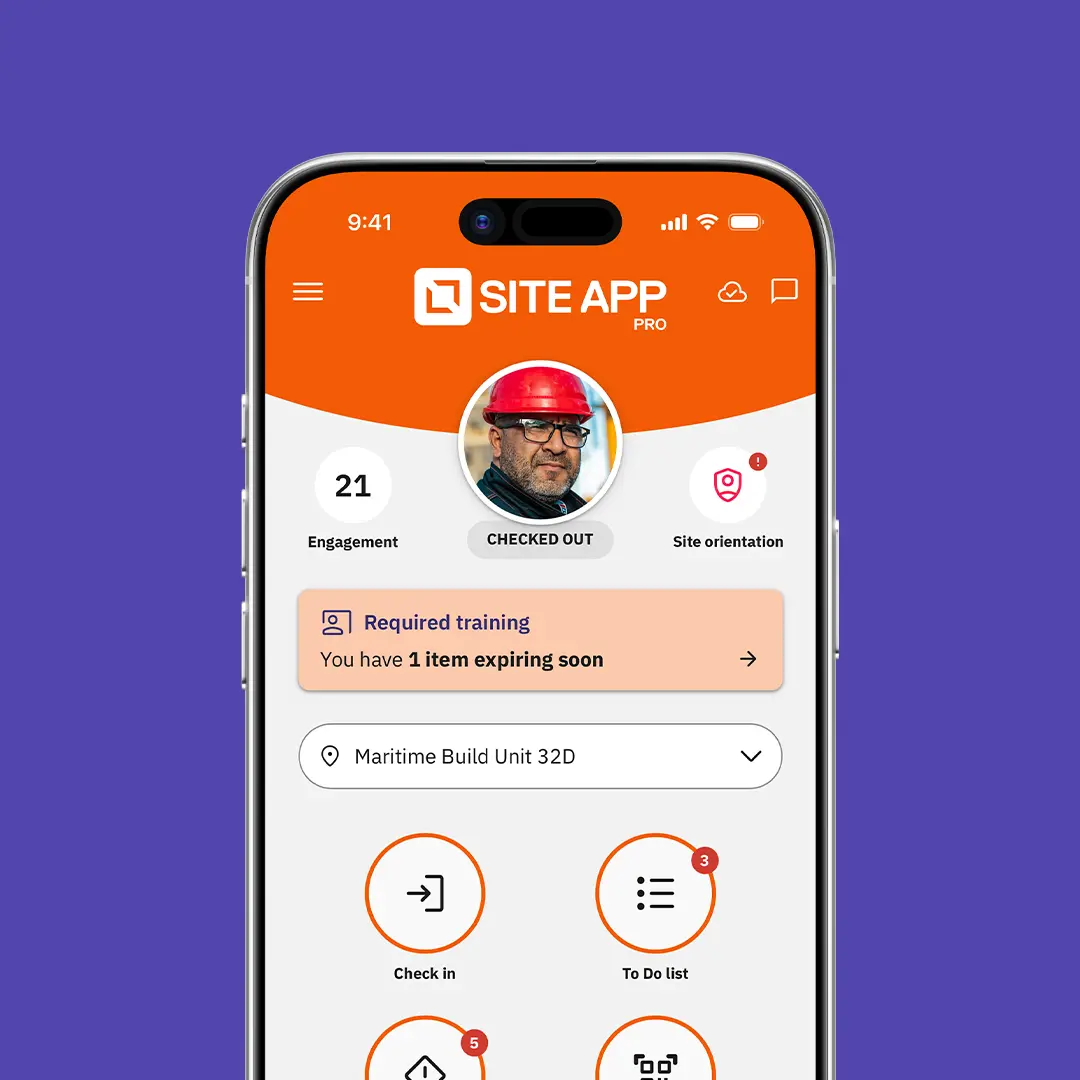
Every team has different safety challenges. Explore solutions built for the way you work, from forms and site safety to incidents, training and equipment.

At Site App Pro, we believe in the power of people. That’s why our partners are at the heart of what we do, helping businesses streamline safety processes while growing their own success.
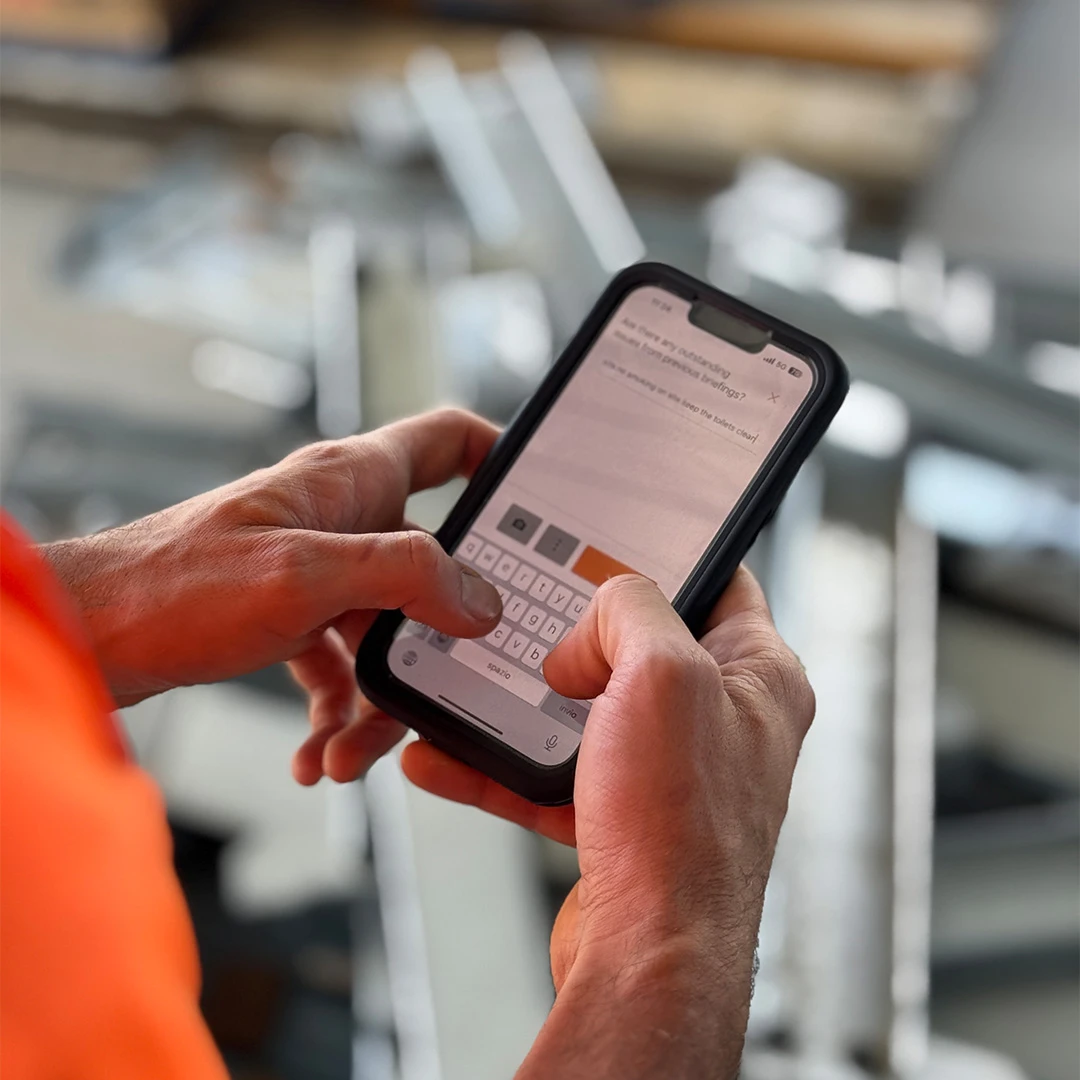
We have an amazing support team dedicated to helping you and your business succeed with Site App Pro and answer any questions you may have.
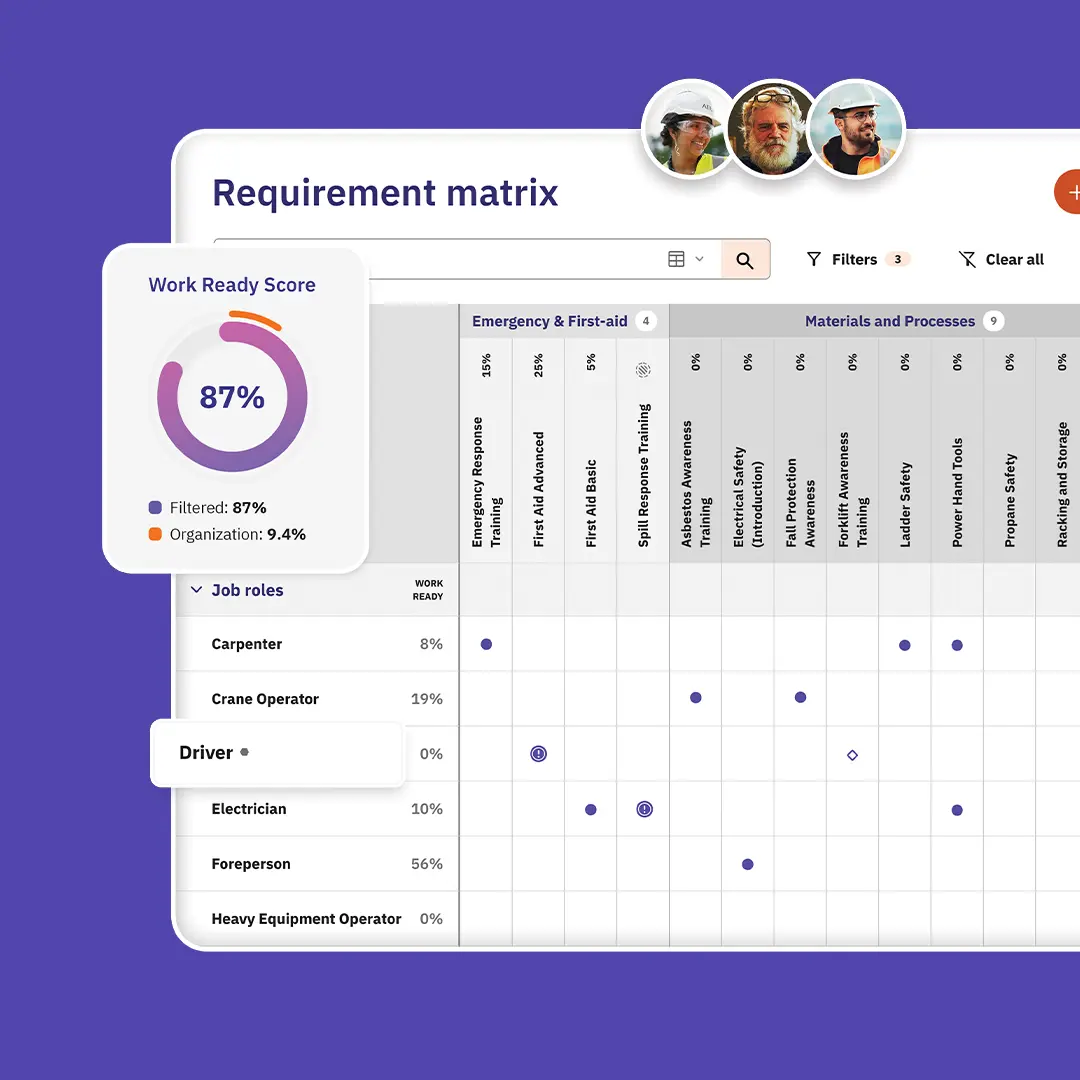
Download the Site App Pro app
Get Site App Pro on your phone or tablet in a few steps. The app is free to download from the App Store or Google Play.
Once it's installed, sign in with the work email your company used to set you up.


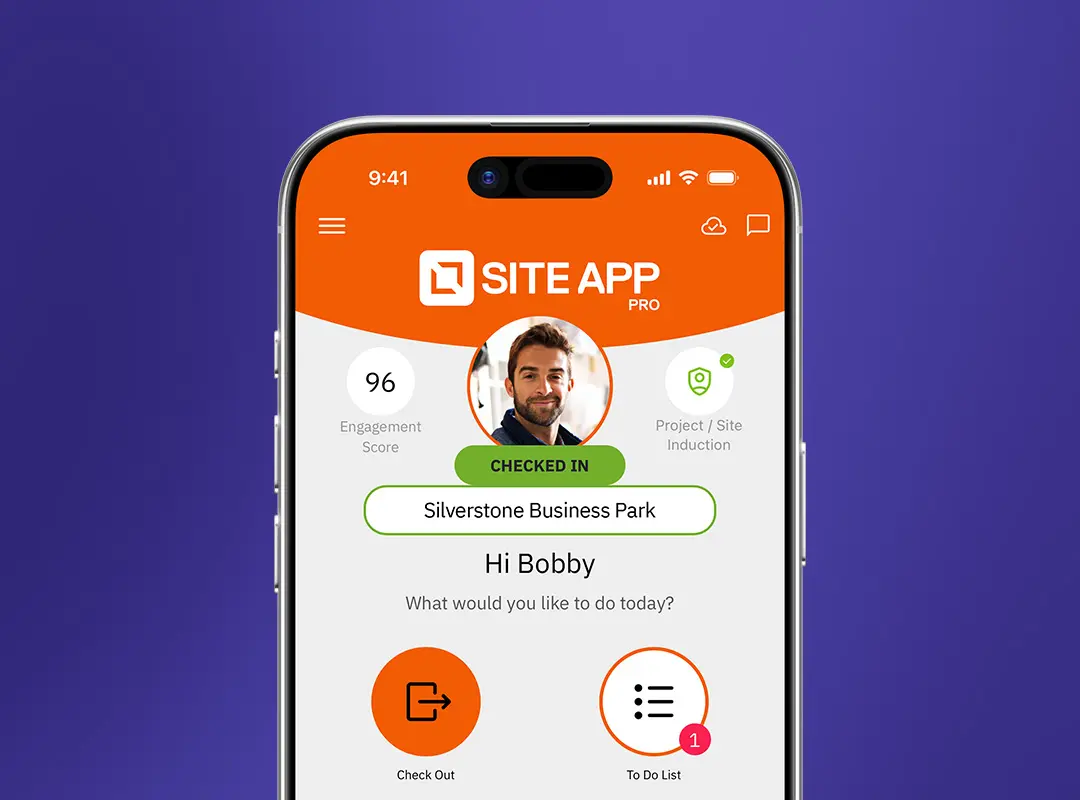







How do I download the Site App Pro app?
Open the App Store on an iPhone or iPad, or Google Play on an Android device. Search for Site App Pro and check the developer is ComplyPro Limited. Tap Get or Install, open the app, then sign in with the email and password from your Site App Pro admin. You need iOS 16 or Android 8.1 or later.
Step by step

Download Site App Pro on iPhone or iPad
- Open the App Store on your iPhone or iPad.
- Tap Search and type Site App Pro.
- Find Site App Pro by ComplyPro Limited, then tap Get. Confirm with Face ID, Touch ID or your Apple Account password.
- Tap Open when the app has installed.
- Sign in with your work email and the password your admin gave you.
Can't install it? Check your device runs iOS 16 or later. You'll find your version in Settings > General > About.

Download Site App Pro on Android
- Open Google Play on your Android phone or tablet.
- Tap the search bar and type Site App Pro.
- Find Site App Pro by ComplyPro Limited, then tap Install.
- Tap Open when the app has installed.
- Sign in with your work email and the password your admin gave you.
Can't install it? Check your device runs Android 8.1 or later. On most devices you'll find this in Settings > About phone > Android version.
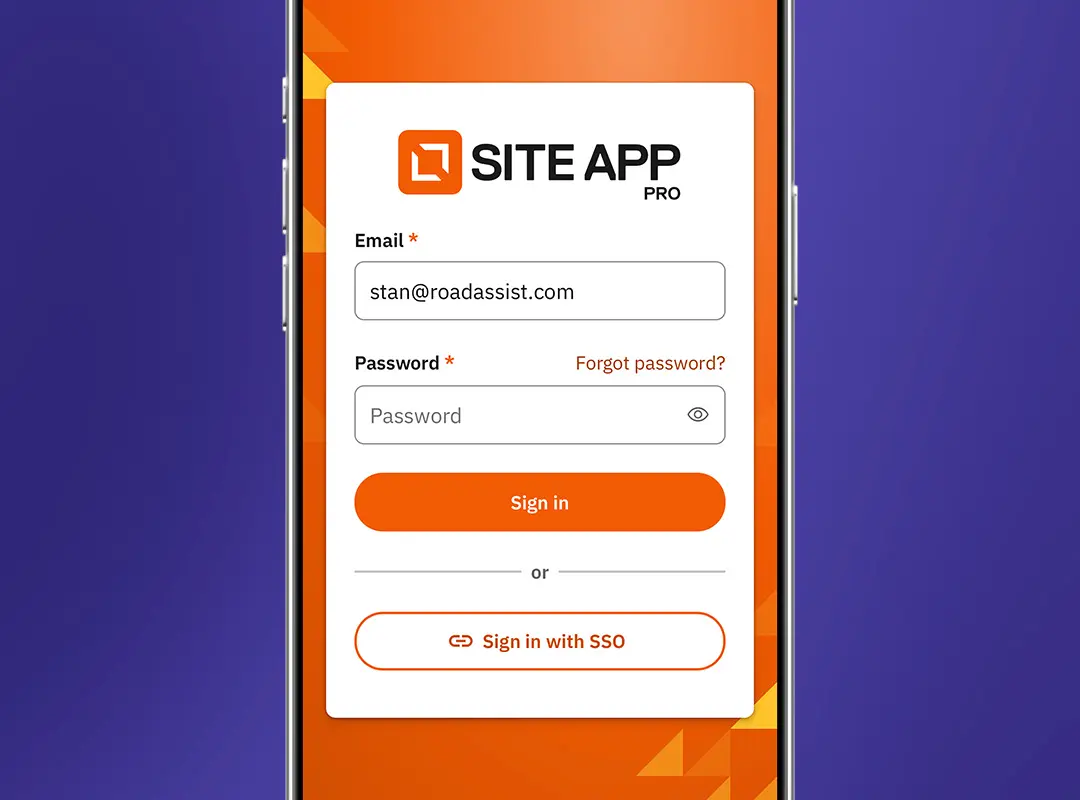
Sign in for the first time
Your login comes from your company, not from the app store. Your Site App Pro admin adds you as a user, then you sign in with that email address and password.
- No login yet? Ask your site manager or the person who looks after WHS at your company to add you as a user in the admin console.
- Forgotten your password? Ask your admin to reset it for you.
- Work for more than one company? Contractors and subbies can use one email address across several Site App Pro accounts.
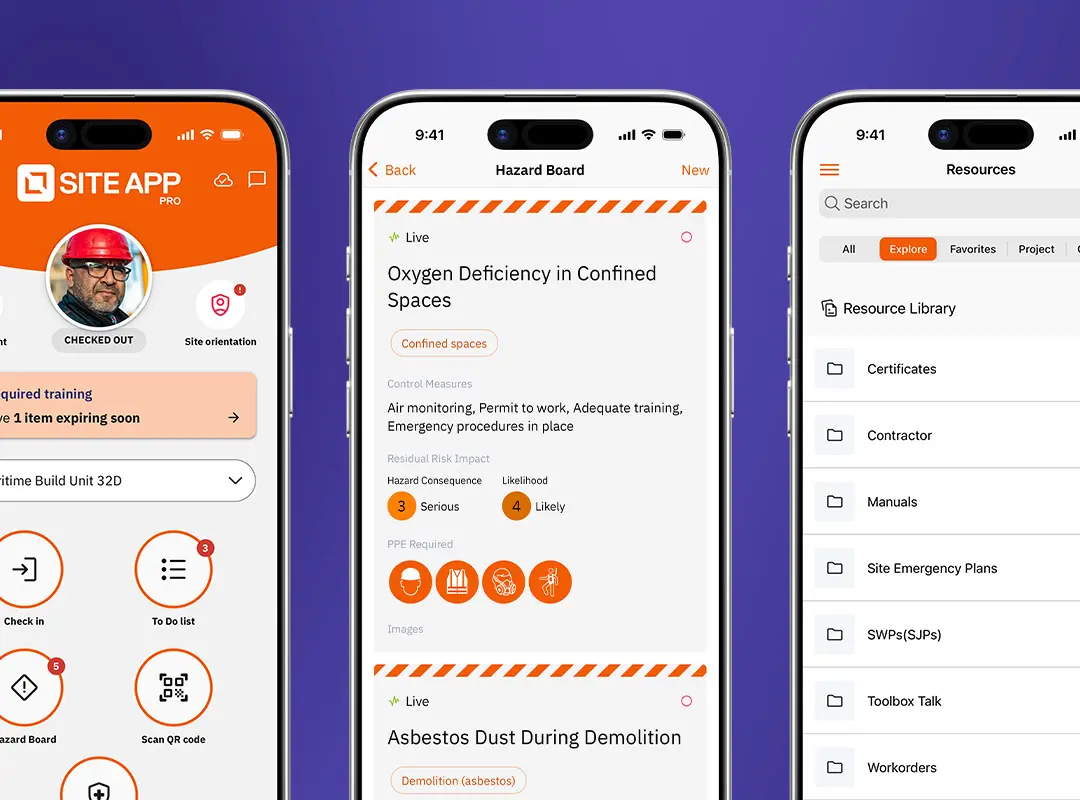
What you can do in the app
Once you're signed in, everything for your day on site sits on the home screen.
- Sign in to your site and complete your site induction.
- See the hazard board and acknowledge new hazards.
- Report an incident or near miss as it happens.
- Fill in pre-starts, toolbox talks, SWMS and inspections.
- Keep your White Card, licences and tickets on your profile.
- Fill in forms with no reception, then send them when you're back in reception.
Some features depend on your company's plan.

Visiting a jobsite? You don't need the app
Visitors and contractors signing in at a site can scan the QR code at the entrance. The sign-in form opens on their phone, so there's nothing to download.

Set up Site App Pro for your company
The app is for your team on the ground. Admins set up sites, users and forms in the admin console on a computer. If your company doesn't use Site App Pro yet, start a free 14-day trial and our support team will help you get set up.
Frequently Asked Questions
The app is free to download from the App Store and Google Play. To use it, your company needs a Site App Pro account and your admin needs to add you as a user.
Site App Pro works on iPhone and iPad running iOS 16 or later, and on Android phones and tablets running Android 8.1 or later.
Search for the full name, Site App Pro, and look for the developer ComplyPro Limited. If it still doesn't show, check your device version. Work devices managed by your IT team can also block new apps, so ask them to approve it.
Check you're using the email address your company set you up with. If it still doesn't work, ask your admin to check your user details or reset your password.
Yes. You can fill in forms with no reception and they'll send when you're back in reception.
Most setup happens in the admin console on a computer. Some user roles can also add sites and users from the app. Your admin can tell you what your role can do.
Start with your Site App Pro admin. For technical help, email our support team at support@siteapppro.com
Integrating Site App Pro allows us to offer more timely support to our clients through real time reporting. This partnership enables us to add significant value to our service.

Home safe and well is at the heart of how we operate, and Site App Pro has been a game-changer in embedding safety into our daily work.The offline functionality is essential for our remote sites, ensuring nothing gets missed. Custom checklists and real-time dashboards give us full visibility across the scheme. The system is easy to use, making safety compliance seamless for our team. It’s a smart, long-term investment in the wellbeing of our people and the success of our operations.

What used to take six months to get running effectively now takes one week. And that’s no exaggeration.

Our clients’ success is the foundation of our own. Having Site App Pro on board to help deliver effective systems that truly work for our clients is always a win in my book.


Health and safety management software for small to enterprise Australian companies.
- One online location
- Customisable forms and dashboards