

Offline functionality
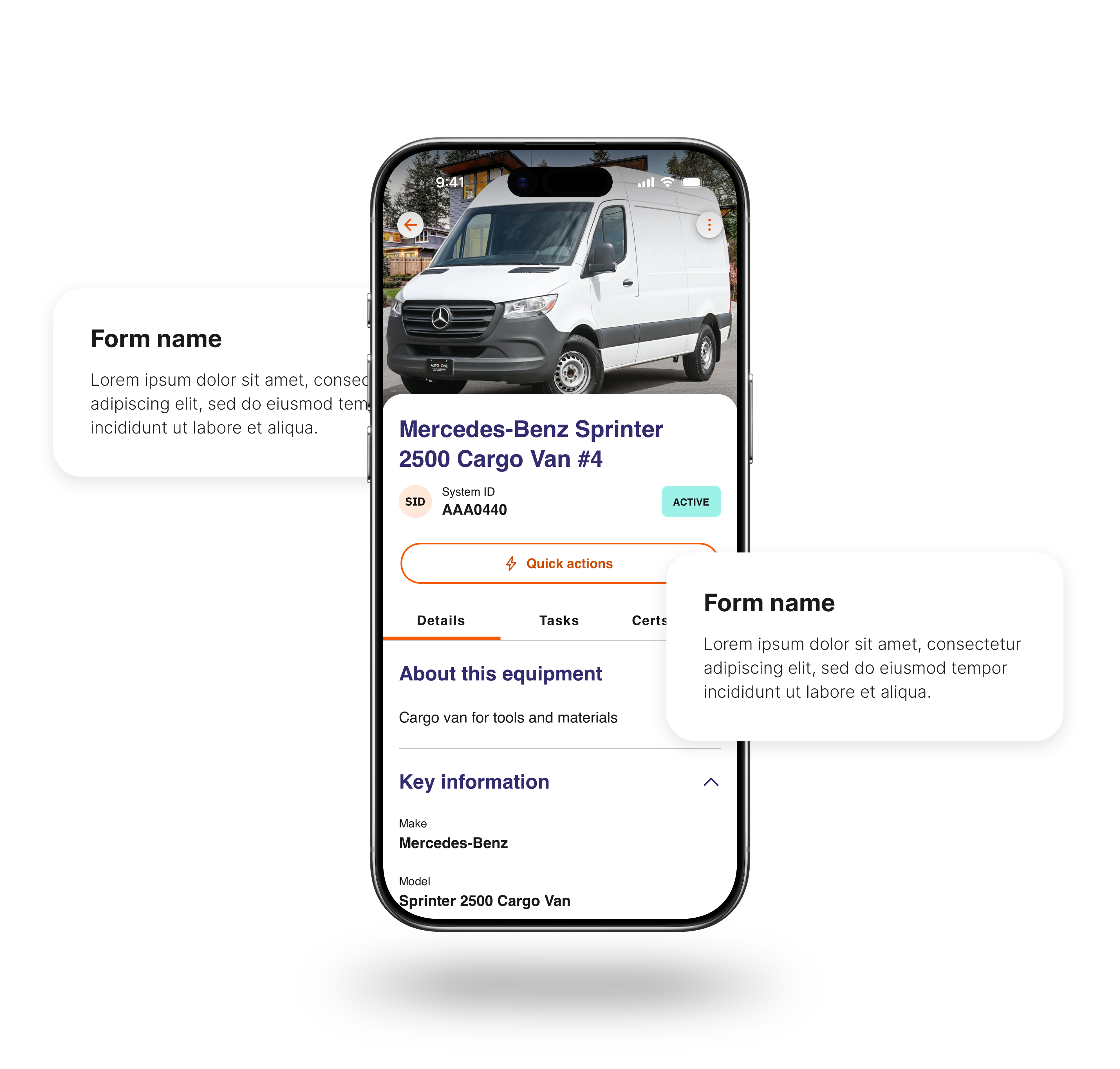
We know you can’t always predict where the next job site will be, and internet connectivity is sometimes a luxury. So, we’ve built the Site App Pro mobile app to be able to operate offline.
The benefits of offline functionality
Designed to work even offline
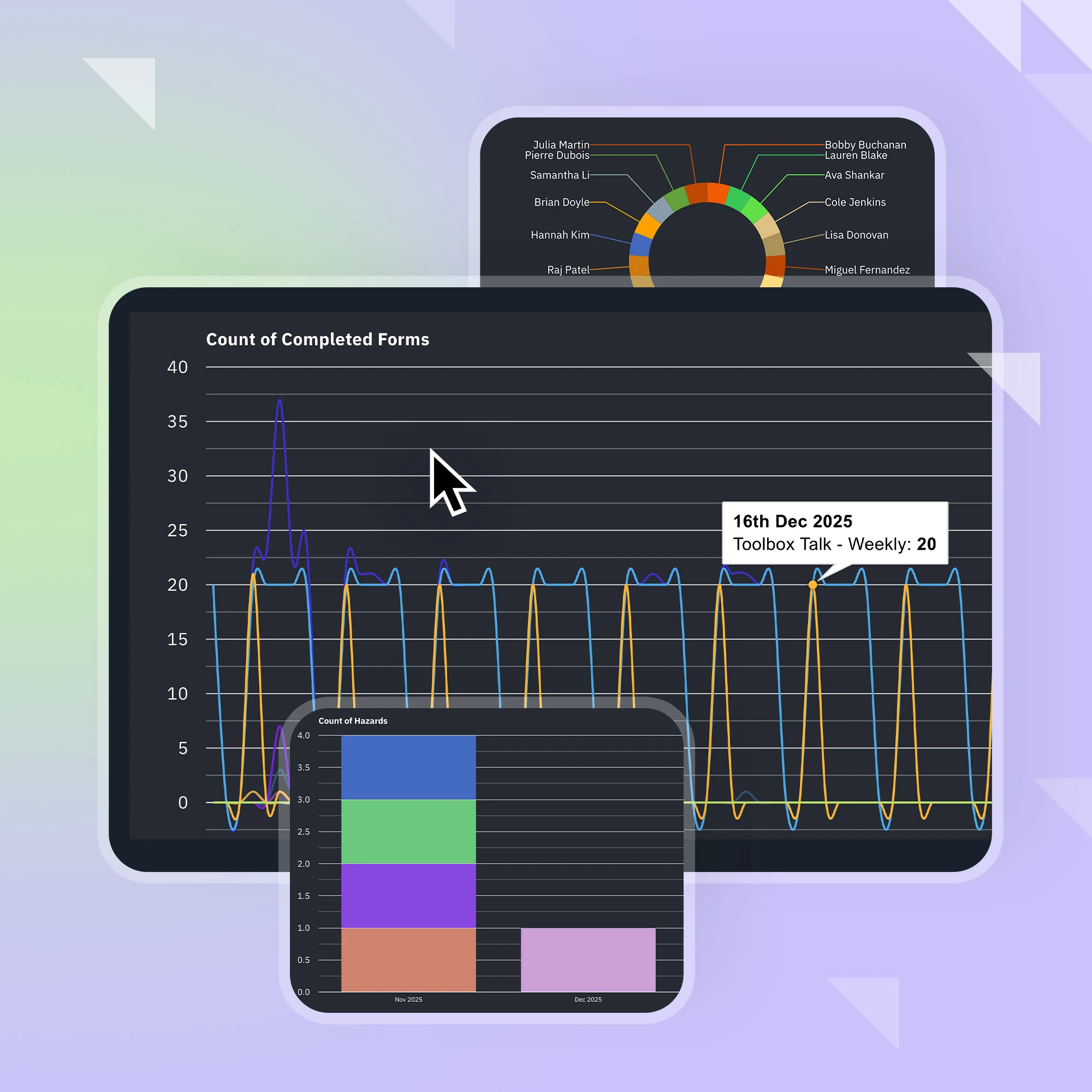
Spotty cell service? No worries. As soon as Site App Pro detects that you’ve lost internet access, it automatically switches to offline mode. All of your forms and resources will remain accessible, to be returned to the cloud when you restore the connection.
All forms are stored locally during offline activity
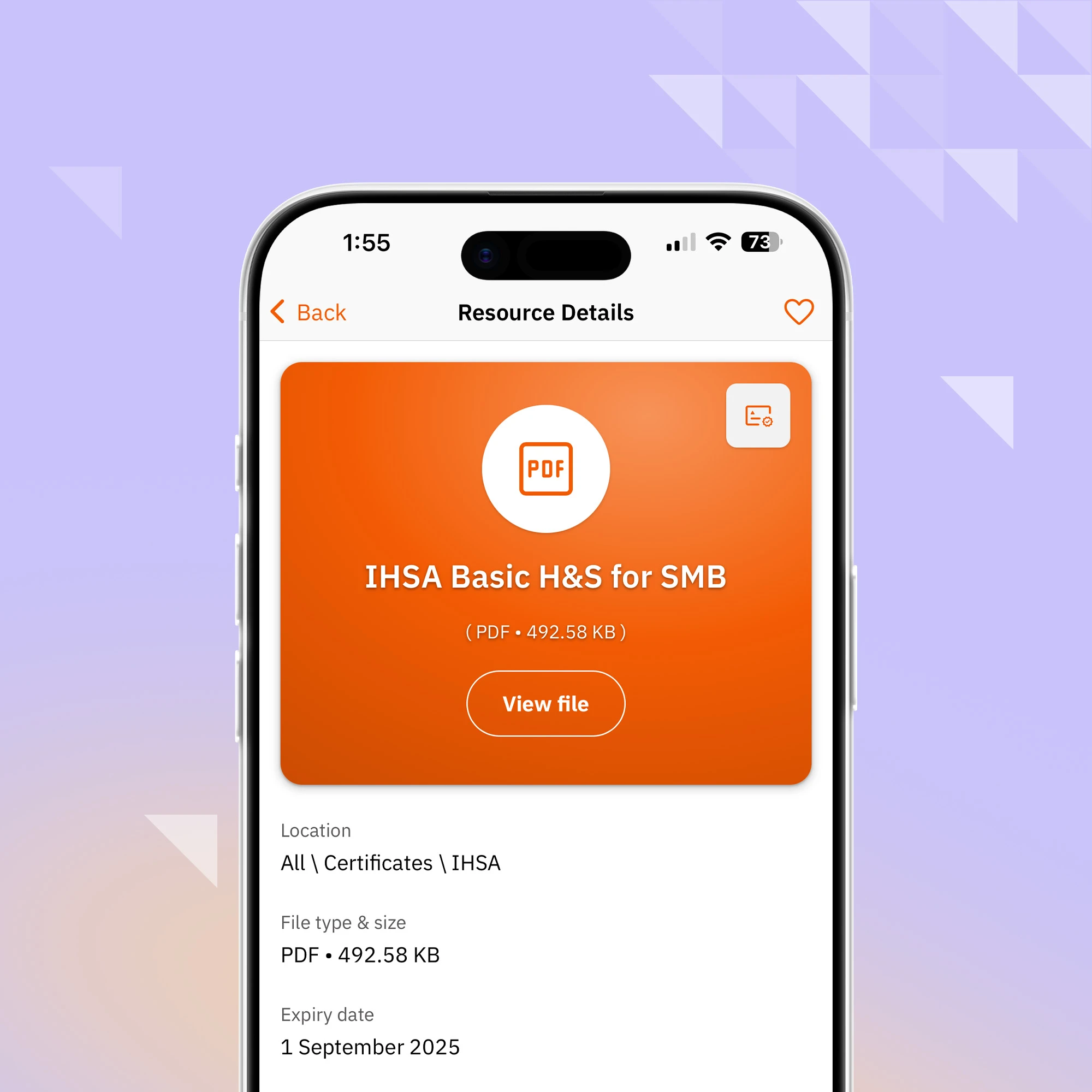
Offline mode allows you to keep working by storing your files locally. When you check in to site, complete a form or identify a corrective action, all of the information remains on your device so that it can be uploaded to the admin console later.
Local forms upload themselves when connection is restored
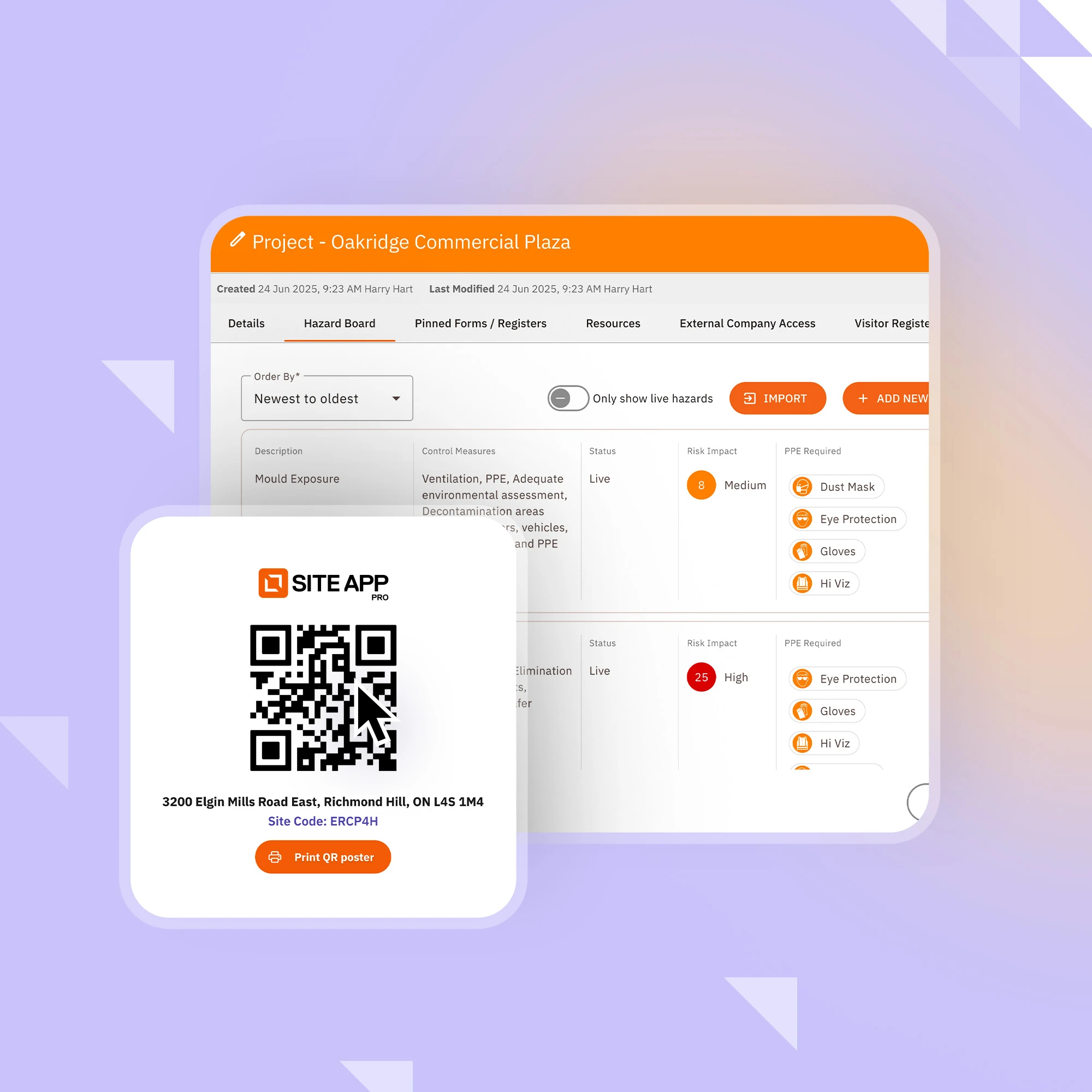
You don't need to do anything extra to ensure your forms upload safely to the Site App Pro admin console. The app does it all automatically when internet connectivity is restored.
If the internet is lost during upload, the app will try again later
If for whatever reason you lose your internet connection while the forms are being uploaded (such as when travelling through spotty cell service), the app will store them locally once more and try again later.
Book your free demo today
Site App Pro is a user-friendly safety management app designed for the demanding environments of construction, manufacturing, agriculture, horticulture, and oil and mining.
Start with Site App Pro today