

Live messaging

Improve Communication with Fast, Easy In-App Messaging

Smooth, efficient communication can make the difference between a safe site and a site at risk. That’s why we’ve built communication into the heart of Site App Pro.

Simple Live Chat

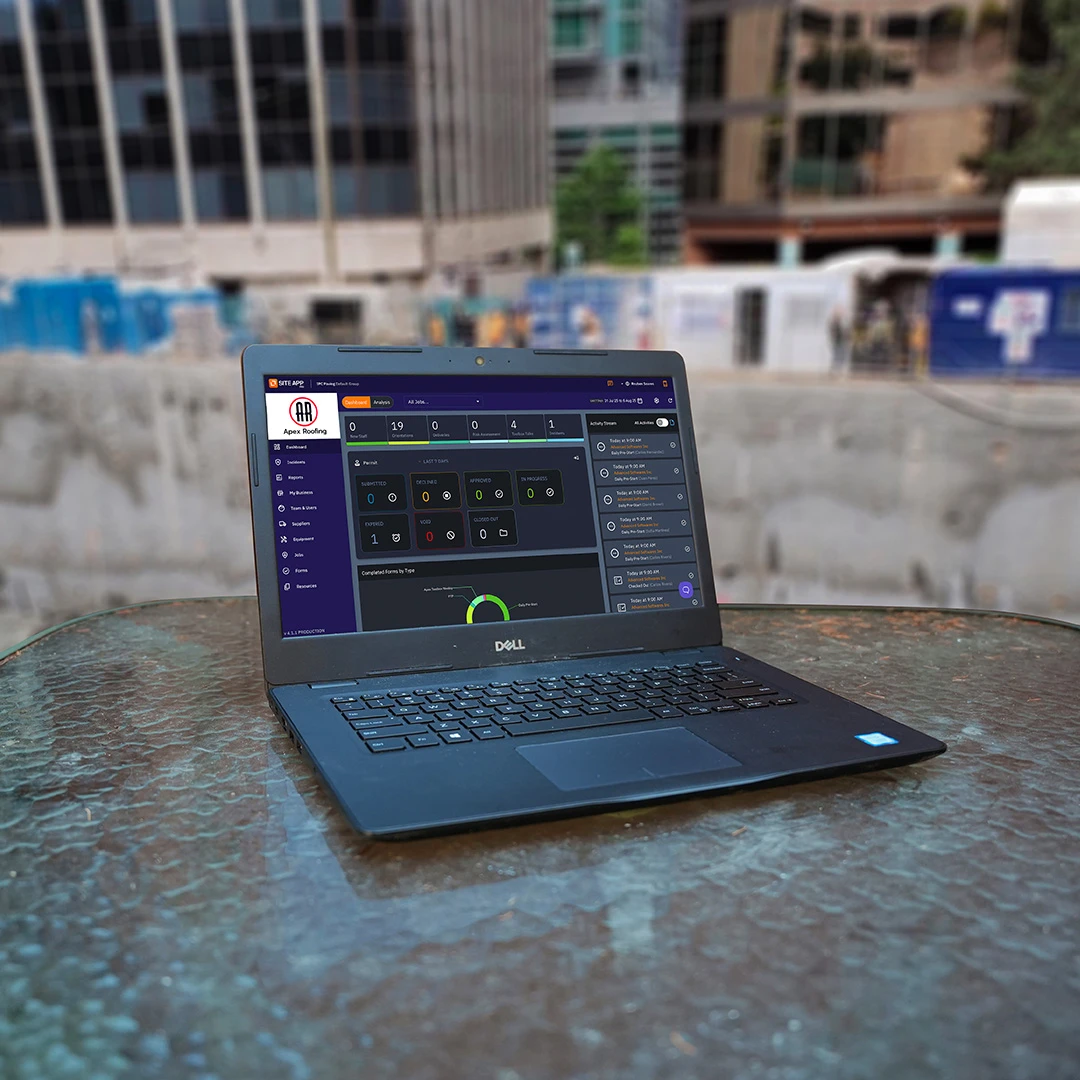
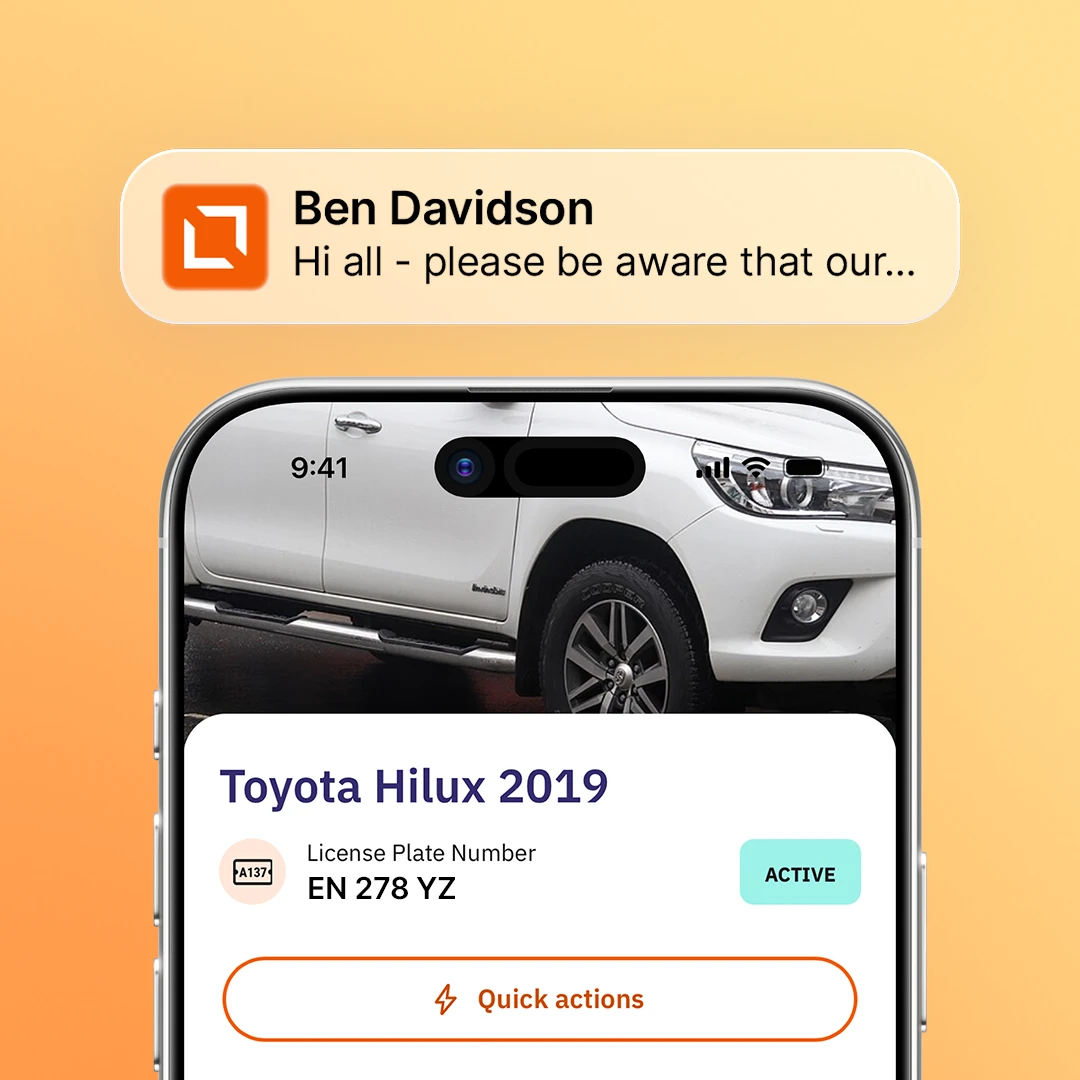
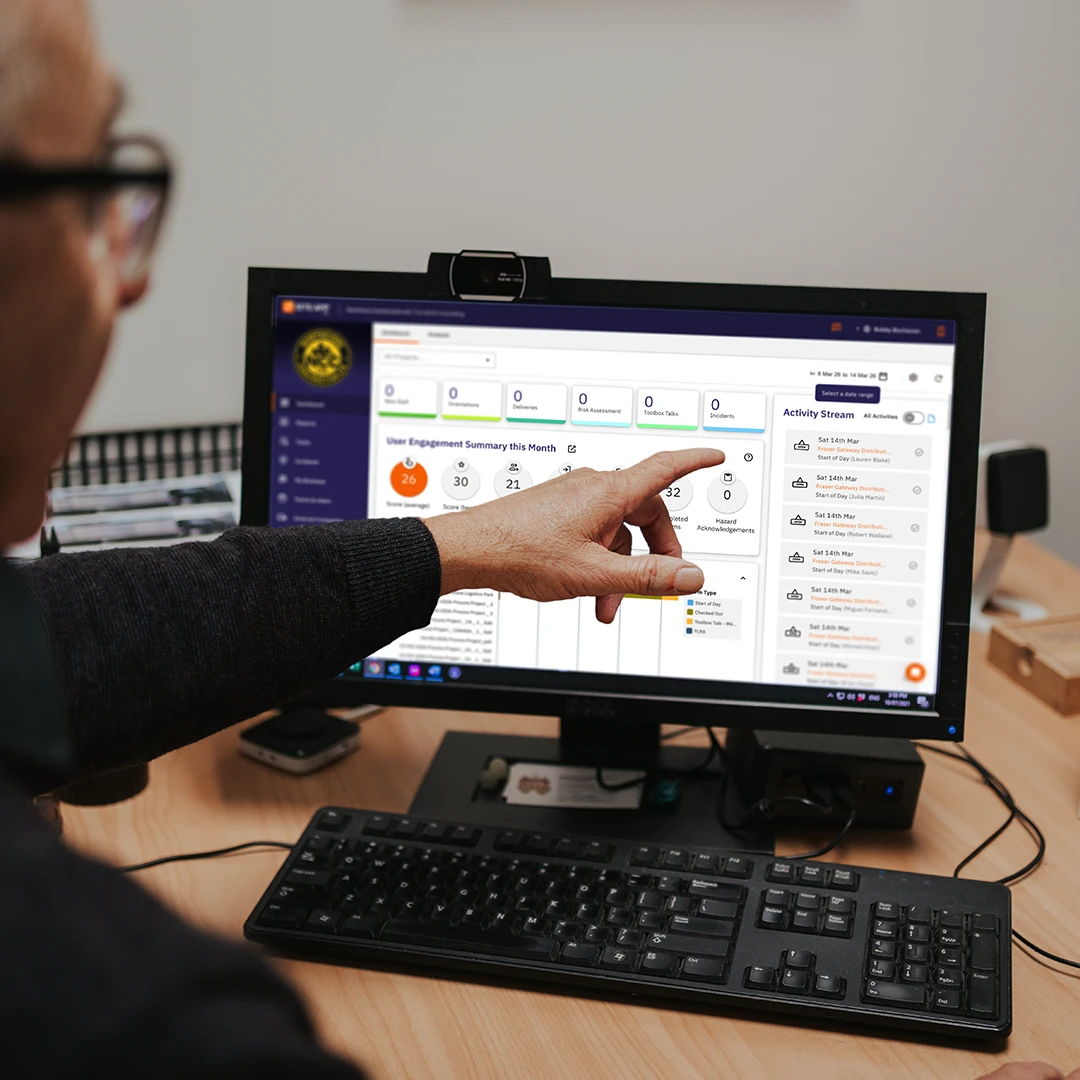
Whether you’re a desktop admin console user or a mobile app user, our built-in live messaging feature will enable you to quickly communicate with others on your team. Concerned someone is too busy to talk? Send a message and they can respond as soon as they're able.

Attach Forms and Other Resources

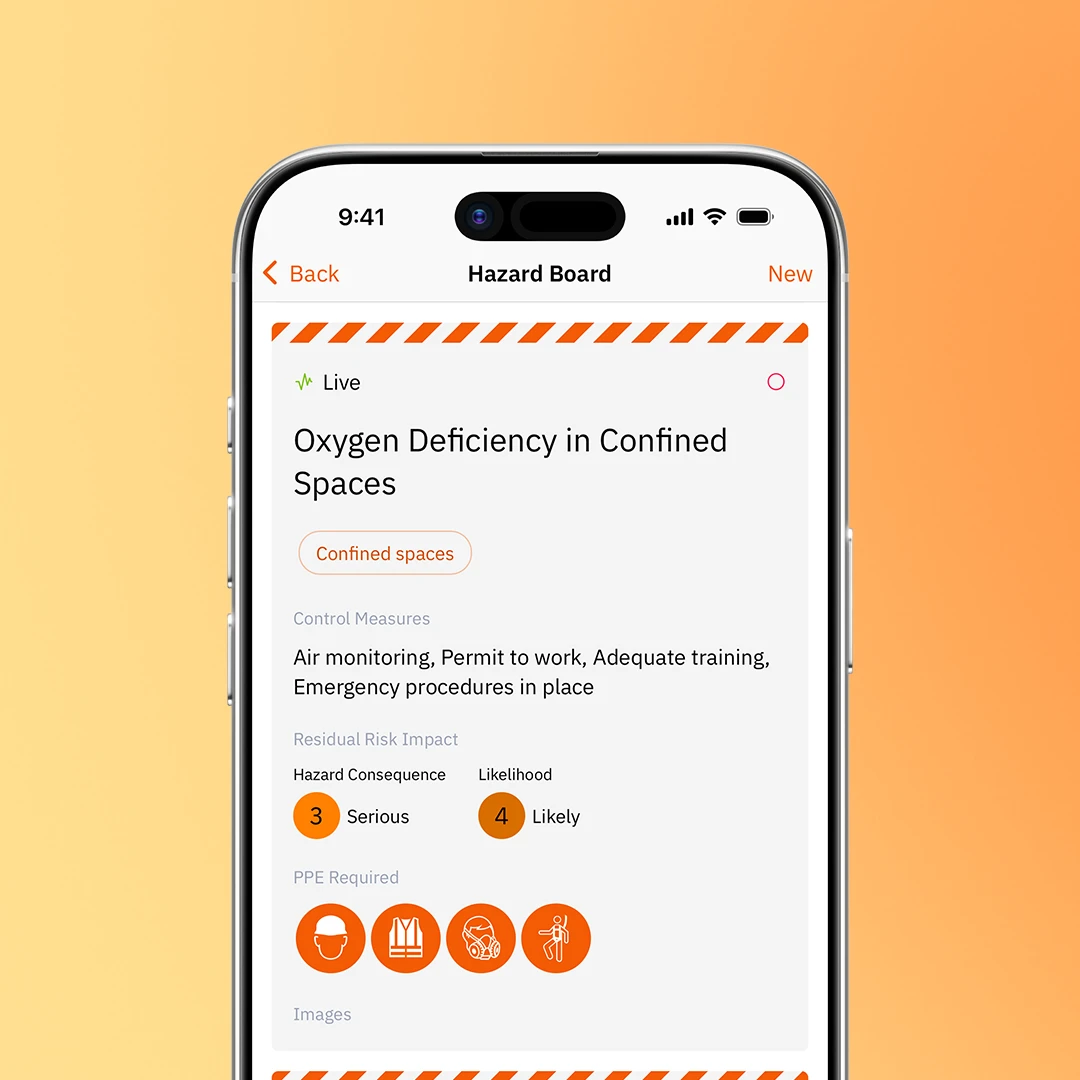
With our messaging features, you can: Contact team members with important messages. Send reminders of new procedures. Distribute new forms for completion. Distribute important resources or web links. Assign corrective actions.

Quickly Assign Corrective Actions

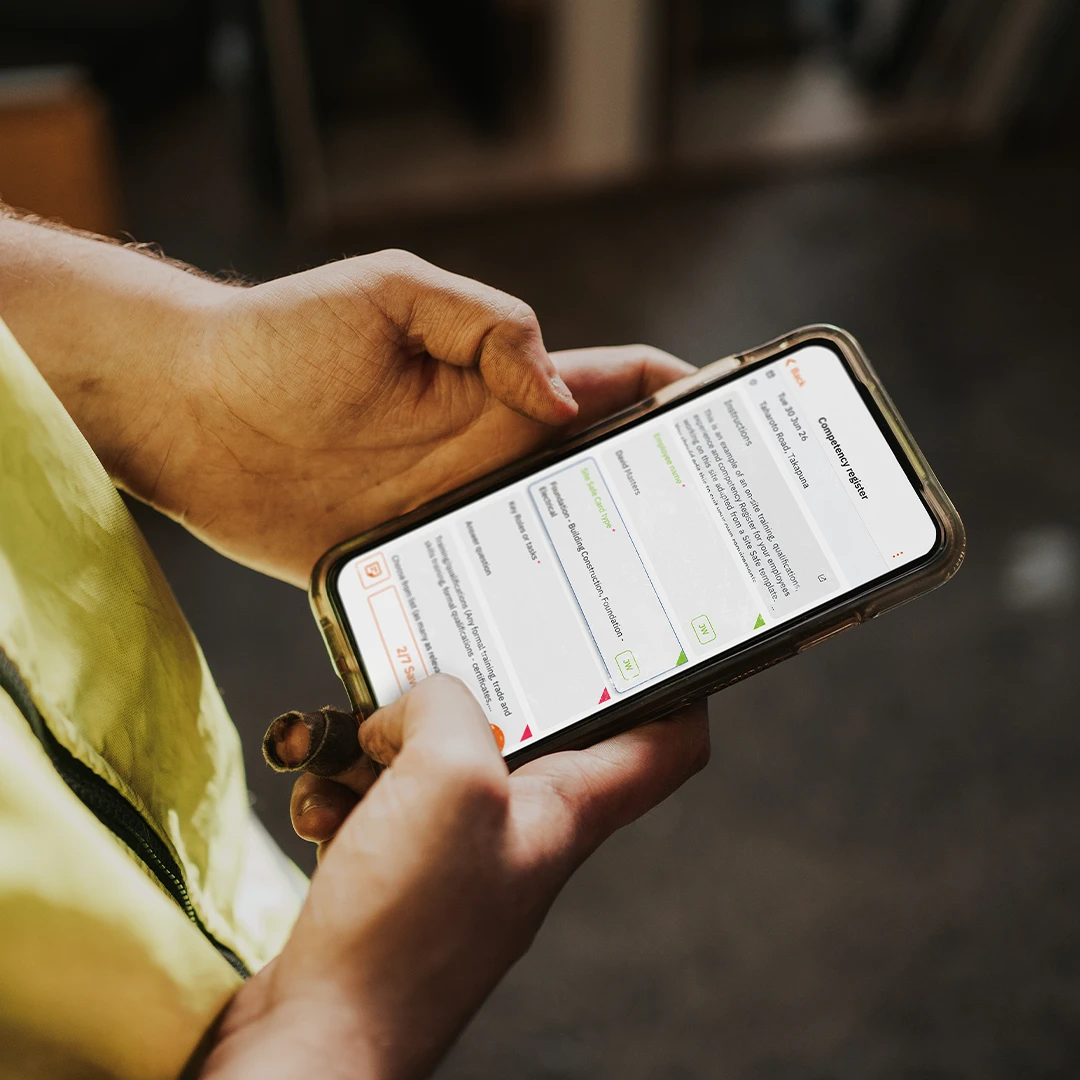
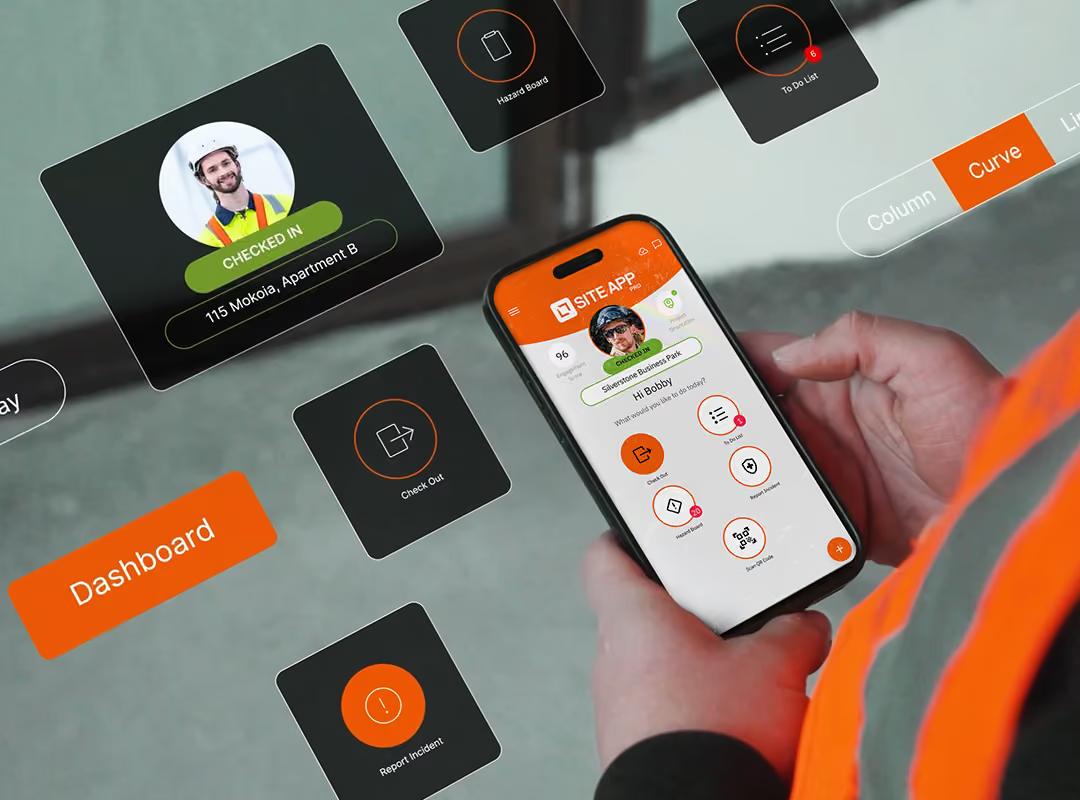
Site App Pro streamlines the process of identifying a problem, assigning a corrective action, and notifying the relevant individual. If you spot an issue during the course of your day, open up Site App Pro on your smartphone, assign a corrective action to a user's name, attach the relevant form (i.e. a risk assessment) and hit send. They will receive a push notification or an email with the details.

Message History

If at any point you don't remember what you've sent, to whom, or when, you can check your messaging history at any time. In addition, Site App Pro tracks who's been assigned what, meaning if you send someone a form and a corrective action, it's simple to find their name in the desktop admin console and check in on their progress.